Laptops are the workhorses of today’s technology-driven world, enabling employees to work efficiently both in the office and remotely. Organizations use laptops to improve productivity, efficiency, and business profitability without compromising on data and device security.
However, as the reliance on laptop grows, so do the challenges IT administrators face in managing a large fleet—ensuring seamless updates, enforcing security policies, and maintaining optimal performance across the board.
The Headache of Managing a Growing Fleet of Laptops
The growing adoption of laptops (Windows, macOS, Linux, and Chromebooks) in workplaces has made laptop device management cumbersome for IT teams. The lack of an efficient solution forces them to spend a lot of time on repetitive tasks - manually configuring devices for business-specific uses, pushing apps and corporate files, and troubleshooting malfunctioning devices.
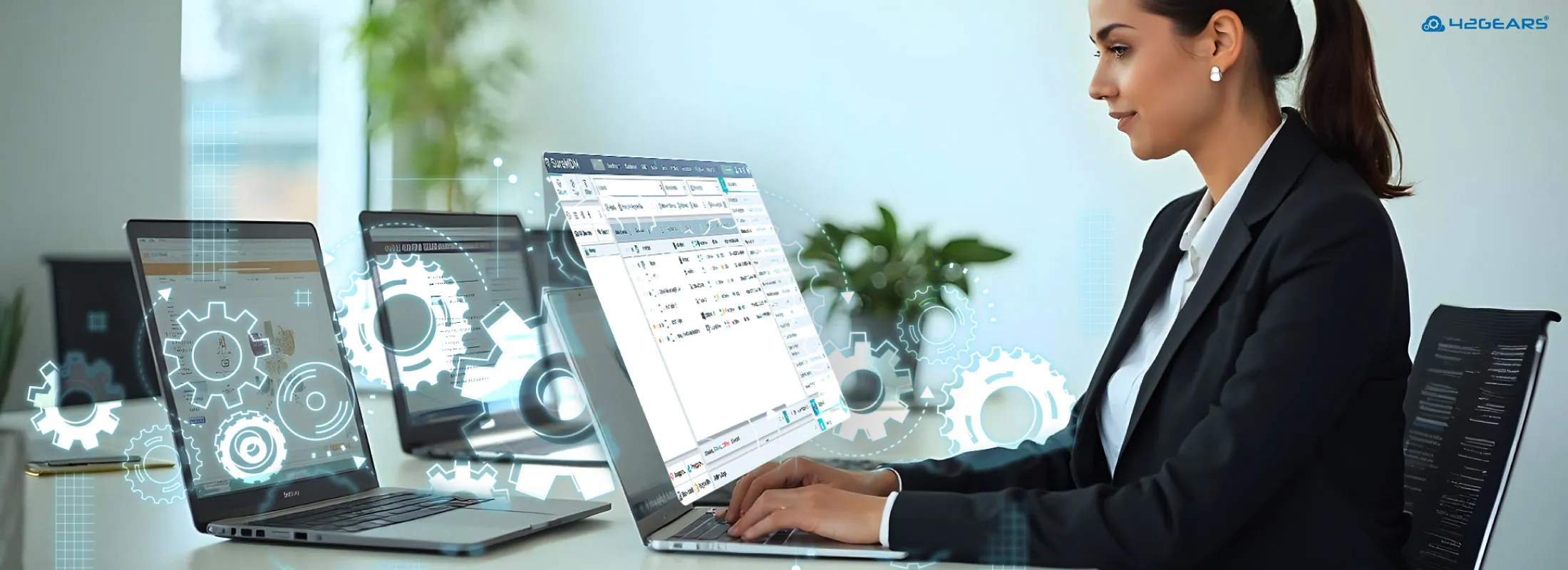
To optimize device use and simplify device management and security, businesses need a robust mobile device management (MDM) solution for laptops. One such solution is SureMDM. By leveraging SureMDM, businesses can enhance security, monitor all enrolled devices, and optimize device performance - all from a single, centralized console.
In this blog, we will discuss some of the most common challenges IT admins face while managing laptops in the absence of an efficient MDM for laptops.
From Chaos to Control: Why Every Business Needs MDM for Laptops
Mass Enrollment of Devices:
Businesses have to ensure that their laptops are enrolled and configured with the required applications and settings before they are handed over to employees. Without using an MDM for laptops, IT teams have to spend a lot of time and effort configuring each device manually.Security:
Lost, stolen, or malware-infected devices put company data at risk. An MDM for laptops makes it easier for IT teams to implement and maintain strong laptop security measures.Asset Management:
Monitoring company assets is crucial to ensure they function as required. Without using an MDM for laptops, tracking device storage, health, and online/offline status manually can be both tedious and time-consuming.Employee Productivity:
Limiting the use of laptops for only business purposes is key to ensuring worker productivity. Using an MDM solution can help IT admins to lock down devices to business-specific apps and websites.Remote Troubleshooting:
Malfunctioning devices cause disruptions to operational workflows and can lead to revenue loss. Without an MDM for laptops to help IT teams fix device issues remotely, shipping devices back and forth or sending IT personnel onsite can increase delays, operational costs, and productivity loss.Managing Applications and Corporate Documents:
Work laptops need to have the right apps installed and access to appropriate corporate documents to ensure smooth functioning. Without an MDM for laptops in place, IT teams have to manually install, uninstall, and update applications and push corporate documents over-the-air to authorized devices.Standardizing OS updates:
Managing OS updates can be a time-consuming and tedious task for IT admins, with delays leaving devices vulnerable. An MDM for laptops can automate the process, ensuring that all devices are updated timely.Repurposing the Devices:
When an employee leaves the organization, IT teams must reset and provision the devices for the next user. Having an MDM for laptops in place makes it easier for the IT admins to repurpose the devices.
Conclusion
As companies continue to rely on laptops, the need for an MDM becomes even more evident. Leveraging SureMDM, a feature-rich, easy-to-use MDM solution, can help businesses navigate the common challenges in managing laptops and simplify the tasks of IT admins to secure, monitor, and manage business devices. SureMDM all major laptop platforms like Windows, macOS, Linux and ChromeOS - explore the capabilities.
Now that we understand why all businesses need an MDM solution, be sure to check out this blog on how you can effectively manage laptops.
FAQs
What is MDM for laptops?
MDM for laptops (also called laptop MDM) refers to Mobile Device Management solutions specifically designed to monitor, secure, and manage laptops (Windows, macOS, Linux, and ChromeOS) from a centralized platform. These tools help IT teams enforce security policies, deploy software, manage updates, and troubleshoot devices remotely.
Can laptop MDM be used for personal laptops (BYOD)?
Yes, some laptop MDM solutions support BYOD policies ensuring sensitive data protection and end user privacy.
Why is MDM for laptops important?
MDM for laptops is important because it helps businesses centrally manage and secure all laptops across locations. It streamlines device setup, enforces security policies, enables remote troubleshooting, and ensures timely OS updates. This improves productivity, reduces IT workload, and protects sensitive data.
Does MDM slow down laptops or affect performance?
No, a properly configured laptop MDM does not significantly slow down laptops or impact performance. Most laptop MDM solutions run lightweight background agents designed to be efficient. In fact, MDM can help improve performance by managing updates, detecting issues early, and preventing resource-heavy, unauthorized apps from being installed.
What happens when an employee leaves the company?
When an employee leaves the company, a laptop MDM allows IT teams to remotely wipe, lock, or reset the laptop to protect corporate data. The device can then be quickly reconfigured and repurposed for a new user, saving time and maintaining security.
Can MDM solutions manage OS updates on laptops?
Yes, a good laptop MDM can effectively manage OS update rollouts, ensuring all devices are updated promptly to mitigate security vulnerabilities and maintain compatibility.
Can laptop MDM restrict access to certain laptop applications or websites?
Yes, laptop MDM can restrict access to specific applications or websites on laptops by using kiosk policies to allow/block apps or websites. This helps enhance security, prevent device misuse, and improve employee productivity.