
Zebra Printers
Read Print Speed
Remotely read the print speed of the printer
Printer Head Status
Get printer head status if it is closed or open
Set Read Timeout
Add milliseconds before printing when print data is received
Check Free RAM
Check the percentage of Free RAM available in the printer
Set Max Data to Write
Set the maximum number of bytes to write at a time
Check Battery Status
Remotely check the battery percentage of printer
Check Free Memory
Track percentage of Free Memory available in the printer
Check Paper Status
Check if paper is available in the printer or not
Check Device Uptime
Check how long the device has been running

Print Ribbon Status
Check the status of the ribbon if it is in the printer or out

Network
Get network information based on the supported device type
Bluetooth and Device Name
Remotely change Bluetooth and device name of printer
Track Print Jobs
Track total number of print jobs applied to the printer
Firmware Version
Check the version of the firmware present in the device

Upgrade Firmware
Upgrade/downgrade the firmware version of the device
ZPL Config
Remotely send Zebra Programming Language (ZPL) commands to the device
Transfer File
Remotely transfer files to the device
Memory Management
Get memory details like Storage and Program Memory
Compliance Job
Set alerts and notifications for vulnerability detection
Smart Battery
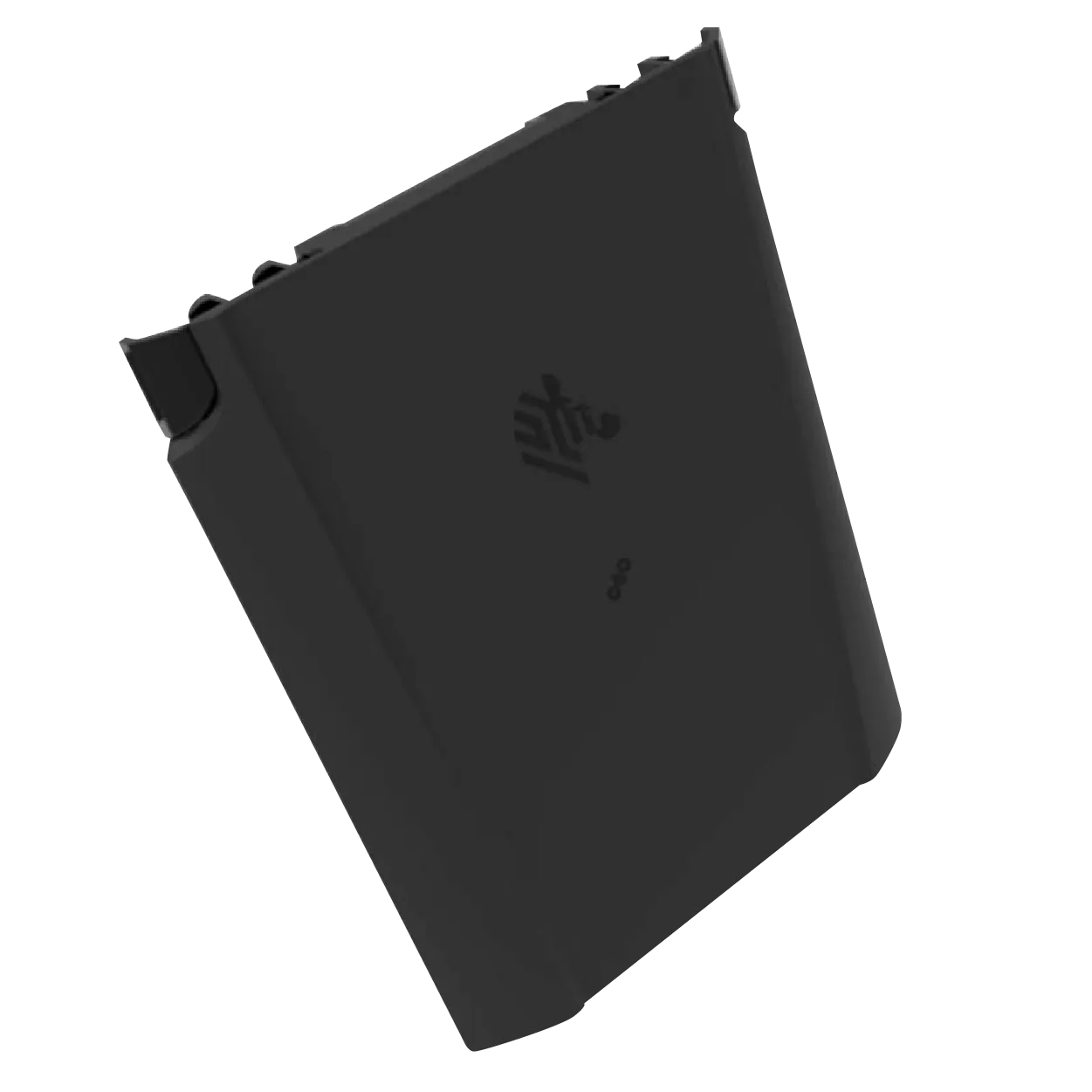
Battery Charge Status
Remotely check remaining charge in the battery

Last Connected Date
Check when was the battery last connected to the device
Connection Status
Check if the battery is connected to the device or not
Battery Capacity
Check the amount of charge (mAh unit) the battery can hold
Device Details
Remotely view device details such as Serial or Part Numbers
Scanner
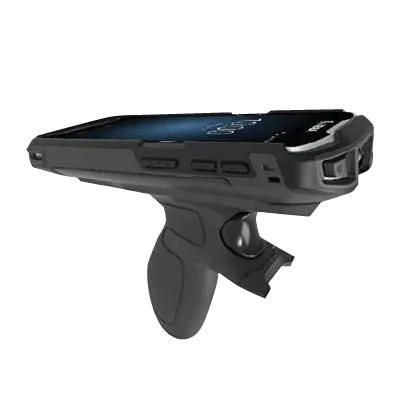
Decoder and Device Type
Specify the type of barcode scanner and decoder to be used
Device Identifier
Remotely set device identifier for the scanner
Connection Status
Check if the scanner is connected to the device or not

Connection Type
Remotely check connection type (Build-in or not)

Reset Scanner
Reset scanner's settings to the default configuration
Zebra RFID (Fixed Readers)
Firmware update
To upgrade/downgrade the firmware of the device
Parent Device Name
Name of the Parent device
Agent Version
Things Gateway Version

Thing Online
Displays the RFID Connection status (Connected/Disconnected)
Device Temperature
Displays the temperature of the RFID device in Celsius
Active / Idle time
Get the uptime information of the device
Power source
Displays the power source information of the device

Radio activity (Device Inactive/Active)
Displays the status of the radioactivity

Antenna Status
Displays the status of the antenna (connected and disconnected)
GPIO Port Status
Get status of the GPO ports of the RFID reader
Firmware Version
Displays the version number of the current firmware
Hostname
Displays the hostname of the device

Network
Displays the network information based on the supported device type
Memory Management
Get memory details like storage and program memory
Compliance job
Set alerts and notifications for vulnerability detection
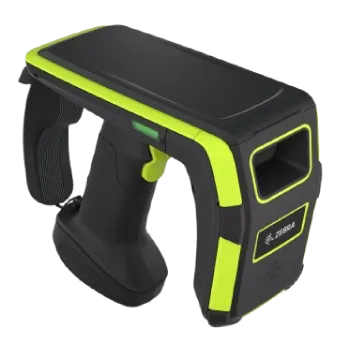
Zebra Handheld RFID Readers
Firmware update
To upgrade/downgrade the firmware of the device
Parent Device Name
Displays the name of the Parent device
Agent Version
View the Things Gateway Version
Thing Online
Displays the RFID Connection status (Connected/Disconnected)
Power source
Displays the power source information of the device
Active / Idle time
Get the uptime information of the device
Radio activity (Device Inactive/Active)
It displays the ability to transmit and receive radio frequency (RF) signals for reading and writing RFID tags
Radio Firmware
Displays the version number of the specialized software that controls the sled's radio module

IoTC Version
It displays the version of the Internet of Things Connector (IoTC) firmware installed on the device
Radio Connection (Connected/Disconnected)
Verify that wireless communication is established between the sled and the RFID tags
Terminal Connection (Connected/Disconnected)
Check how the sled interfaces with a host device
Hostname
Displays the hostname of the device
Firmware Version
View the version of the Firmware present in the device
Network
Displays the MAC address, Local IP Address, Connection status, and WiFi SSID
Battery
Displays the battery info and health
Compliance job
Set alerts and notifications for vulnerability detection

Latest Alert
Displays the last alert message of the RFD40 device along with the date and time stamp
Memory Management
Get memory details like storage and program memory
Zebra Barcode Scanner
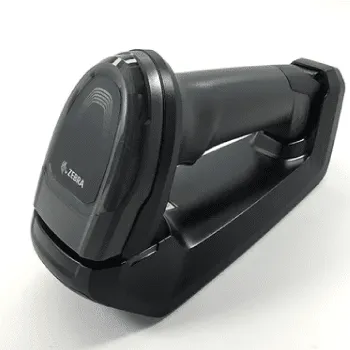
Cradle Model
The cradle model number to which the scanner is connected
Thing Online
Check if the scanner is connected / disconnected
Firmware version
Check which version of the firmware is present in the device
Last Scan Time
Defines the time at which the scanner was last used to scan a barcode
Com interface type
Defines the scanners’ host communication modes
Cradle Serial number
The cradle serial number to which the scanner is connected

Vendor ID
Vendor ID of the Zebra scanner
Product ID
Product ID of the Zebra scanner
Date of Manufacture
Date the device was manufactured
Cradle ID
check for the cradles’ unique identifier
Firmware Update
To upgrade/downgrade the firmware of the devices
Device uptime
Check the time the device maintains a connection to the Things Connector
Cradle GUID
Displays the network information based on the supported device type