Secure Mobile Microsoft365 Applications with SureMDM
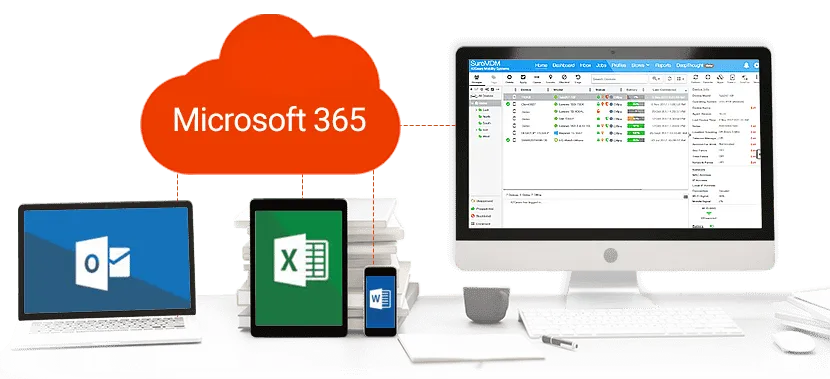
SureMDM Support for Microsoft 365
42Gears UEM simplifies the configuration of Microsoft 365 email and deployment of Microsoft 365 applications on both employee-owned and corporate-owned mobile devices. Configuring Microsoft 365 outlook email is as simple as configuring a profile on the SureMDM console and pushing it to a device/set of devices. Microsoft 365 applications can be deployed using the enterprise app store feature.
Comprehensive Security for Microsoft 365 Apps and Email
Managing Microsoft 365 Apps and Email Security
Device Enrollment
Certificate-based Authentication
Mobile Email Management (MEM)
Allowing email access to only certificate-deployed devices doesn’t secure emails completely. Corporate emails can be leaked via other email accounts configured on the user’s device. To curb this possibility requires an extra level of security known as Mobile Email Management (MEM).
The MEM feature in SureMDM disallows users from accessing emails through secondary email clients except for the approved email client that supports required security controls. From the Microsoft 365 Admin center, IT admins can disable email access for all mobile email clients by default. When devices enroll into SureMDM, employees will automatically get email access on the pre-approved email client on the device.
Data Loss Prevention (DLP)
- Data transfer Policy - Configure restriction policies in Microsoft 365
- Encryption Policy - Encrypt and secure corporate data transfer
- Functionality - Set rules for content sharing
- Access Permissions - Set up conditional access requirements
Apple iOS: 42Gears supports containerization for Apple managed apps to prevent data loss from work and personal apps. Users are not allowed to exchange emails between work accounts and personal accounts. It also prevents email attachments from being saved into personal apps.
Android: 42Gears offers containerization for Android devices, which enables Microsoft 365 apps and email to be deployed inside an email app container. It prevents data leakage between work and personal apps, ensures Microsoft 365 data is encrypted, managed and can be remotely wiped. Moreover, businesses can enforce advanced DLP features, such as restrictions on screen capture and copy/paste.
Windows: 42Gears offers containerization for Windows devices to ensure emails are set up only on managed devices and can be wiped remotely.