The Power of iPad Kiosk Mode
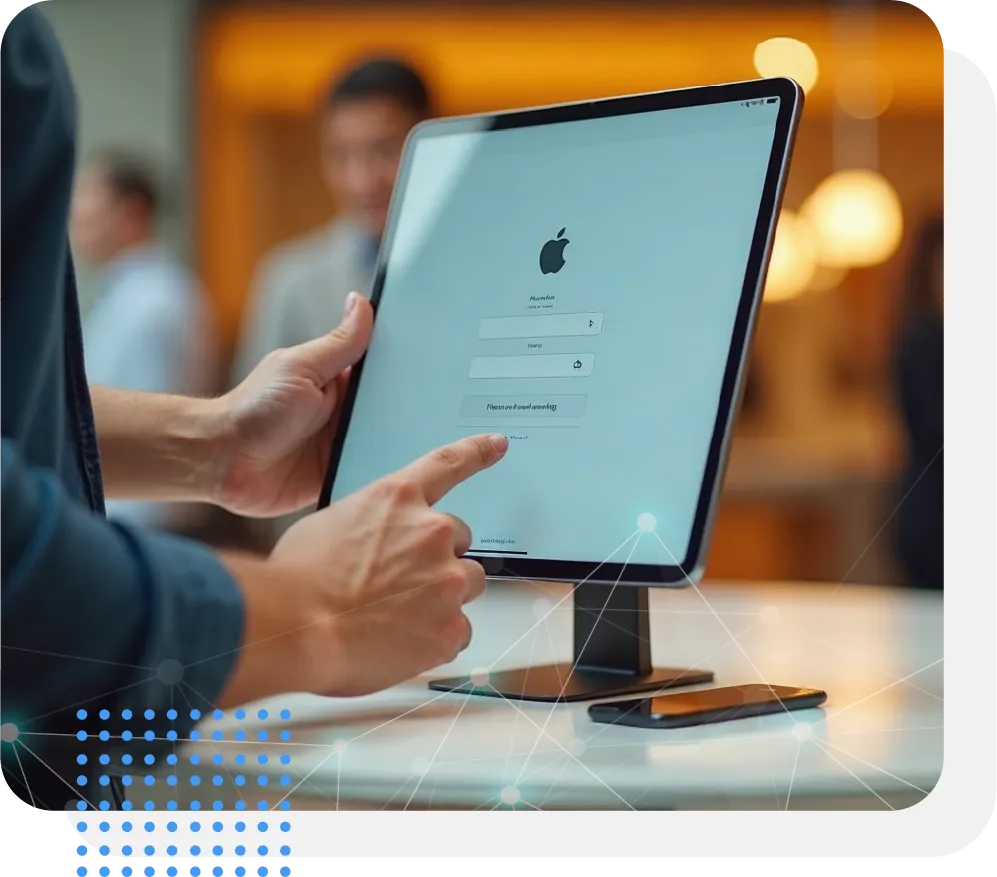
Features of SureMDM for iPad/iOS Kiosk Mode
App Lockdown & Secure Browse
Single and Multi-App Lockdown
- Set iOS devices to run only a specific, single application (Single App Mode) or a pre-approved selection of apps (Multi-App Mode).
- This eliminates user distractions and ensures devices serve a dedicated purpose, preventing access to unauthorized applications.
Secure Browser Kiosk Mode (SureFox)
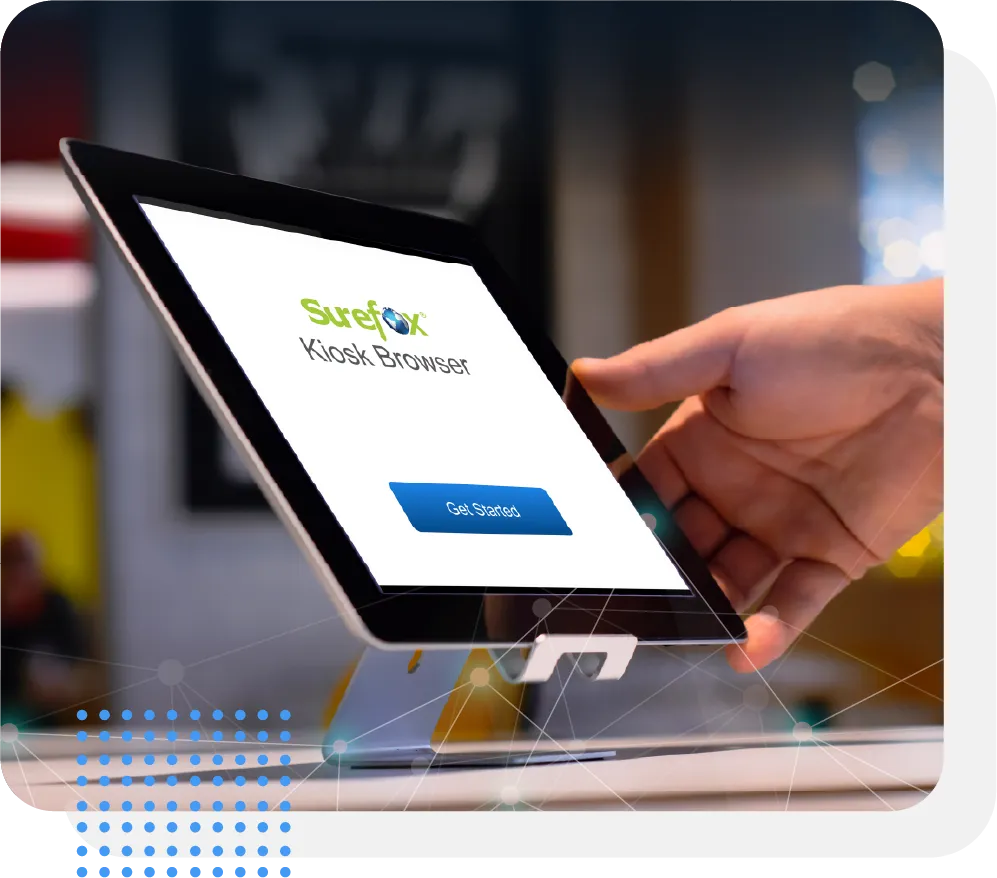
- Using the SureFox application, enable a highly controlled browsing environment by allowing only approved websites and blocking everything else, ensuring users access only trusted content on public-facing kiosks.
- By locking the device into Safari using Single App Mode and enabling Web Content Filtering, organizations can ensure a seamless yet controlled browsing experience
Comprehensive Device Control
Peripheral Control
- Disable physical hardware buttons like Auto Lock, Sleep/Wake, Volume, and Power to prevent users from exiting kiosk mode or tampering with settings.
- Limit touch interactions to specific areas of the screen and restrict access to device features such as Cameras and Screenshots.
- Enable Granular configurations such as Prevent/Disable AutoLock.
- This safeguards against unauthorized actions and maintains the device's dedicated functionality.
Home Screen Branding
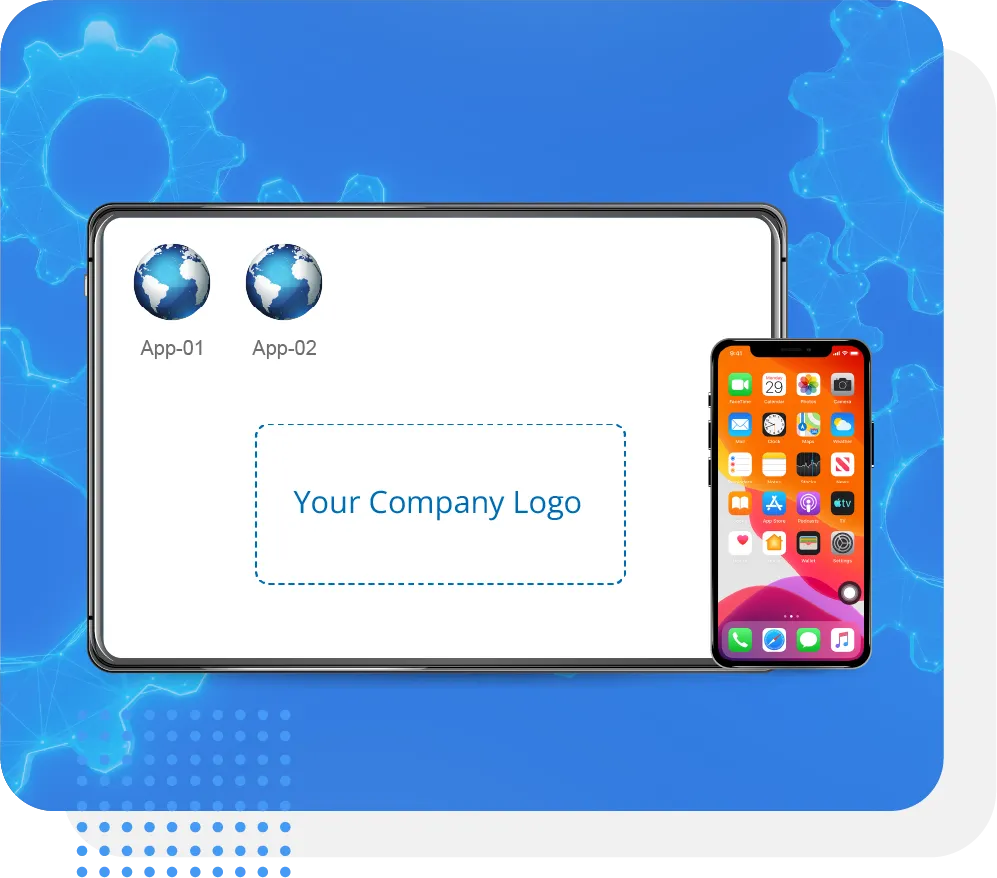
- Customize the iPad or iPhone's home screen and lock screen with your corporate logo and brand elements.
Effortless Remote Management
Remote Configuration & Management
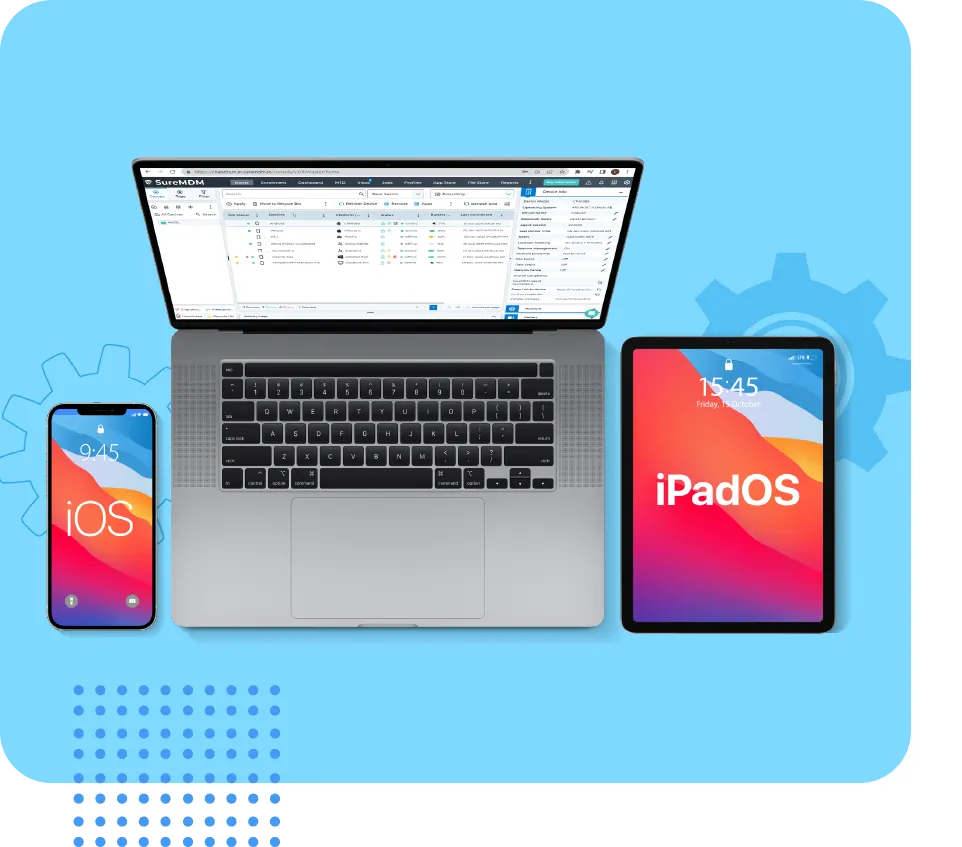
- Centrally deploy and update all kiosk settings, applications, and content from the SureMDM console, regardless of device location.
- This drastically reduces IT workload and saves significant time and resources, especially when managing large fleets of devices.
OS Update Management
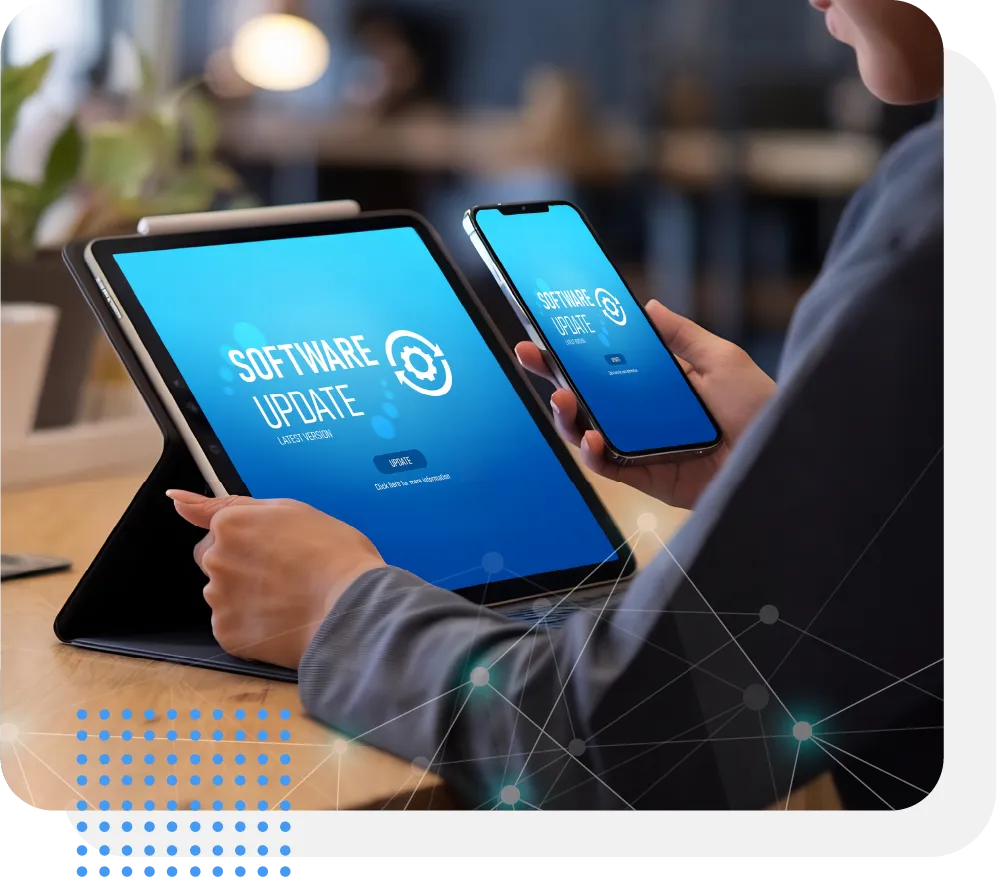
- Seamlessly control and push iOS and iPadOS updates to your kiosk devices.
- This ensures devices remain secure with latest patches and maintain optimal performance without manual intervention.
Application Management
- Silently install, uninstall, and configure enterprise applications without user interaction.
- Leverage VPP to deploy apps to enable devices in Multi App mode.
Monitoring, Support & Streamlined Deployment
Real-Time Monitoring & Remote Support
- Gain immediate visibility into the status, battery levels, and geographical location of all your kiosk devices.
- Utilize remote screen sharing to quickly diagnose and resolve issues, minimizing downtime and support costs.
Automated Device Enrollment (ADE) with ABM
- Streamline the initial setup of new iOS devices with Automated device enrollment.
- Devices can be automatically configured into kiosk mode and assigned policies right out of the box, simplifying large-scale deployments.
Password Protection
- Secure access to kiosk settings and prevent unauthorized users from existing the controlled kiosk environment.
Benefits of Using SureMDM for iPad/iOS Kiosk Mode
Implementing 42Gears SureMDM for your iPad/iOS kiosk deployment offers numerous advantages:




Use Cases: Transforming Industries with iPad/iOS Kiosks
iPad Kiosk Software for Education

Classroom Devices
Dedicated tablets for specific learning apps, digital textbooks, and educational games.
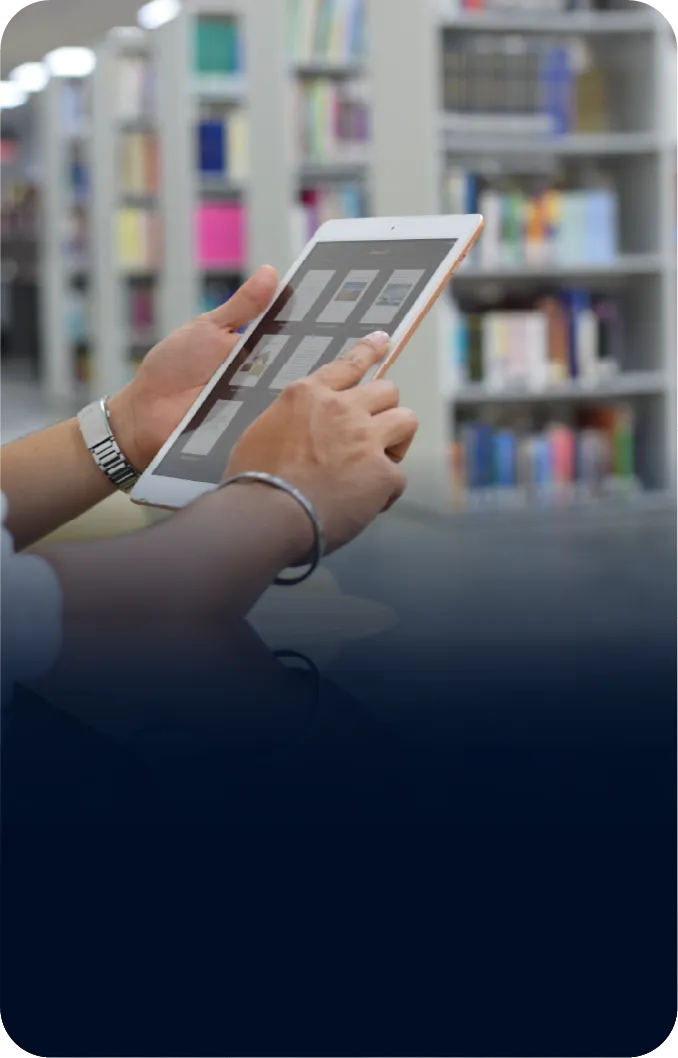
Digital Libraries
Interactive terminals for accessing e-books, research materials, and library catalogs.

Interactive Learning Stations
Kiosks for self-paced learning modules, quizzes, and multimedia content.
iPad Kiosk Software for Healthcare
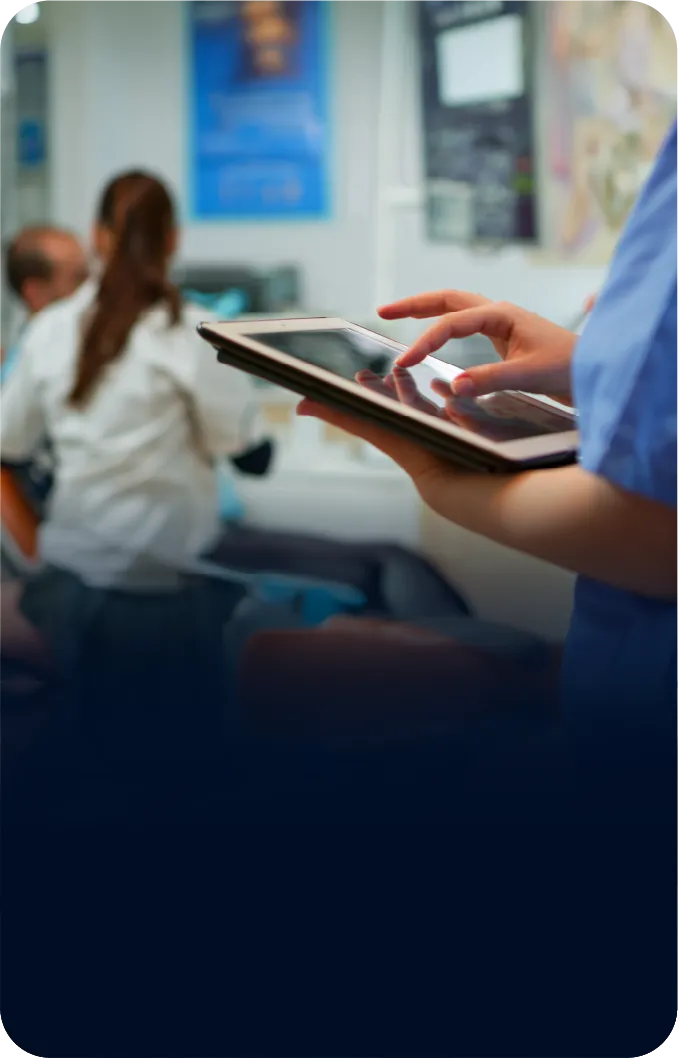
Patient Check-in
Self-service kiosks for appointment check-ins, demographic updates, and consent forms.

Information Terminals
Providing patient education, hospital directories, and visitor information.

Medical Device Control
Securely controlling medical equipment and accessing patient data.
iPad Kiosk Software for Hospitality
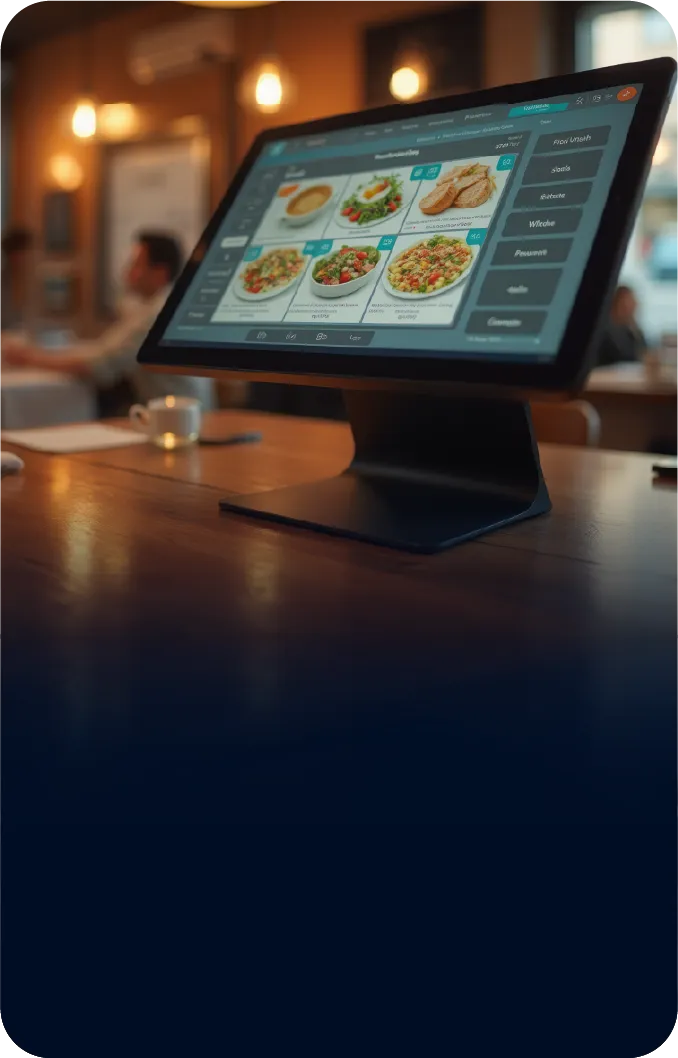
Digital Menus
Interactive menus for restaurants and cafes, allowing guests to browse dishes, customize orders, and view nutritional information.

Guest Feedback
Kiosks for collecting real-time guest feedback and surveys.
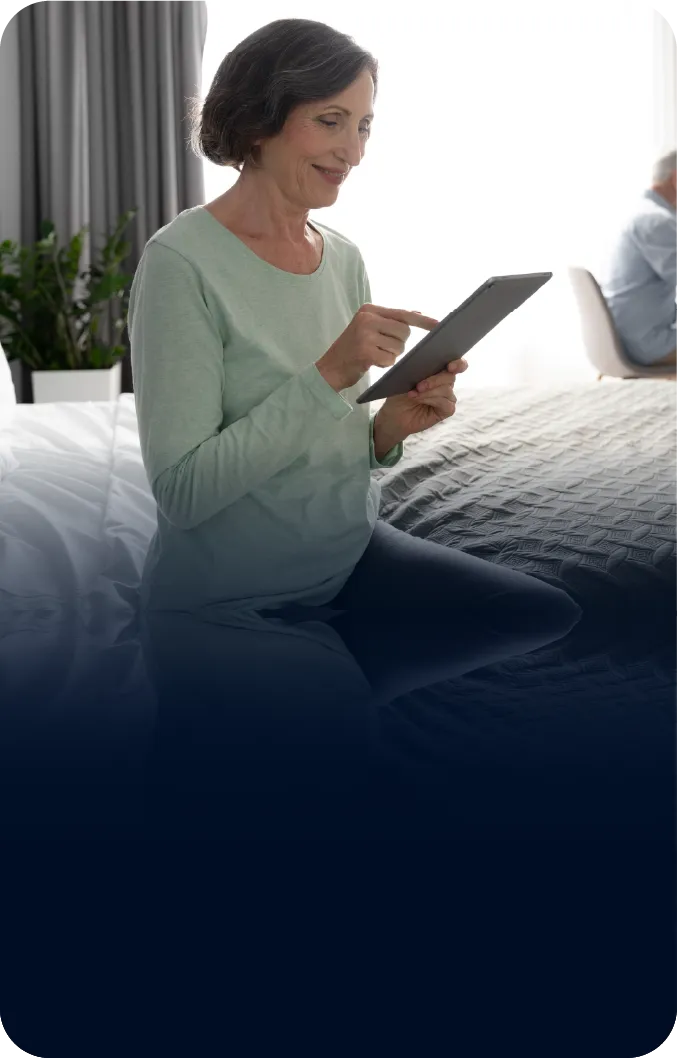
Room Service Ordering
Tablets in rooms for easy ordering of room service and amenities.
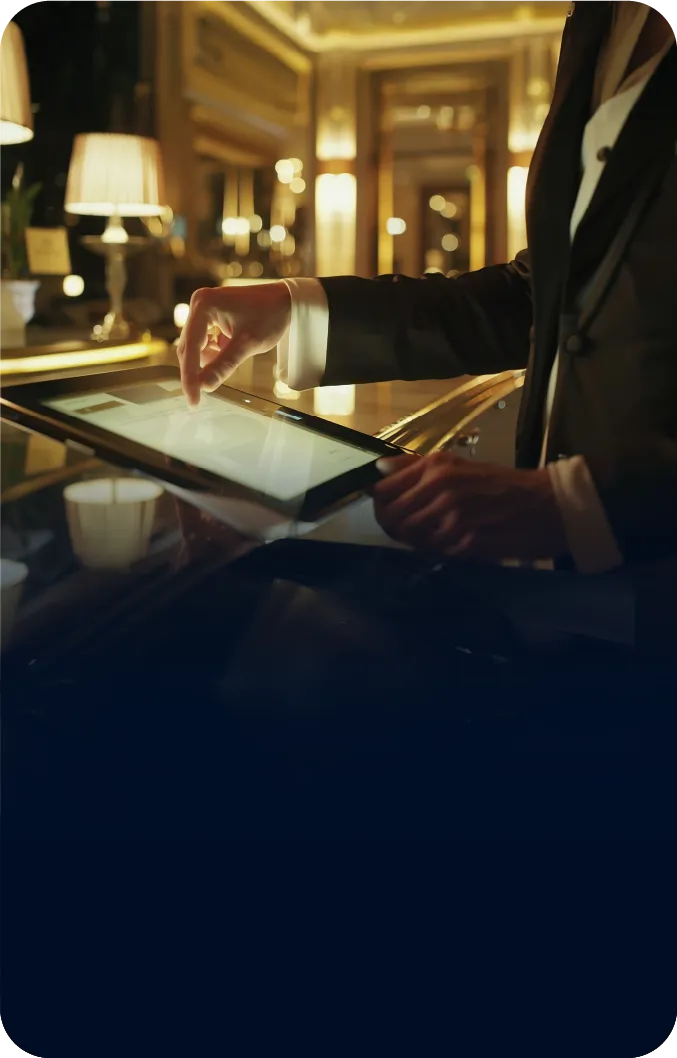
Self-Check-in
Expediting guest check-in and check-out processes in hotels.
iPad Kiosk Software for Manufacturing
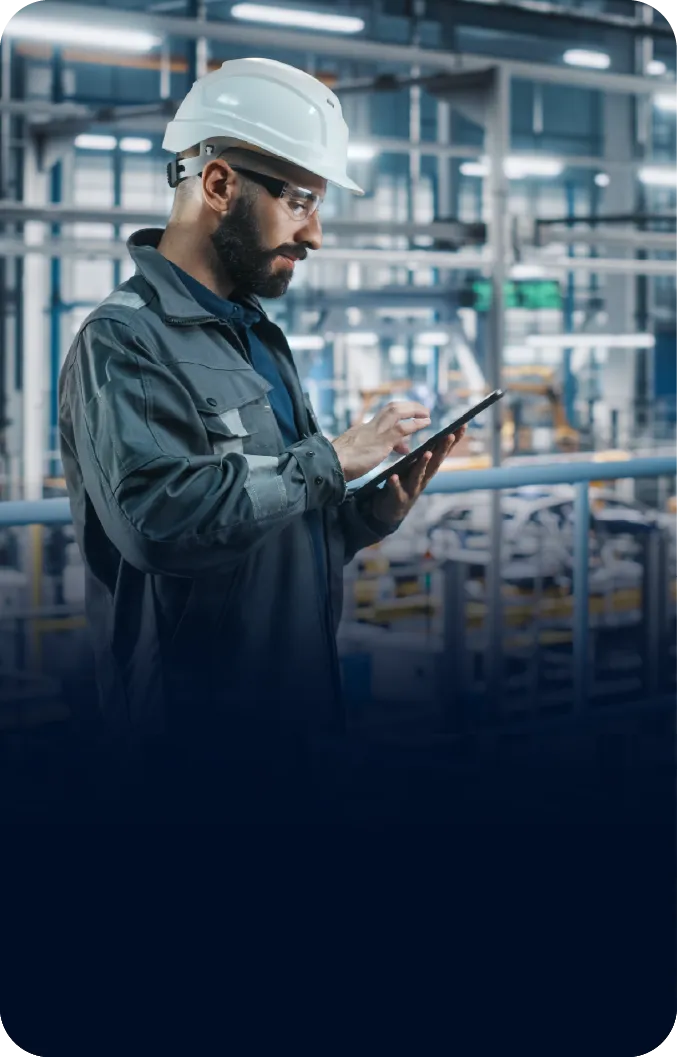
Shop Floor Data Collection
Ruggedized iPads as data entry terminals for tracking production, inventory, and quality control.

Machine Control Interfaces
Securely controlling machinery and monitoring operational parameters.
iPad Kiosk Software for Transportation
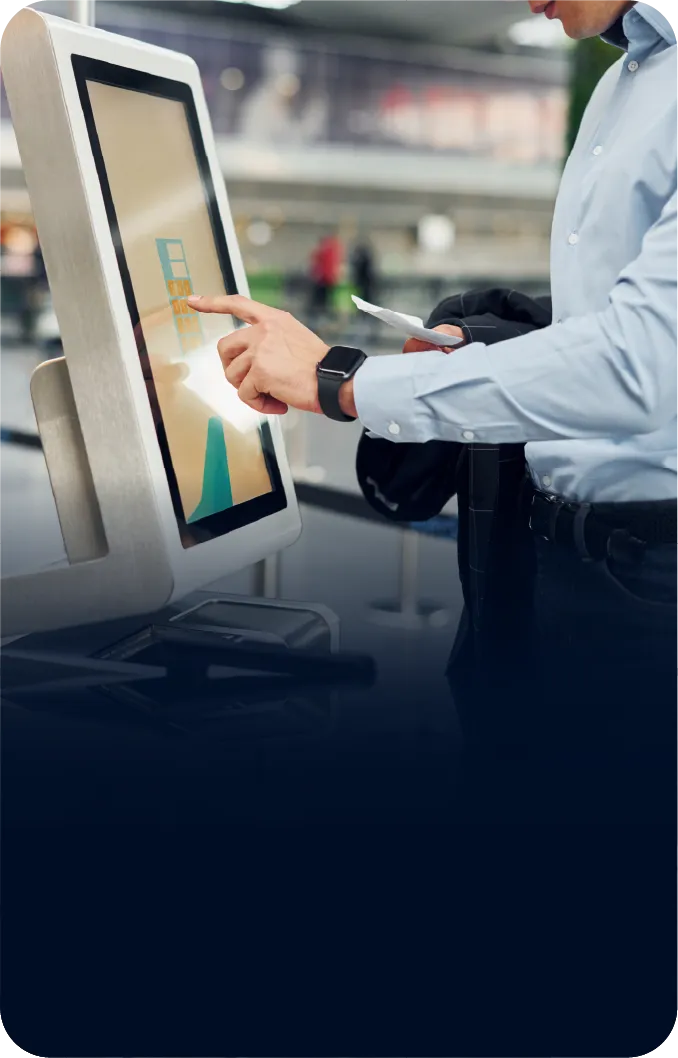
Ticketing Kiosks
Self-service stations for purchasing tickets and printing boarding passes.
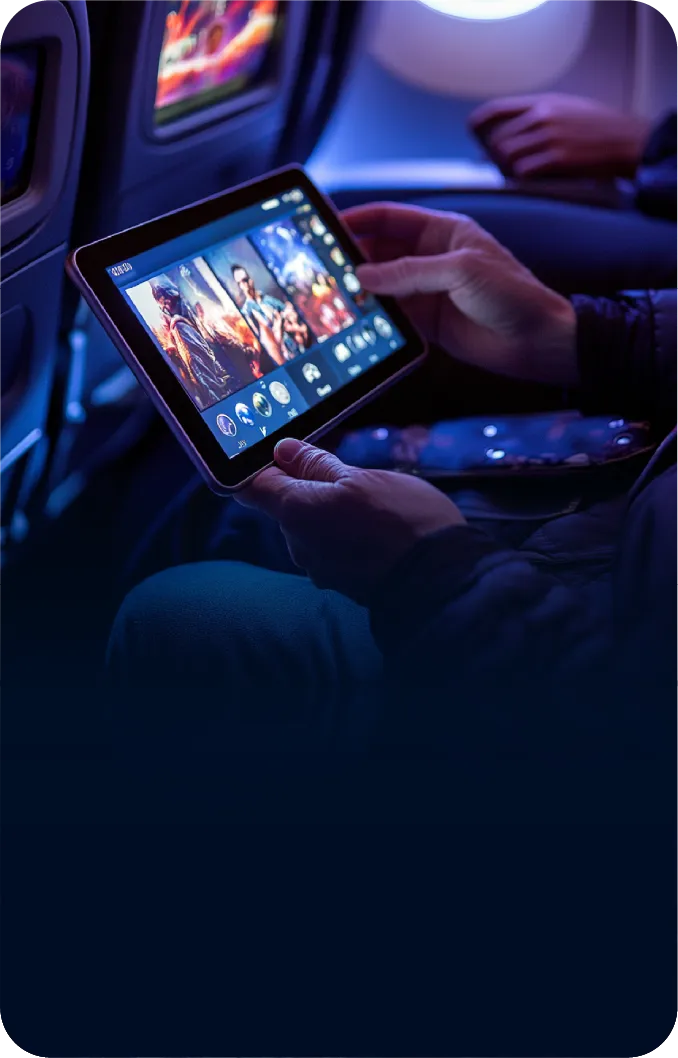
In-Vehicle Entertainment
Dedicated tablets for passenger entertainment in taxis, buses, or private vehicles.
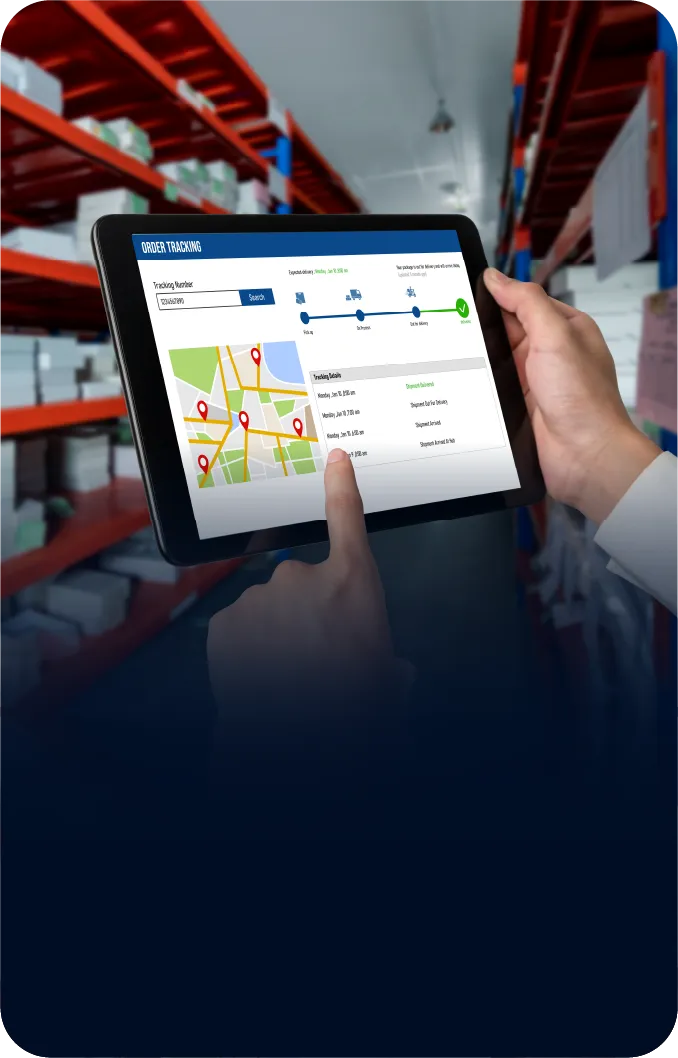
Logistics Tracking
Devices for real-time tracking of shipments, delivery confirmations, and route optimization.
iPad Kiosk Software for Retail
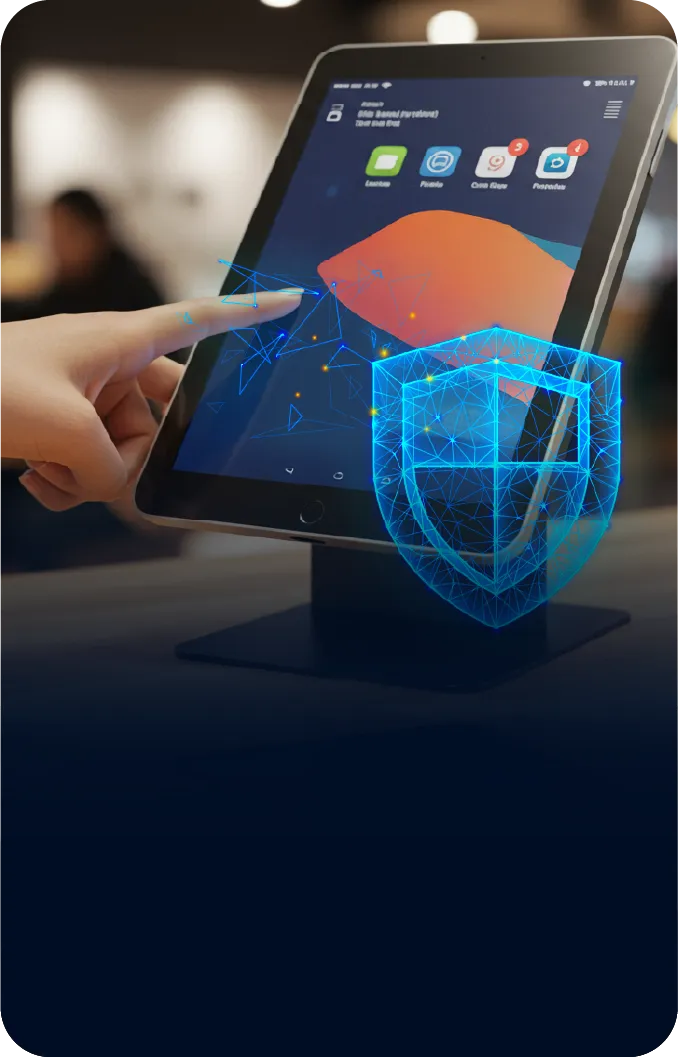
App Lockdown
Restrict iPads to specific retail apps like POS, product catalogs, or feedback forms for focused use.
Secure Browsing
Allow access to only approved websites, blocking distractions and potential misuse.
Remote Management
Monitor, configure, and update devices centrally—saving time and reducing in-store IT hassles.
Brand Experience
Customize kiosk screens with your logo, themes, and promotional banners to reflect your retail identity.
FAQs about iPad/iOS Kiosk Mode
Find answers to common questions about our service.