Looking for a way to let employees use their personal devices while keeping company data secure?
With BYOD MDM software solutions like SureMDM, organizations can empower productivity without compromising security. Your employees enjoy the flexibility they want, while you maintain full control over your corporate data. 42Gears’ BYOD management software creates the perfect balance.
What is BYOD/ BYOD Policy?
BYOD (Bring Your Own Device) allows employees to use their personal smartphones, tablets, or laptops for work purposes. To implement it safely and efficiently, organizations need a structured BYOD strategy backed by reliable BYOD software. A successful program typically includes:
- Clear policies outlining acceptable use of personal devices for work
- Robust security protocols to safeguard company data
- Dependable BYOD management tools like SureMDM to monitor, enforce, and secure access
Common Misconceptions About BYOD Management Tools—Debunked!
- "IT can access everything on my phone." Not true. With secure BYOD management software like SureMDM, IT teams can only manage work-related data within a protected work profile. Your personal photos, apps, and messages remain private and untouched.
- "BYOD increases the burden on IT teams." Actually, no. Modern BYOD MDM software solutions simplify device oversight. With centralized control and automation, BYOD management tools like SureMDM significantly reduce IT workload by streamlining device setup, updates, and policy enforcement.
- "BYOD makes my phone less secure." Quite the opposite. SureMDM’s BYOD software strengthens device security by encrypting work data, isolating corporate resources, and enforcing compliance—making your device more secure than ever.
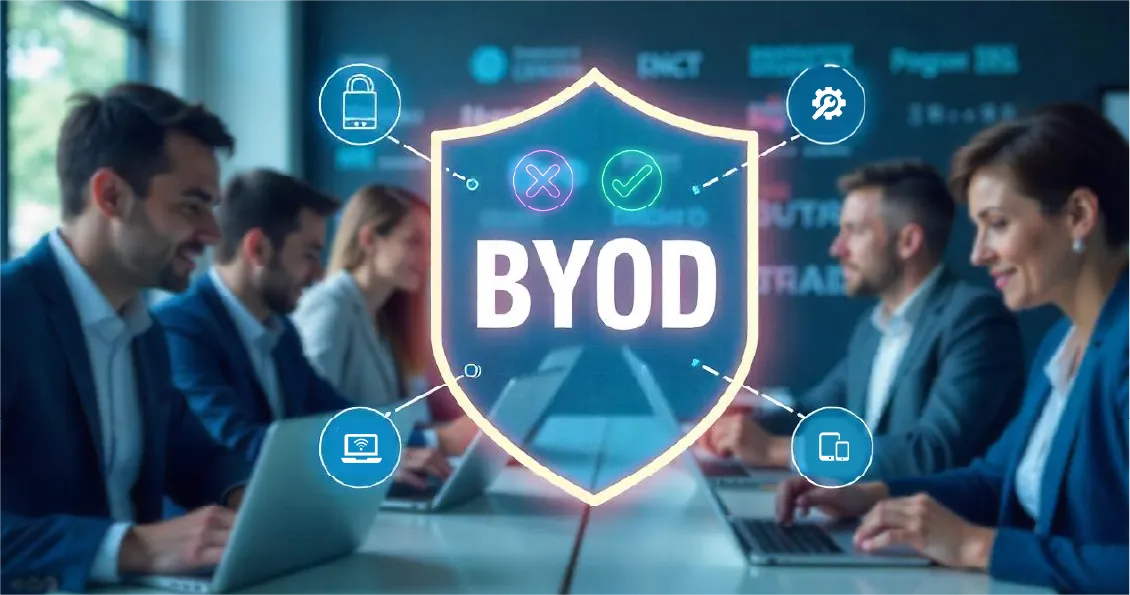
BYOD at 42Gears: How Our Own Software Transformed Device Management
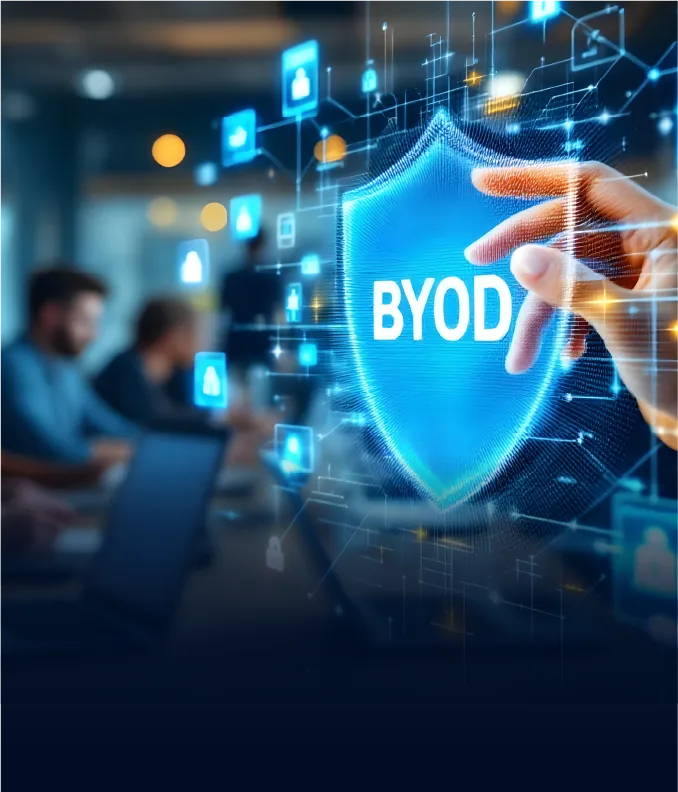
Effortless BYOD Management with SureMDM: Secure, Simplify, Scale
SureMDM by 42Gears is a powerful BYOD management software that enables businesses to strike the perfect balance between user convenience and corporate security. It creates a secure, isolated work container on personal devices—essentially turning one phone into two: one for work, one for personal use.
For Employees - Powered by BYOD Software
- Maintain full privacy over personal apps and data
- Easily toggle between personal and work profiles
- Securely access corporate emails, apps, and resources
- Continue using your own familiar device without compromise
Backed by BYOD MDM Software Solutions
- Use centralized BYOD management tools to monitor and manage all devices from a single dashboard
- Enforce enterprise-grade security policies remotely
- Ensure business data stays protected at all times
- Support remote and hybrid workforces efficiently
- Instantly wipe corporate data if a device is lost or stolen
Key Features of SureMDM BYOD Management Solution (Android)
Device Functionality Controls
Disable screen capture, USB debugging, account additions, cross profile copy paste and content sharing within the work profile.
Application Management
Prevent app installation from third-party sources, control app installation/removal and settings, add approved apps to the SureMDM App Store, and manage enterprise apps via Google Play for Work.
Network Management
Configure proxy settings, require VPN for network traffic, enforce Wi-Fi security standards, and prevent sharing of admin-configured Wi-Fi networks.
Configure Exchange Mail
Easily configure Exchange email accounts in Gmail or other compatible apps for seamless corporate email access.
File Sharing
Securely share and distribute enterprise files by creating a document library with the File Store feature to share files like images and videos across enrolled devices.
Mobile Threat Defense
Implement mobile threat defense solutions (Pradeo MTD and 42Gears MTD) to protect devices against malware and malicious apps.
Other Features
Microsoft 365 Integration, Conditional Access policies, Remote control, terminal access, lock, buzz, power off/reboot, configure password policy and reset work profile password.
Key Features of SureMDM BYOD Management Solution (iOS)
Device Restrictions
Restrict selective device settings, functions, and media content on devices enrolled in BYOD.
Application Management
Install, uninstall, and configure apps remotely, Microsoft 365 integration, conditional access policies to restrict access to Microsoft 365 resources
Wi-Fi and VPN Configuration
Remotely configure Wifi (Security Type, Proxy Setup, Auto Join, etc.) and VPN settings (Connection Type, Server, Authentication, Encryption Level, Certification, etc.).
Password Policy Configuration
Remotely configure minimum password length, complexity, alphanumeric values, maximum auto-lock, etc., on enrolled devices.
Mail Configuration
Remotely configure POP3 and IMAP email account settings (message moving between accounts, authentication, per account VPN, etc.).

Exchange ActiveSync Configuration
Schedule mail sync, Contacts, Calendars, Reminders, and Notes remotely.
File Sharing
Securely share and distribute enterprise files on devices through File Store option.
Why Choose SureMDM BYOD Management Software?
- Reduced Costs: With a BYOD program in place, companies no longer have to budget for corporate-issued devices. Studies show a potential savings of $341 per employee by switching from work-issued devices to BYOD smartphones.
- Increased Employee Productivity: 68% of organizations report a productivity boost after implementing BYOD. Employees also gain 58 minutes of work time each day when they use smartphones to get work done.
- Streamline Remote Work: BYOD eliminates equipment shipping delays for remote workers. Since most people already own smartphones and tablets, new hires can start working immediately using SureMDM.
- Centralized Device Management: Simplify device provisioning, configuration, and policy enforcement and monitoring across your device fleet.
- Enhanced Corporate Data Security: Implement robust security policies to protect corporate data. In case of device theft or loss, admins can remotely wipe the work profile.
- Compliance Adherence: Ensure that only devices meeting your organization's standards-such as specific versions, models, and antivirus protection-can access company resources. Plus, SureMDM is fully compliant with PCI DSS 4.0, ISO 27001, and HIPAA, guaranteeing robust data protection across industries.
BYOD Frequently Asked Questions
Find answers to common questions about our service.