Android DeviceManagement
Secure, Monitor, and Manage Your Android Devices

  • Android device management refers to the process of managing, securing, and distributing devices running the Android operating system in a corporate setting. Some of the common tasks include, enrolling devices, enforcing security policies, installing apps, remotely wiping stolen or lost devices, and monitoring device usage and health. Android device management can be implemented using mobile device management (MDM) software or through the Android Enterprise platform, which provides a set of APIs and tools for managing Android devices in the enterprise. The main goal of Android device management is to keep devices secure and compliant with corporate policies, while also providing frontline workers, employees, and other users with the tools and resources they need to be productive.

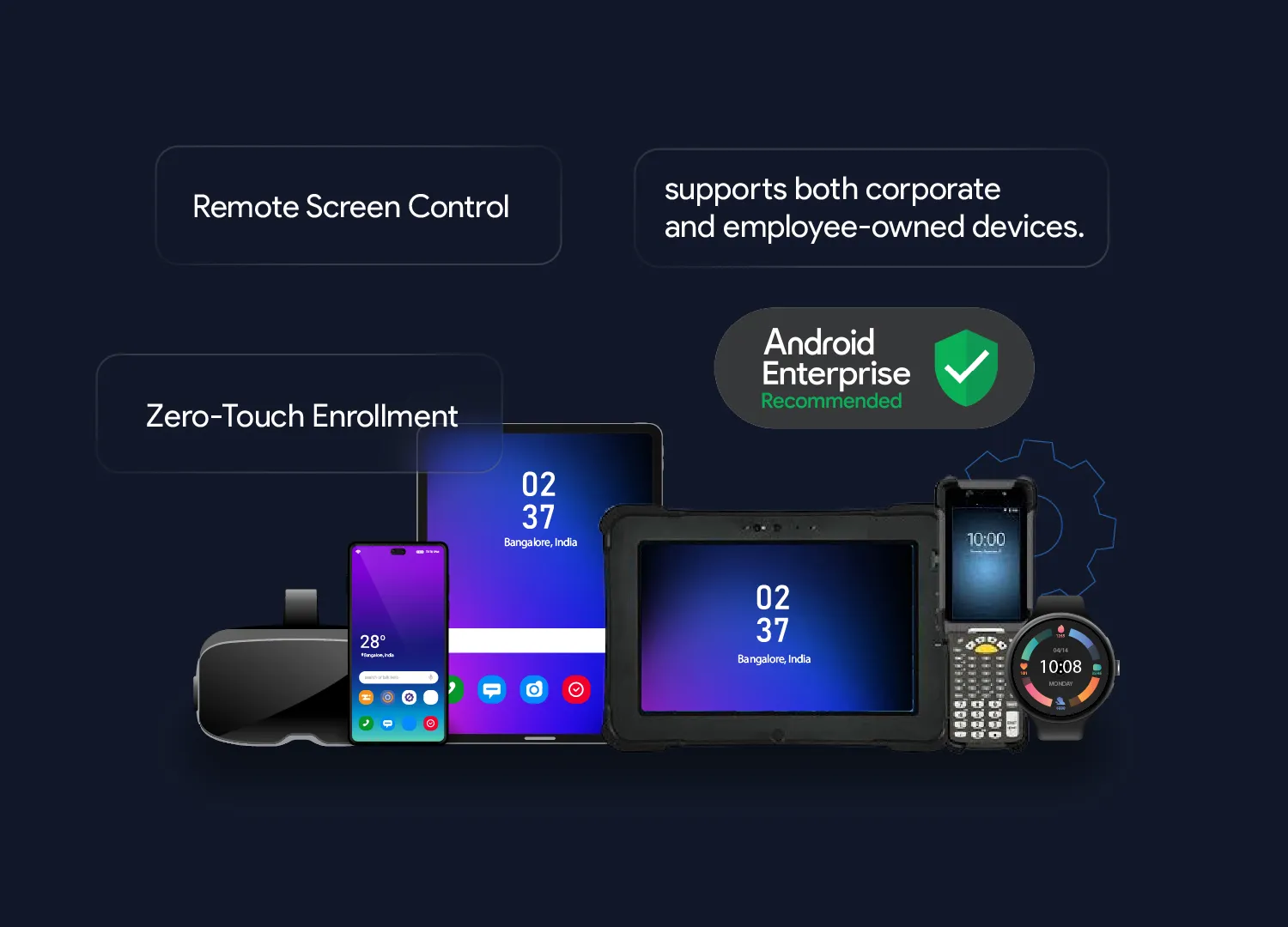
    Android devices dominate the mobile device market. Businesses are using Android-based tablets, smartphones, rugged devices, smartwatches, and virtual reality devices for work purposes. Whether these devices are brought into the workplace by the employees (BYOD) or they are corporate-owned, there are many challenges in securing, monitoring, and managing these devices.
Capabilities of Android Mobile Device Management Software

A solution that supports mobile device management for Android should have the following capabilities:

1

Android Device Enrollment

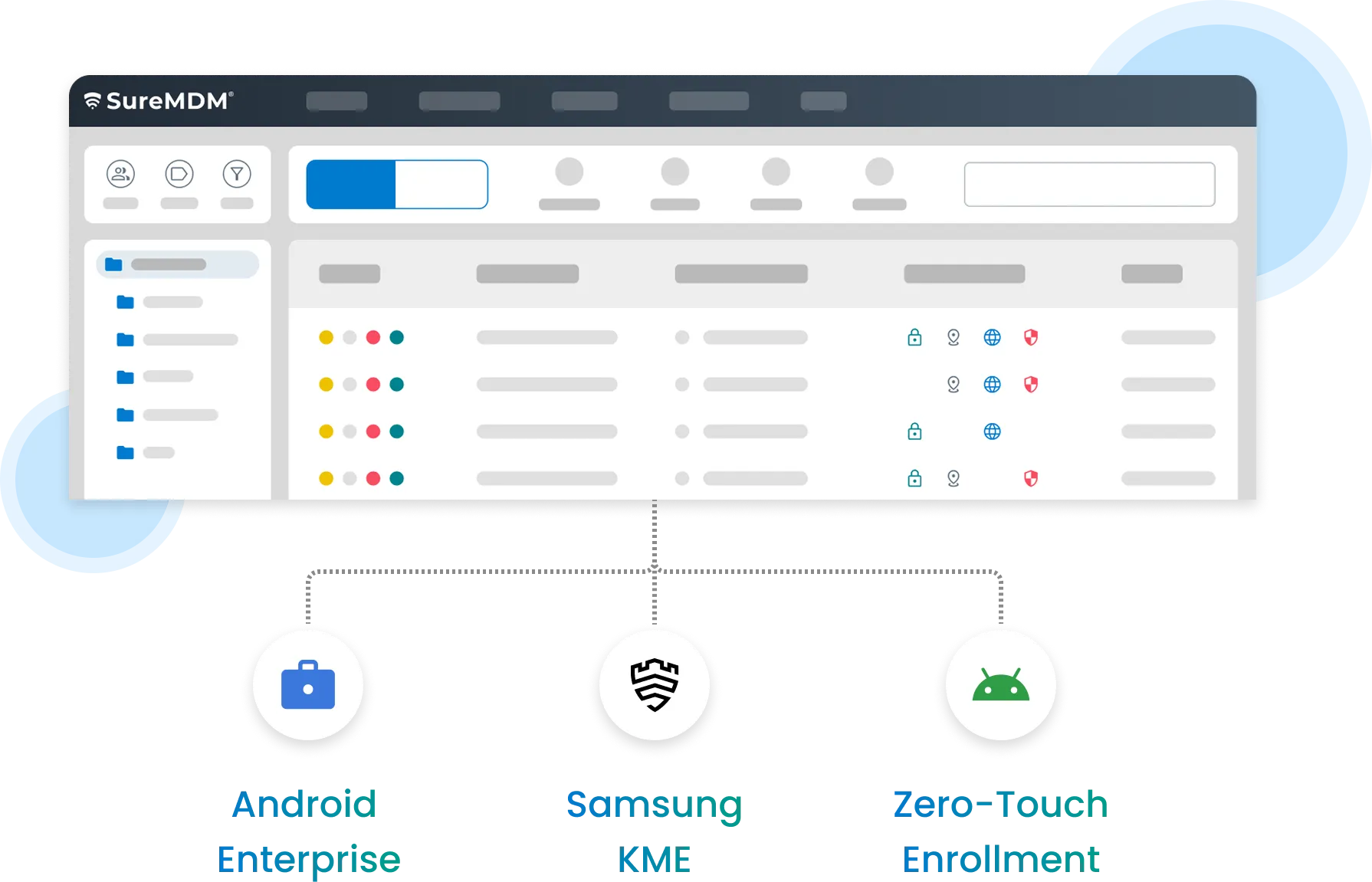
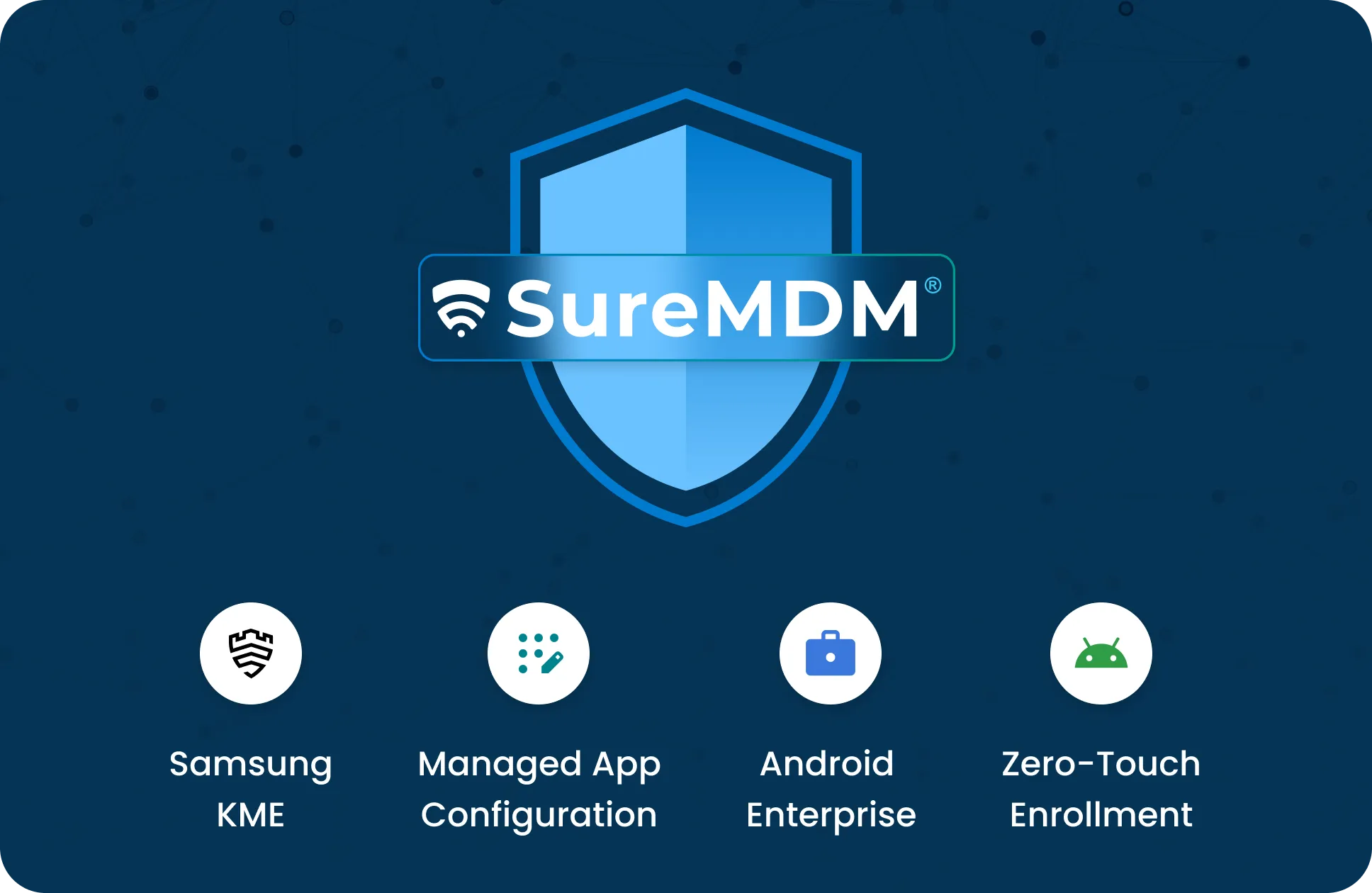
There are multiple methods for enrollment of Android devices in the Android MDM platform such as Android Enterprise, Zero-touch enrollment and Samsung KME.
2

Installing Android Apps and Content

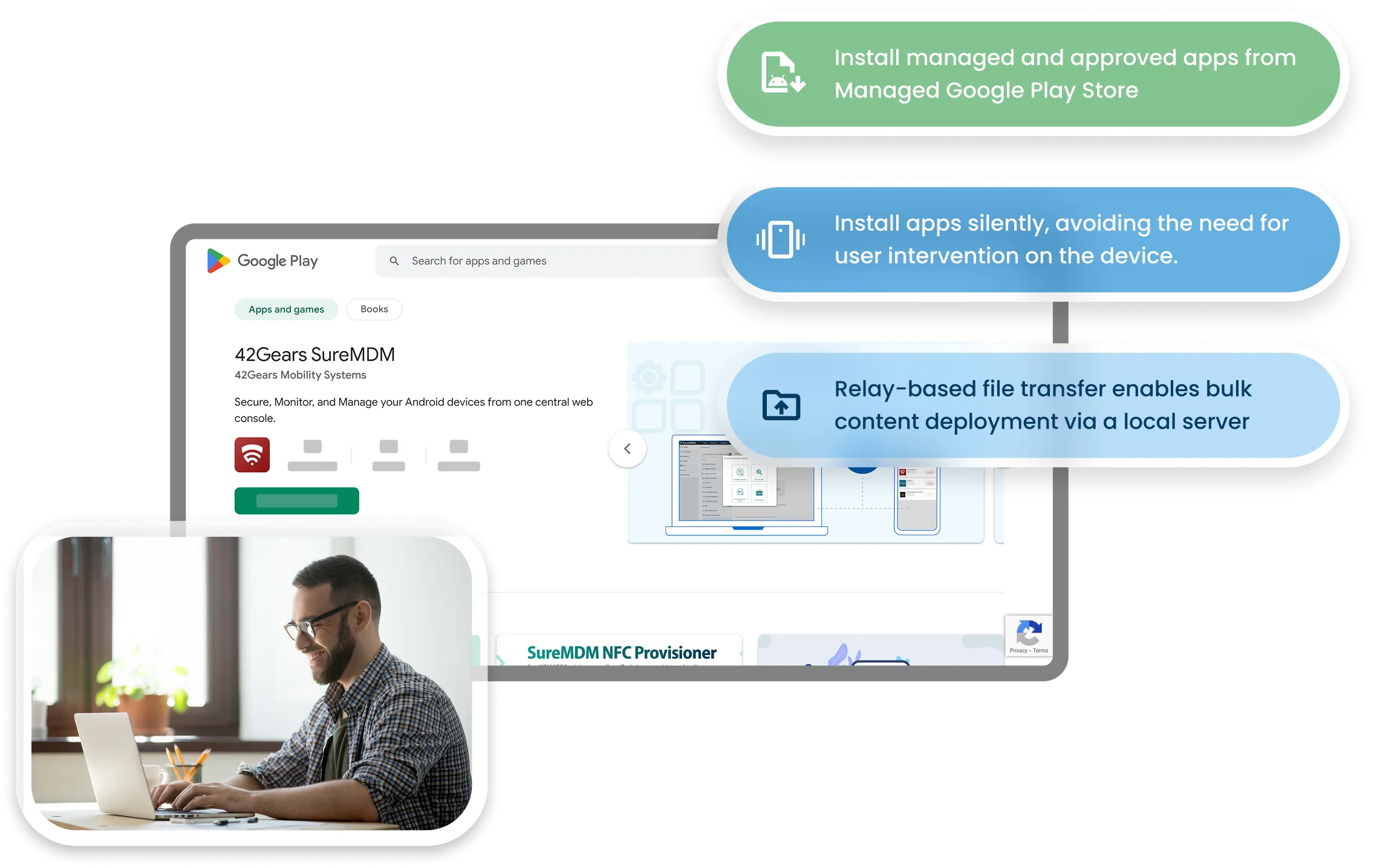
Push and install android application APK directly from the MDM or users can install managed and approved apps from Managed Google Play Store or from Enterprise App Store. Apps can be installed silently avoiding the need for user intervention on the device. Similarly, files and content can be transferred to the devices in bulk. Relay-based file transfer feature allows MDM to push the content from a local server on the customer’s network, hence reducing the bandwidth requirements in case large files are downloaded. 
3

Secure Android Kiosk Mode

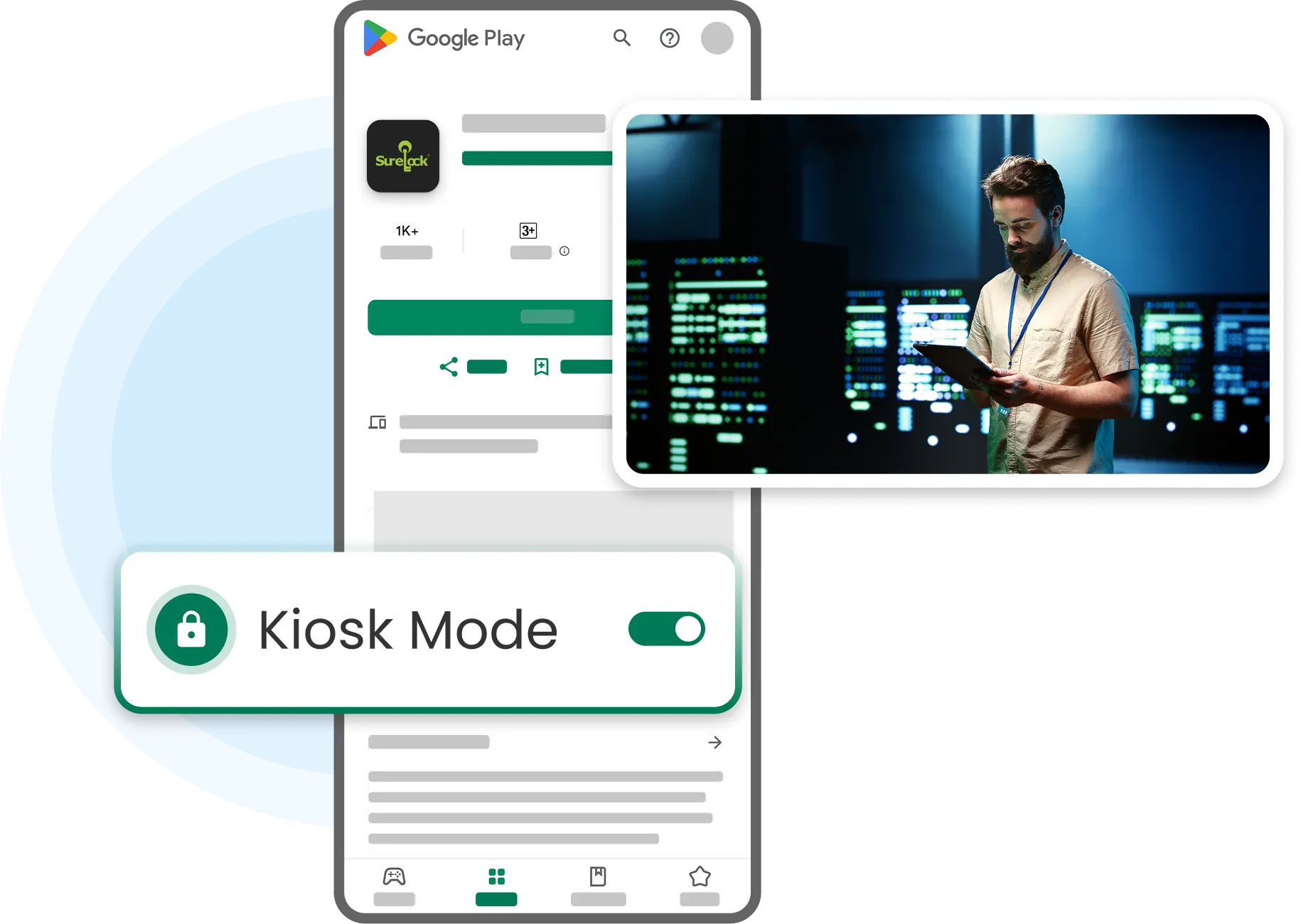
Android Device Management (MDM) tool can transform consumer Android tablets or smartphones into dedicated purpose devices with kiosk mode. Kiosk mode ensures only approved apps are available to the user. Access to unapproved apps is completely blocked and Android MDM prohibits users from changing any Android system settings.
4

Profiles and Policies for Company-Owned and Employee-Owned Devices
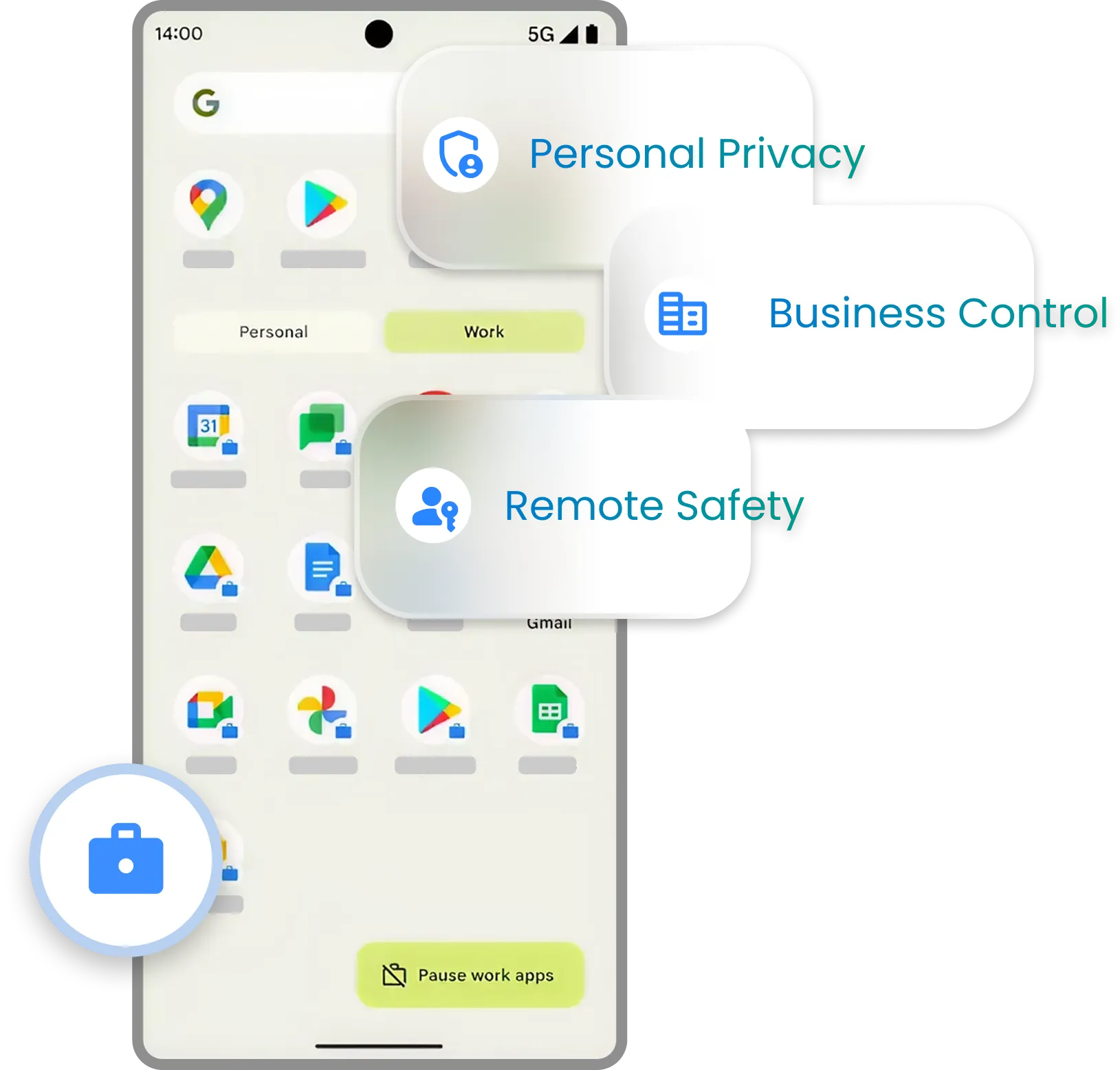
Android Enterprise from Google offers additional powerful features for Android MDM solutions. It supports Work Profile for employee-owned devices (BYOD). With work profiles, business apps, and data are visible to the organization and are in control of the organization’s IT team. However, employees' personal apps and data are not visible to the organization. Android Mobile Device Management also empowers the IT team to apply security policies such as strict corporate password compliance and wiping company apps and data when needed.
5

Location Tracking

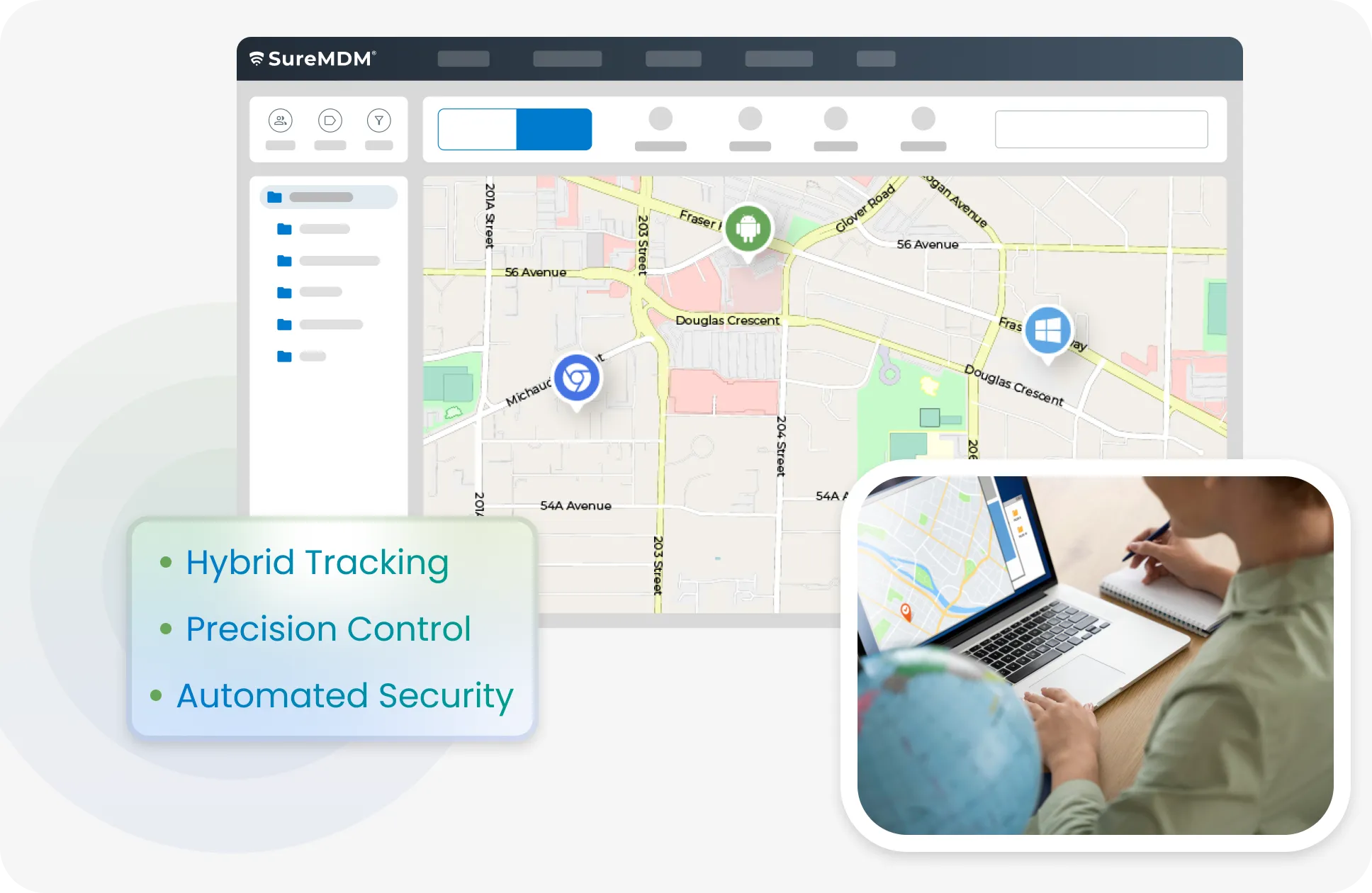
MDM solution offers comprehensive location tracking for Android devices, both outdoors and indoors. Outdoor tracking uses GPS to provide real-time and historical location data, while indoor location tracking pinpoints device locations within buildings. Features like geofencing, multi-story device tracking, and location-based security policies enhance inventory control and prevent losses.
6

Troubleshooting Android Device Issues with Remote Control
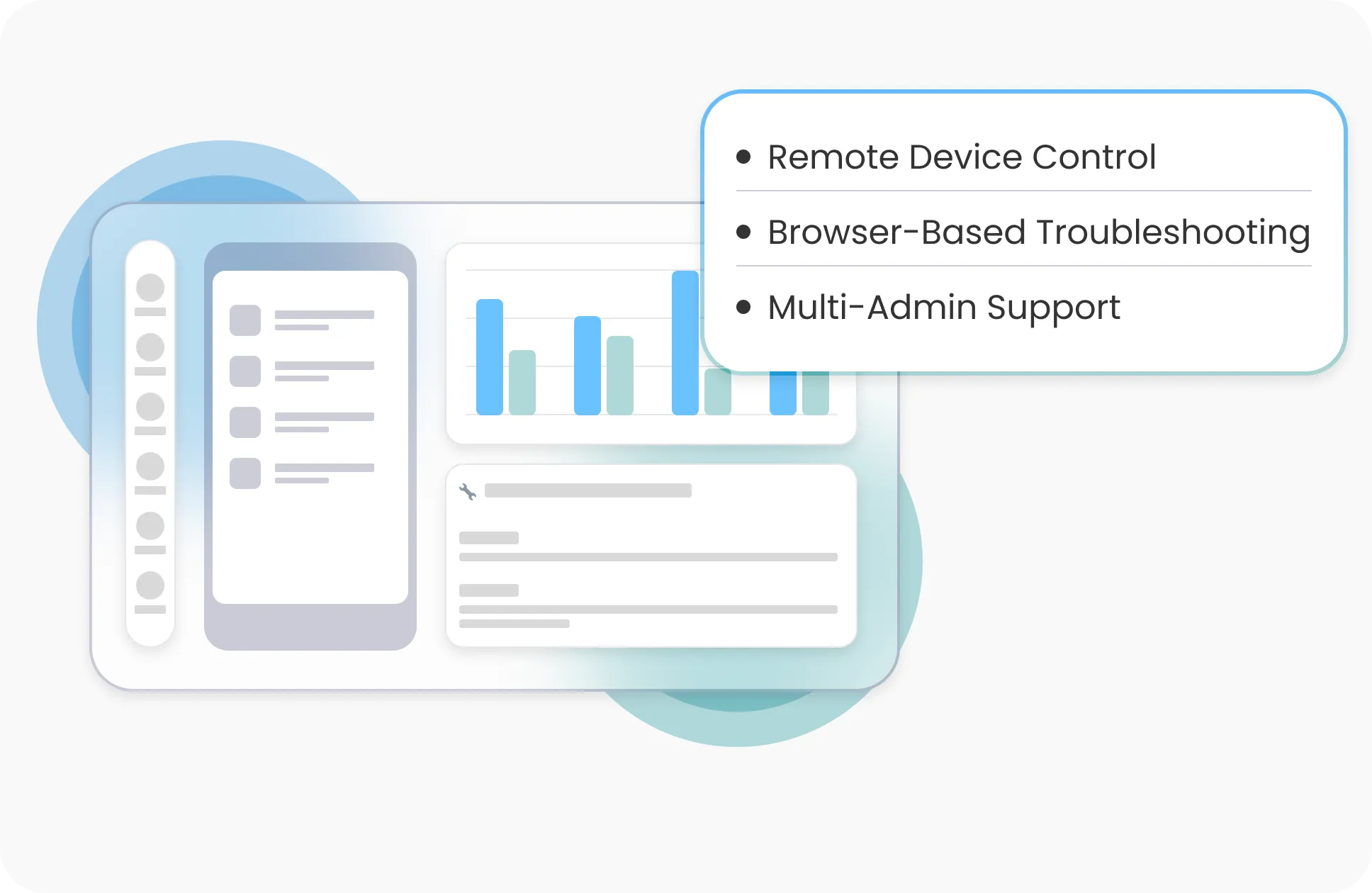
Android device management tool is used to troubleshoot device software and configuration issues by taking remote control of the device facing issues. IT technicians can remotely view the device screen through their browser and interact with the device using their computer keyboard and mouse. Android MDM tools can reduce the device downtime by avoiding the need to have physical access to the device. With multi-admin remote control, multiple admins can remotely connect and troubleshoot end-user devices at the same time.
7

Asset Tracking and Reporting 

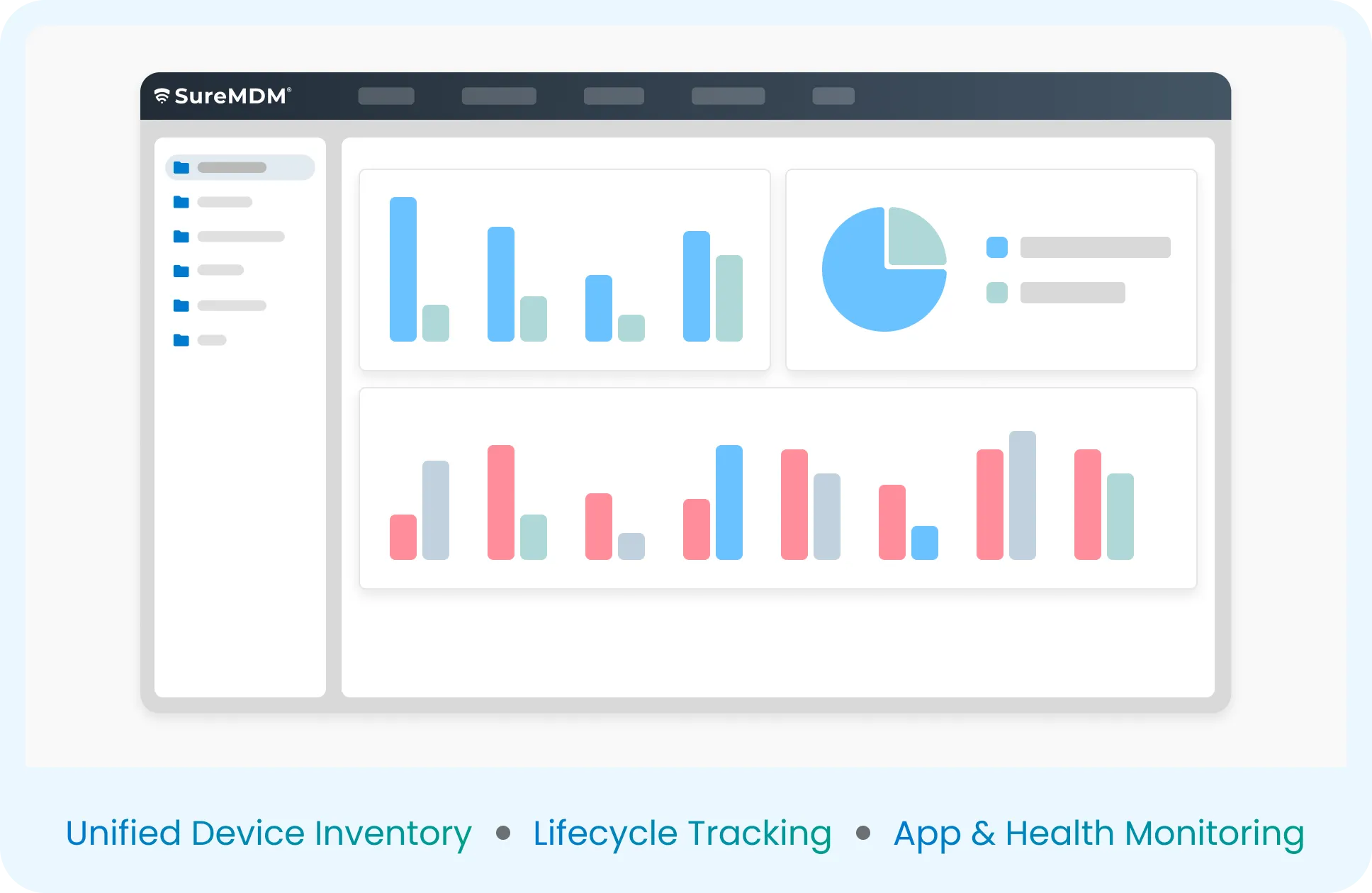
Android MDM tools can give you clear and up-to-date information about how many devices you have, what apps are installed on them, battery status reports, etc. This information can help you manage your Android devices through their lifecycle.
1

Android Device Management based on Device Ownership
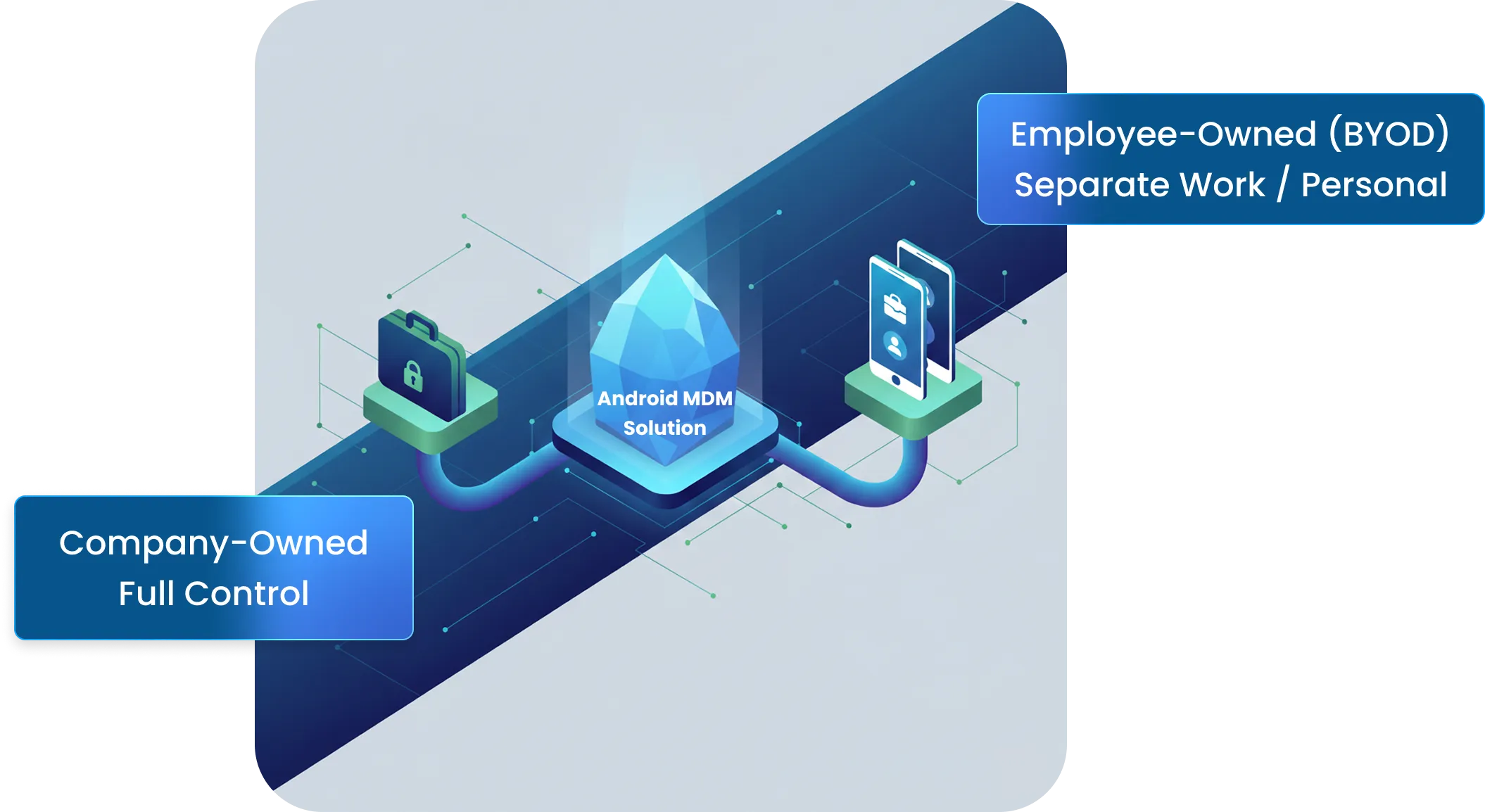
Android devices can be employee-owned or company-owned. An employee can bring their own device to work and use it to access business applications while also using it for personal use. In such scenarios, it is important to keep the business data and apps separated from personal apps. Android MDM solution achieves this requirement through containerization. Managing Android devices owned by the company is different from employee-owned devices. Company-owned devices are in full control of the IT team of the company. Users are usually prohibited from using company-owned devices for personal use. MDM app is responsible for complete security and absolute control of the company-owned device.
Android Device Management based on Device Ownership
2

Types of Devices Managed by Android MDM
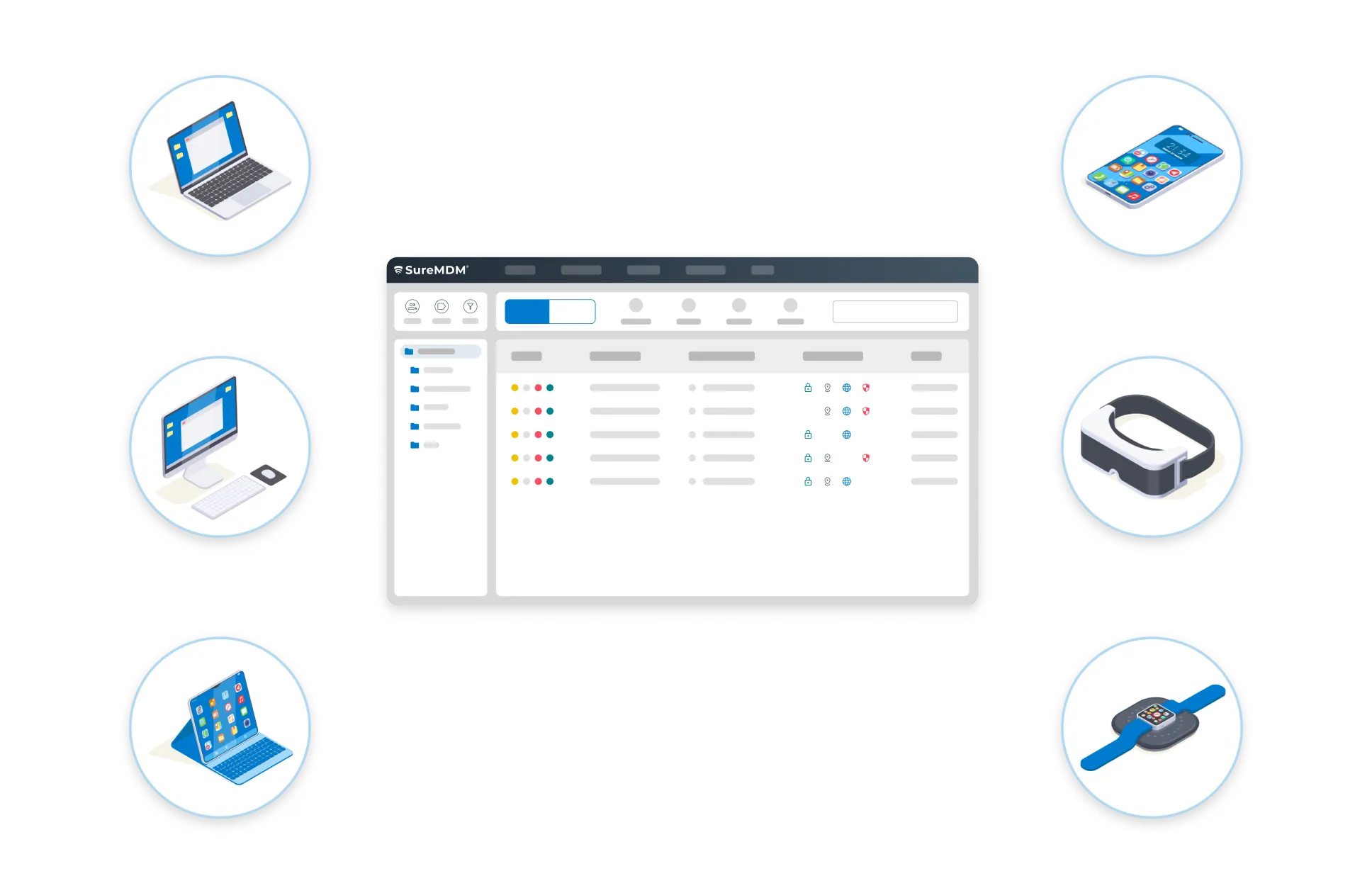
An Android Device Manager must be able to support a variety of Android devices such as smartphones, tablets, rugged devices, Point of Sale (POS) terminals, Head-mounted or Virtual Reality Devices, Android Smartwatches, or wearable devices.
Types of Devices Managed by Android MDM
3

Trusted Android MDM App Solution

42Gears SureMDM is trusted by thousands of businesses around the world for their Android device management requirements. SureMDM Android management supports both corporate and employee-owned devices. SureMDM is a Google approved EMM solution that offers comprehensive security and remote management of Android devices at scale. You can manage Android devices with SureMDM that supports Android Enterprise, Zero-Touch Enrollment, Managed Google Play, OEMConfig, Managed app configuration, and Samsung Knox.
Trusted Android MDM App Solution

What are the Features of Android MDM?

Manage Android Devices from a Central Console

Device Enrollment
Device Enrollment

Enroll devices in seconds with QR code scanning and easily perform bulk enrollment.
Device Lockdown

Device Lockdown

Limit access to only approved apps (i.e. put the device in Kiosk Mode) using SureLock.
Location Tracking

Location Tracking

Track devices on a map in real-time. Save historical data. Utilize geo-tagging and geo-fencing.
Remote Control

Remote Control

View and control device screen remotely and send touch events. Transfer files. Share clipboard data.
Messaging

Messaging

Send messages to devices from central console.
Browser Lockdown

Browser Lockdown

Limit access to only approved websites using SureFox.
Asset Tracking

Asset Tracking

Keep track of company assets (phones and tablets).
Device Maintenance Window

Device Maintenance Window

Schedule device maintenance during off-peak hours to minimize device downtime and prevent end-user distractions.

Mobile Application Management

Deploy, manage, and secure apps on devices

1

Enterprise App Store

Allow users to install In-house or Google Play Store apps.
2

Application Distribution

Push apps to mobile devices. Allow users to download apps on-demand through Enterprise App Store.

Mobile Content Management

Securely deliver data and keep it safe on devices
Content Delivery
Content Delivery
Deliver content to devices remotely.
Content Security
Content Security
Secure content on mobile devices.
Content Removal
Content Removal
Wipe or delete company data from devices in the event of noncompliance with company policies, such as unauthorized attempts to access data and/or attempts to connect to unsecured networks.

Android Enterprise

Remotely manage and secure your device fleet
Password Policy

Password Policy

Enforce password policies on each employee device.
Enterprise Email

Enterprise Email

Set up user email accounts on devices from the central console.
Configure Applications

Configure Applications

Restrict employee access to apps and settings.
Enterprise Wipe

Enterprise Wipe

Remove company data from a device if it is lost, stolen, or needs to be retired.
Enterprise Container

Enterprise Container

Restrict copy and paste actions for enterprise data.
Container Encryption

Container Encryption

Secure corporate data by encrypting the application container.
Android App Restrictions

Android App Restrictions

Configure individual app settings from the central console.

Bring Your Own Device (BYOD)

Bring Your Own Device (BYOD) is a corporate IT policy that allows employees to use their personal devices at the workplace. Employees can set up company email or access intranet websites on their personal phones or tablets. However, for IT, it is important to ensure that the data is safe and viewed only by employees. Various measures can be taken to achieve this goal.

1

Enforce Strict Password Policy

Ensure that a strong password is set up on the device before allowing access to corporate resources.
2

App Containerization

Secure corporate applications and data by running the app inside a container. Prohibit operations (such as copy/paste) that could allow employees to use company data in personal apps.
3

Enterprise Wipe

If a device is lost or an employee leaves the company, wipe corporate data from the device while leaving personal data intact.
4

VPN Security

Ensure corporate data is transferred securely over the network.

Wear OS Management

Remotely manage and secure smartwatches that run on Wear OS.
Health Monitoring
Health Monitoring
Remotely monitor and set device health alerts.
Location Tracking
Location Tracking
Track and monitor location in real-time.
Easy Messaging
Easy Messaging
Utilize two-way messaging with broadcasting option.

Android MDM FAQs

Here’s a list of common questions and answers related to Android mobile device management, which will help you understand what device management for Android is and how you can leverage it optimally.

Android MDM Trusted by IT Admins

Secure, Monitor, and Manage Your Android Device Fleet