iOS Device Management |iPad Device Management
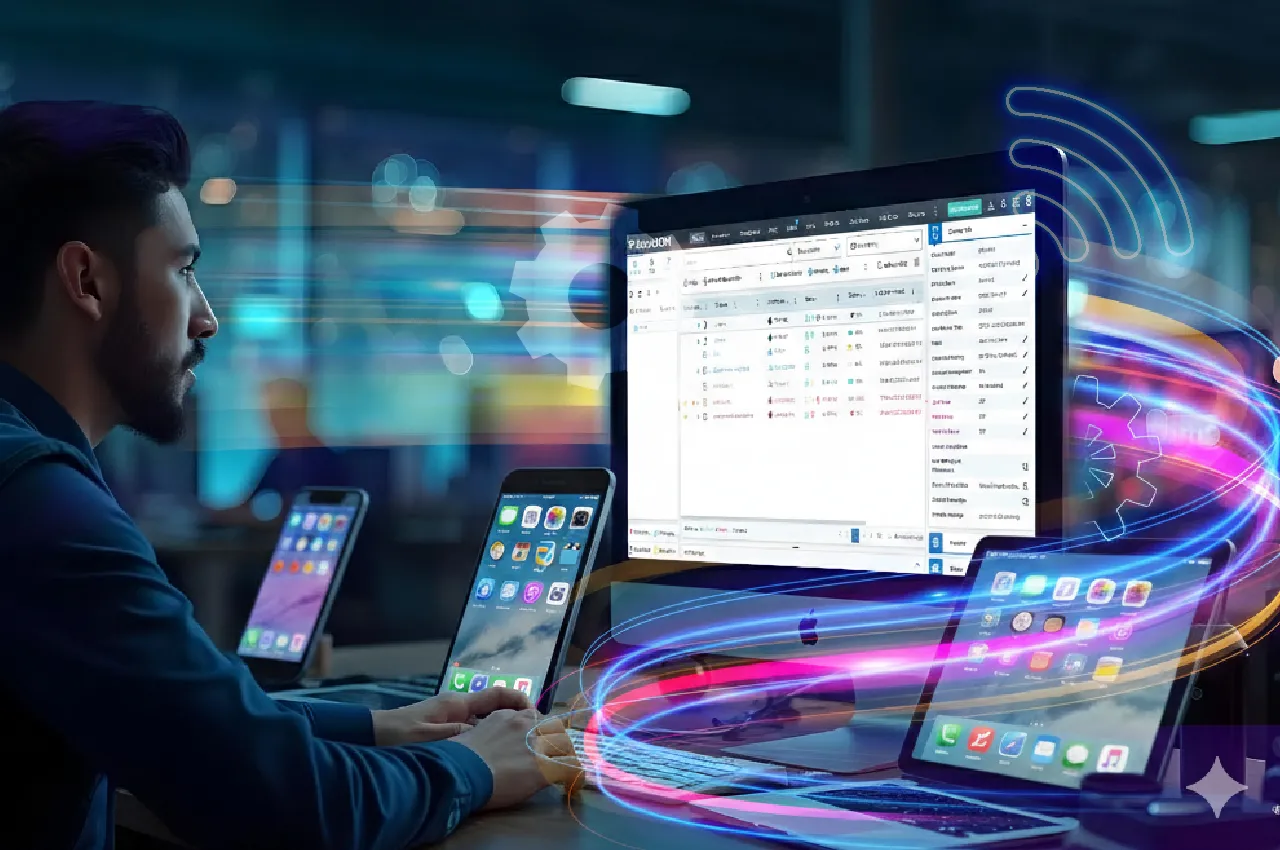
Manage iOS devices effortlessly with Apple MDM solutions, ensuring seamless updates, enhanced security, and streamlined configurations for improved productivity and compliance. Apple iOS and iPadOS Mobile Device Management (MDM) is a software platform that allows IT teams to securely manage the setup, configuration, and ongoing maintenance of iOS and iPadOS devices. iOS and iPadOS MDM enables the enforcement of security policies, the configuration of device settings, the management of applications (private as well as those downloaded from the App Store), and device health monitoring. Additionally, features such as remote support, device tracking, and remote data wipe can help keep devices secure and company data protected.

Manage iOS devices effortlessly with Apple MDM solutions, ensuring seamless updates, enhanced security, and streamlined configurations for improved productivity and compliance. Apple iOS and iPadOS Mobile Device Management (MDM) is a software platform that allows IT teams to securely manage the setup, configuration, and ongoing maintenance of iOS and iPadOS devices. iOS and iPadOS MDM enables the enforcement of security policies, the configuration of device settings, the management of applications (private as well as those downloaded from the App Store), and device health monitoring. Additionally, features such as remote support, device tracking, and remote data wipe can help keep devices secure and company data protected.
Capabilities of an Ideal iOS Device Management Solution
Enrollment: Set-up Your iOS and iPadOS Network right away with SureMDM
- Enroll Enterprise and Bring-Your-Own Devices Alike: SureMDM’s User Enrollment feature supports BYOD enrollment for iOS and iPadOS devices, so employees can use their own iPhones and iPads for work without compromising on security.
- Multiple Enrollment Methods: Initiate iPad management and iOS device management using SureMDM Agent and the SureMDM on-device agent, in conjunction with Apple Business Manager.
- Rapid Set-Up: Bundle many settings into a profile, and send that profile to each device for rapid set-up.
- Customize Your Dashboard: The SureMDM console features an intuitive dashboard. Set up the metrics that you want to see, and find what you need at a glance using the Device Grid system.
- Accommodates All Skill Levels: The SureMDM console includes optional tutorials, so you always know what to do.
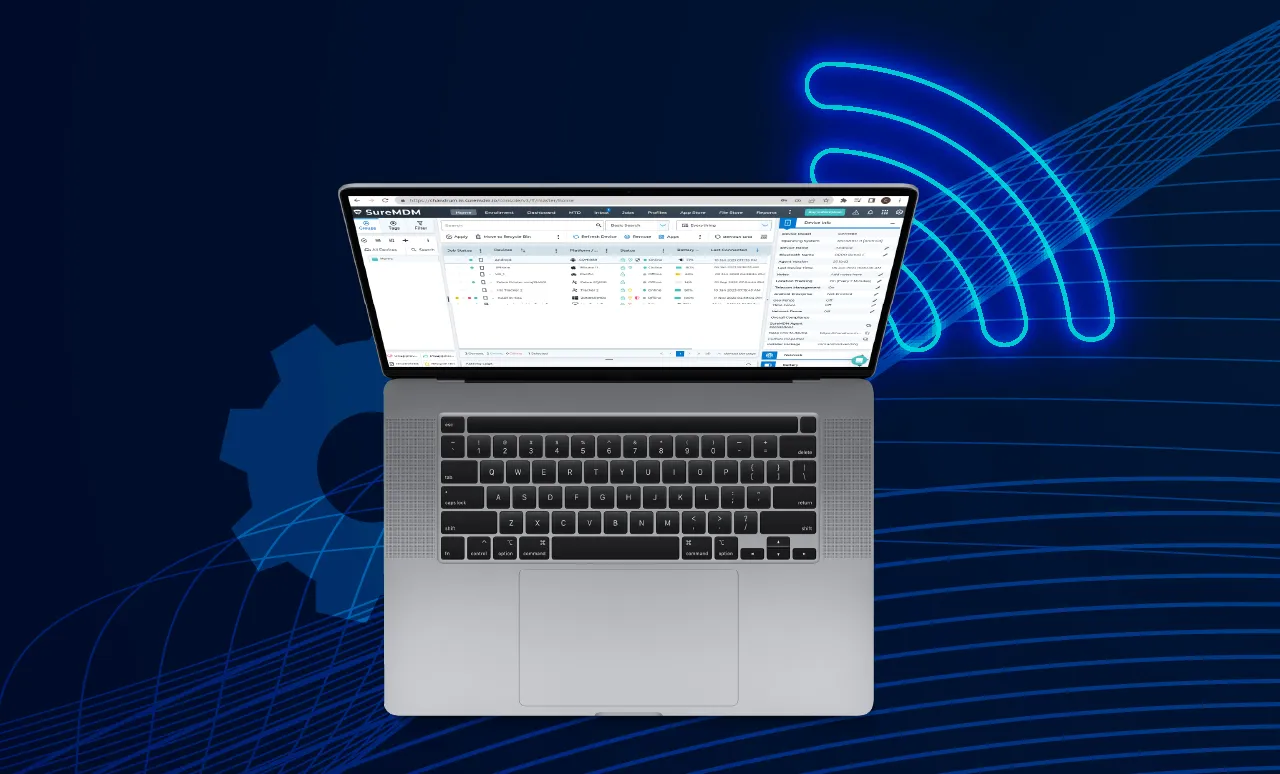

iOS Device Management: Keep iPadOS and iOS Devices Up-to-Date, Secure, and Compliant
- iOS and iPadOS Update Management: Push updates to iOS and iPadOS devices automatically to ensure all devices are consistent and running the latest OS and security patches.
- Acquire and Distribute Apps and Content: Use Apple’s content deployment programs to purchase and mass-distribute apps and books across all iOS and iPadOS devices.
- Dynamic Restrictions: Automatically allow or prevent device use based on location, time of day, and Wi-Fi connection status.
- Minimum Password Standards: Set minimum password complexity requirements for each device, ensuring cybercriminals cannot easily guess passwords.
- Device Health Monitoring: Monitor devices remotely. Set up alerts for low battery, connectivity, and other events related to non-compliance.

Security: Keep Devices Safer with SureMDM, a Cutting-Edge iOS MDM Solution
- Control Use of Peripherals: Prevent users and malicious actors from accessing device webcams or other unnecessary functionalities.
- Dynamic Restrictions: Automatically allow or prevent device use based on location, time of day, and Wi-Fi connection status.
- Lost Device Recovery: See the lost devices on a map in the SureMDM console. From there, lock down or erase iPhones and iPads to keep corporate data safe.
- Rapid Messaging: Send emergency alerts from the central console to devices at any time, keeping everyone up-to-date in the event of an emergency.

iPadOS and iOS Kiosk Lockdown and Secure Browsing
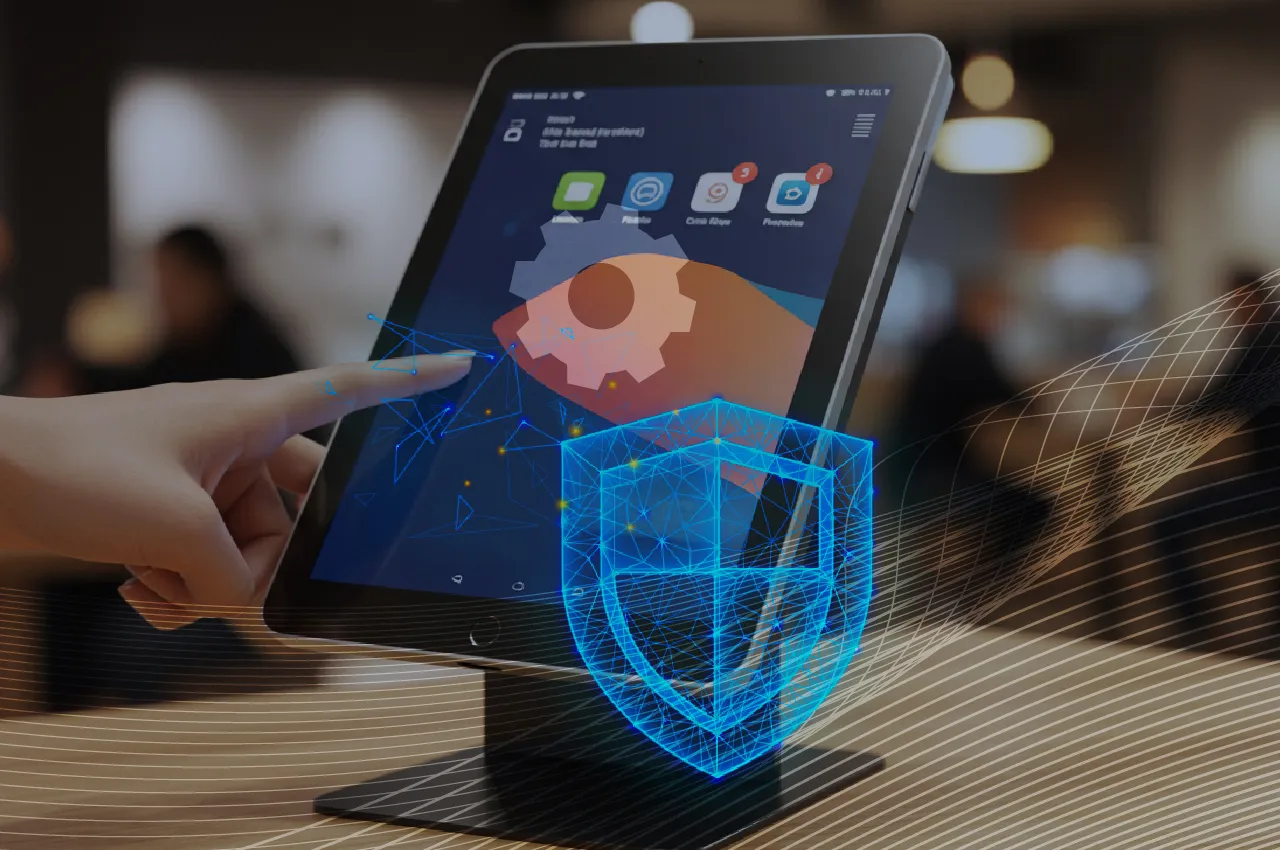
- Kiosk Lockdown: Lock iPhones and iPads down to only pre-approved apps.
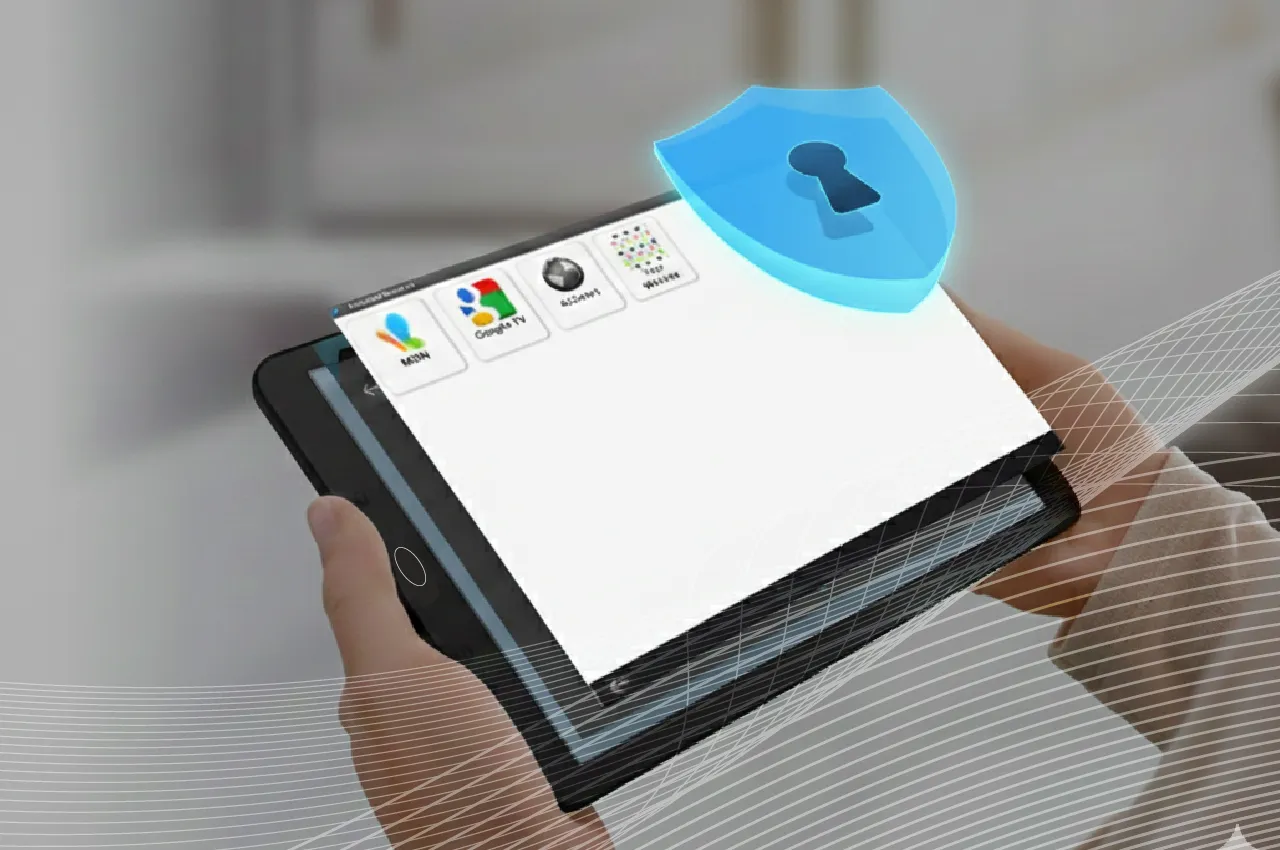
- Secure Browser Lockdown: Create a secure browser for iOS and iPadOS users; restrict users’ access to only pre-approved websites.
- Kiosk Video Player: Turn any iPad tablet into a secure video player. Loop videos in a playlist, and prevent viewers from tampering with or exiting video playback.
iOS Remote Management
- Remote Control: Take control of iOS and iPadOS devices remotely.
- Remote Troubleshooting: Provide remote troubleshooting assistance and save money on transit costs.
Audits and Reports
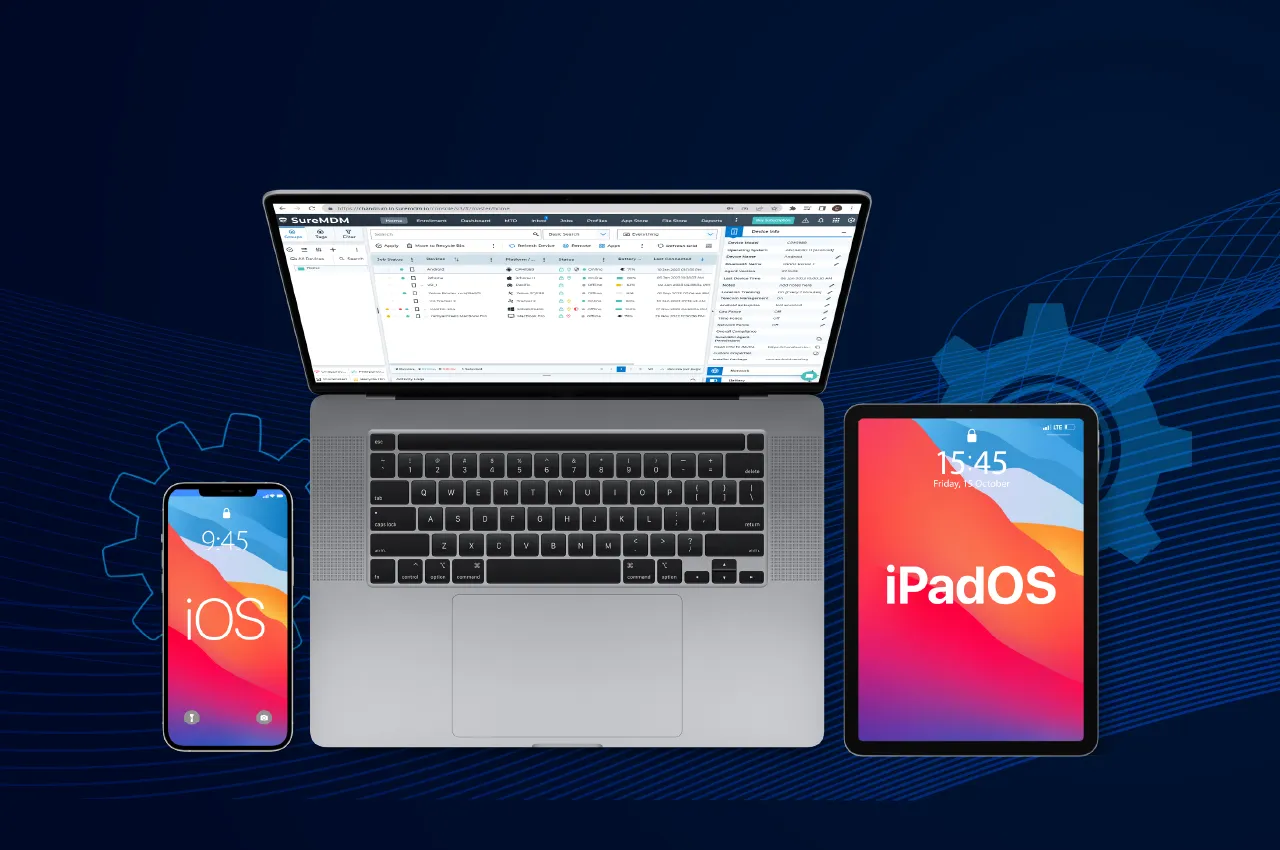
- Inventory Audits: Monitor and locate your entire device inventory at a glance.
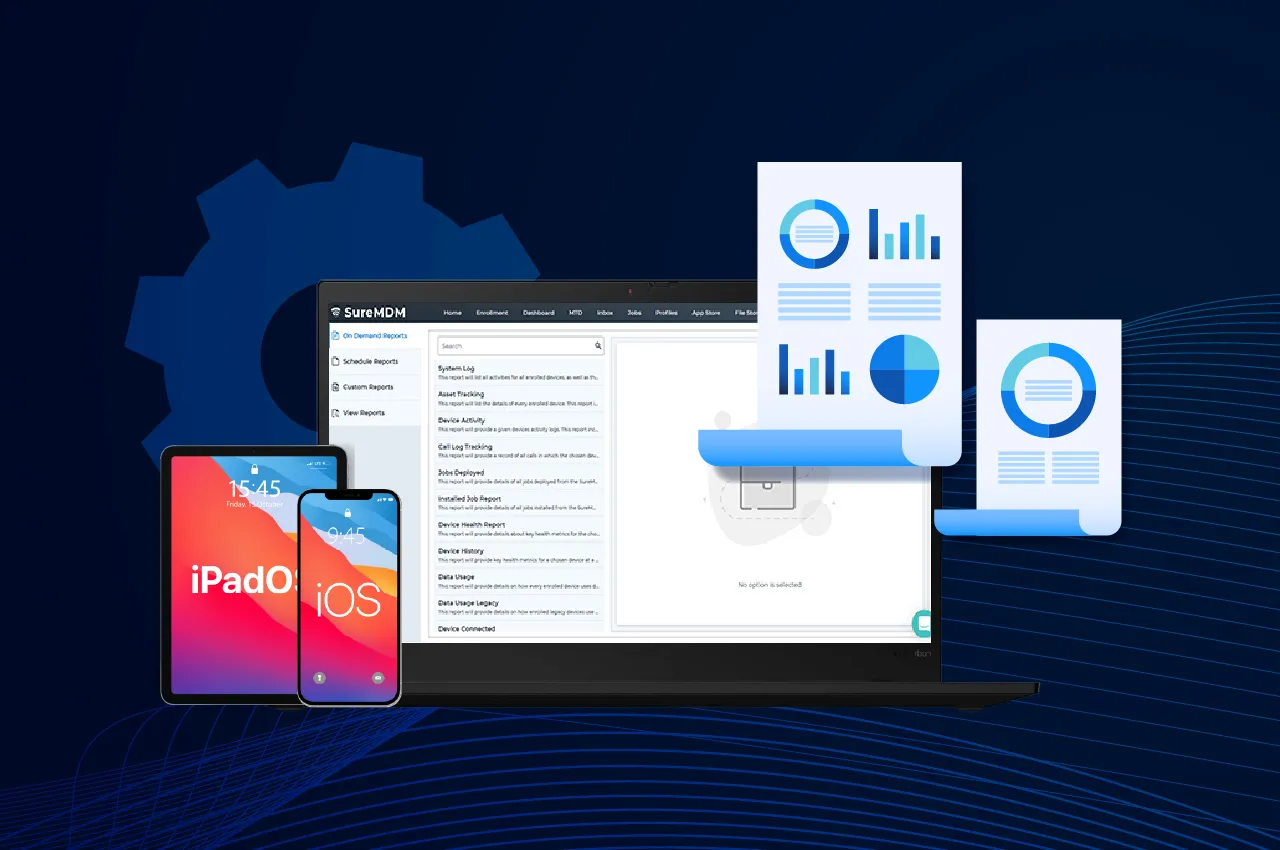
- Analytics Reports On-Demand: Use SureMDM’s powerful Analytics Engine to find high-level patterns in the way your business uses Apple mobile devices, alongside every other device in your office. Easily share the data with others.
Key iOS Management Features of Apple MDM Solutions
Quick Enrollment
Asset Management
Education Support
Home Screen Layout Profile
Asset Management
Filter Web Content
Device Health Monitoring
Security Management
Location Tracking
Data Restriction
Screen Sharing
Mobile Application Management on iPhone
Deploy, Manage, and Secure Apps on iOS (iPhone) and iPadOS (iPad) Devices
Block or Allow Specific Apps
Distribute Apps
Configure Apps
App Management SDK (Upcoming)
Content Management - iOS Management
Securely Deliver Data and Keep It Safe on iOS and iPadOS Devices


What are the benefits of iOS and iPad MDM?
SureMDM iOS device management solution is developed to augment your enterprise workforce with the power of mobility and enhance employee productivity without compromising on corporate security. It allows users to manage all their iOS devices effectively.
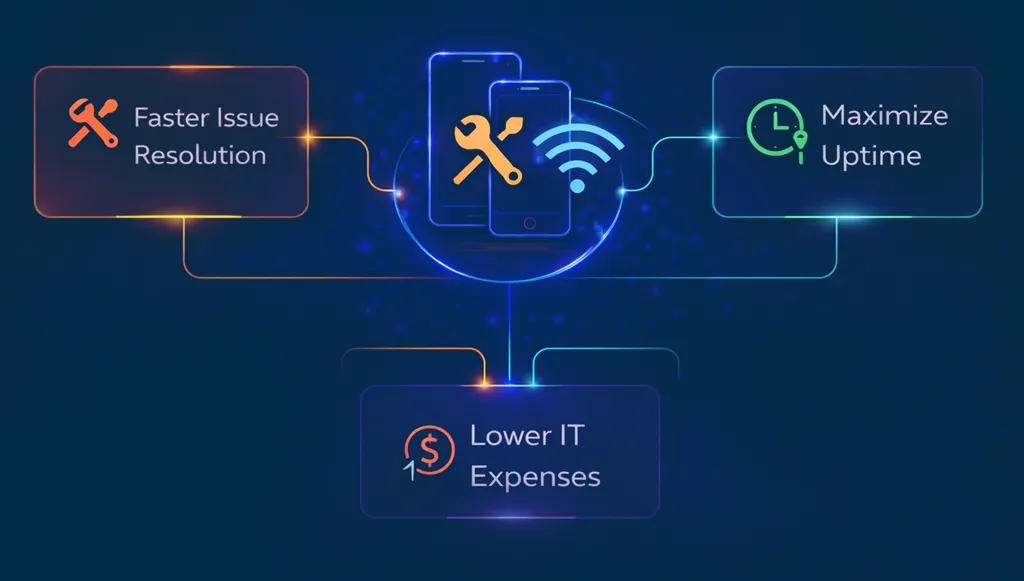
Save time and money
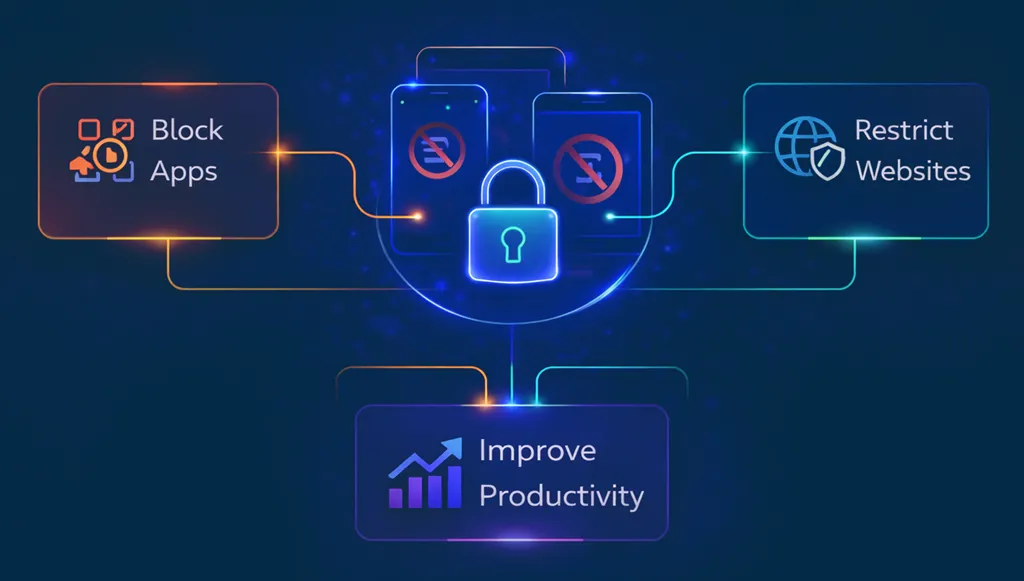
Boost employee productivity
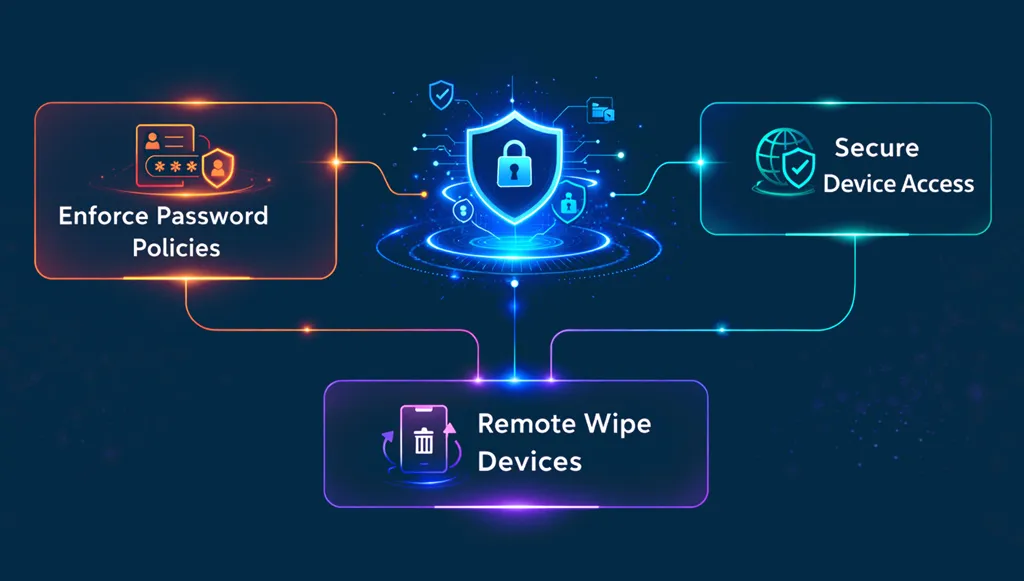
Improve security
Make smarter decisions
Types of Devices Managed by iPadOS and iOS MDM
Testimonials
FAQs on iOS and iPadOS MDM
Find answers to common questions about our service.