Android KioskWeb Browser
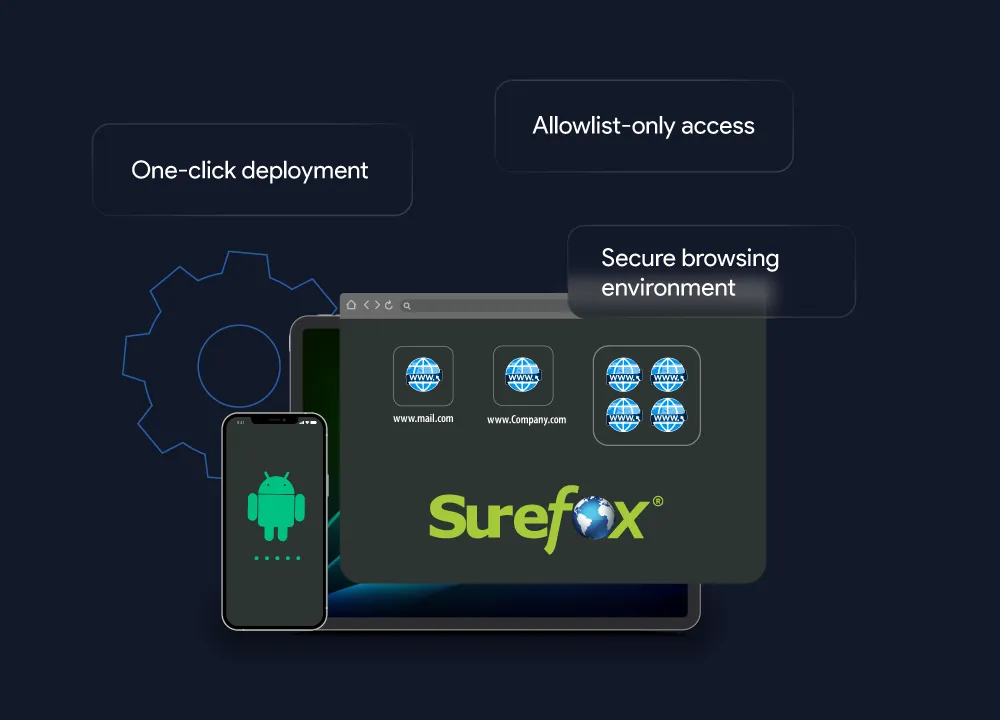
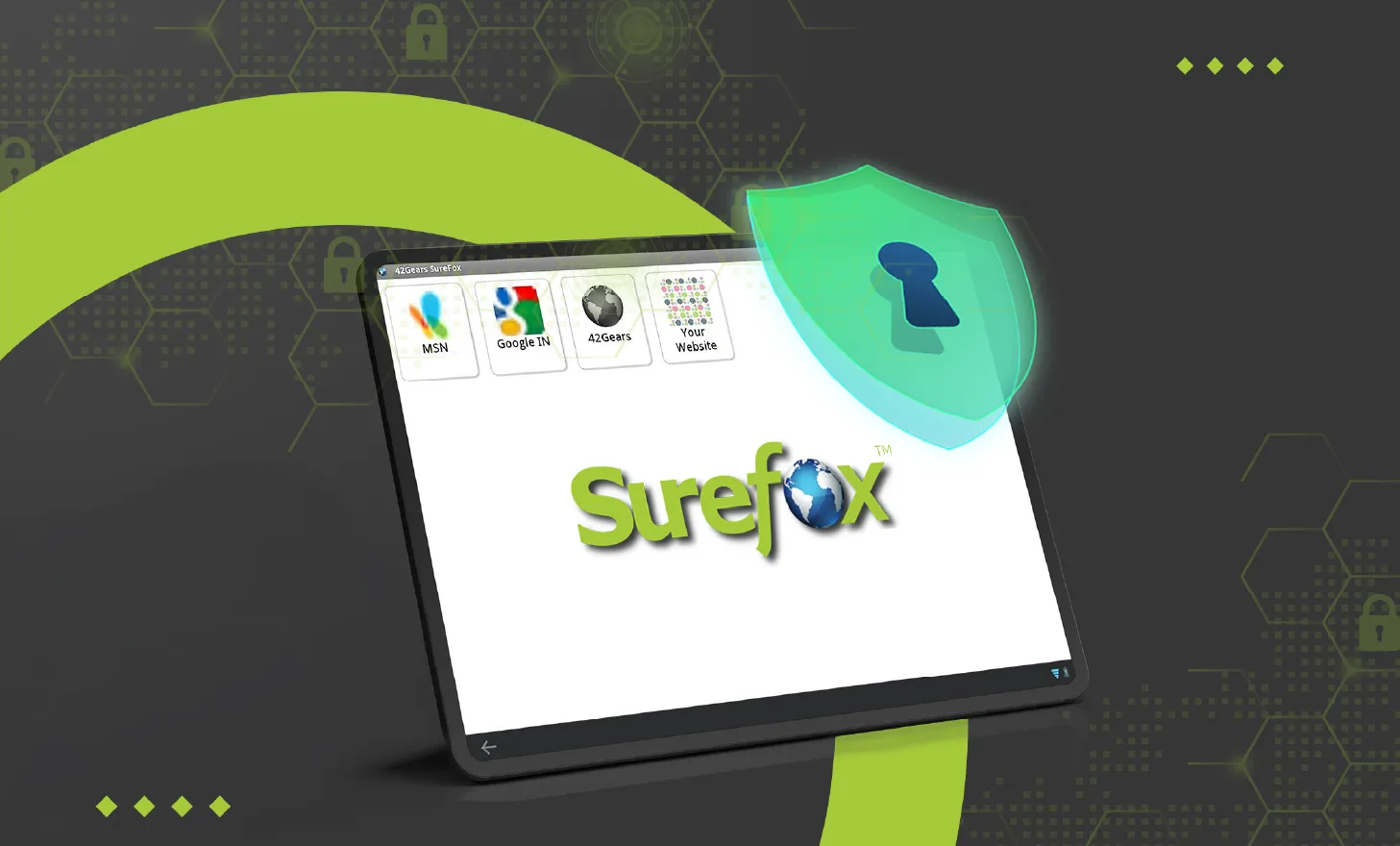
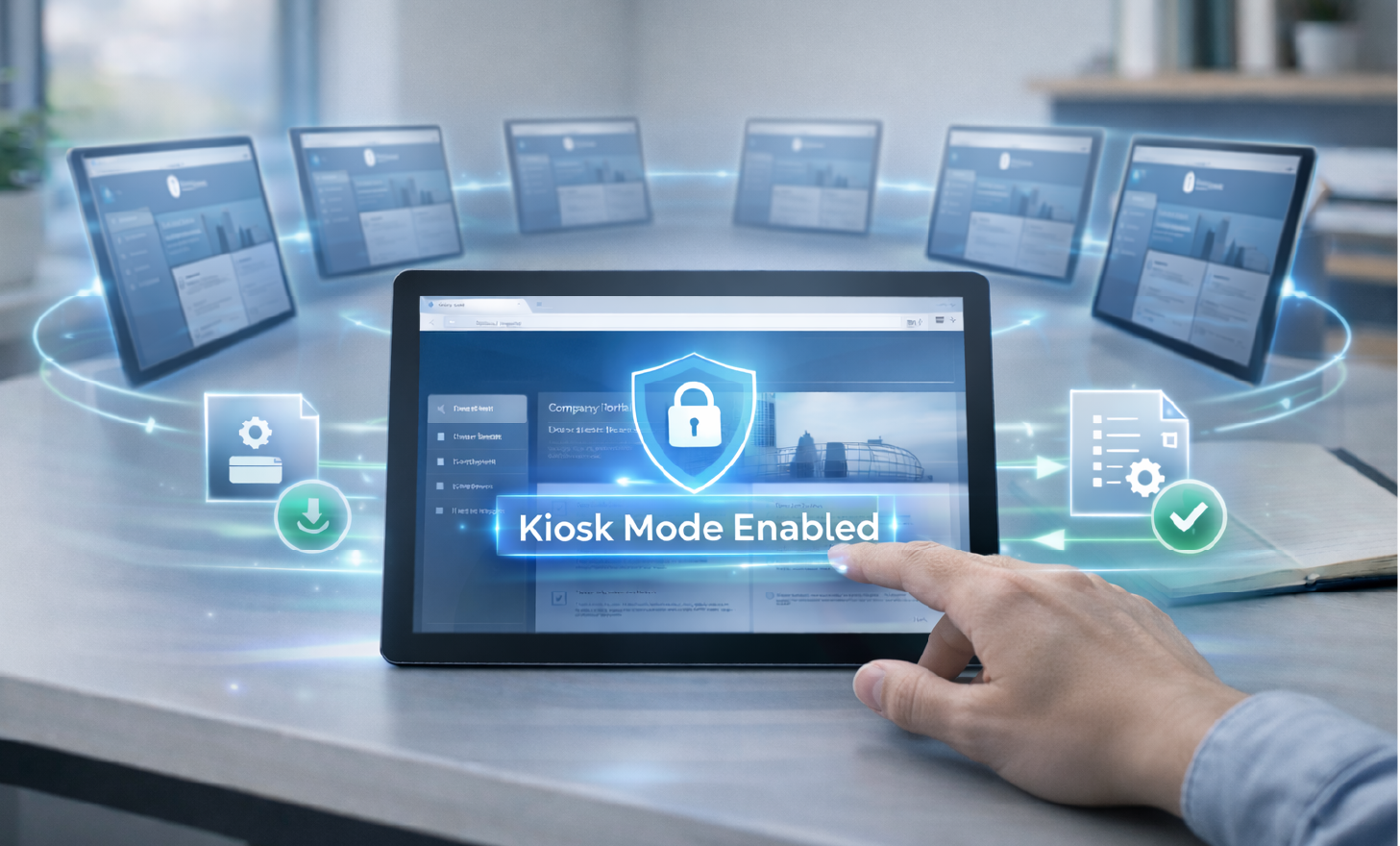
An Android Kiosk Browser is a special web browser that restricts access to specific websites and web apps on Android devices. When installed, it turns the device into an Android Web Kiosk, allowing users to access only approved content. Businesses use Android browser kiosk mode to ensure employees or customers can browse securely without distractions or security risks. Admins can allow access to one or multiple websites while blocking all others. This prevents users from visiting off-topic websites or downloading harmful content.
An Android Kiosk Browser is a special web browser that restricts access to specific websites and web apps on Android devices. When installed, it turns the device into an Android Web Kiosk, allowing users to access only approved content. Businesses use Android browser kiosk mode to ensure employees or customers can browse securely without distractions or security risks. Admins can allow access to one or multiple websites while blocking all others. This prevents users from visiting off-topic websites or downloading harmful content.
Key Features for a Secure Browsing Experience






Benefits of Android Kiosk Browser Lockdown
A kiosk browser solution ensures secure, controlled web access by restricting users to approved websites and web apps. It enhances productivity, prevents unauthorized browsing, and ultimately improves your bottom line.
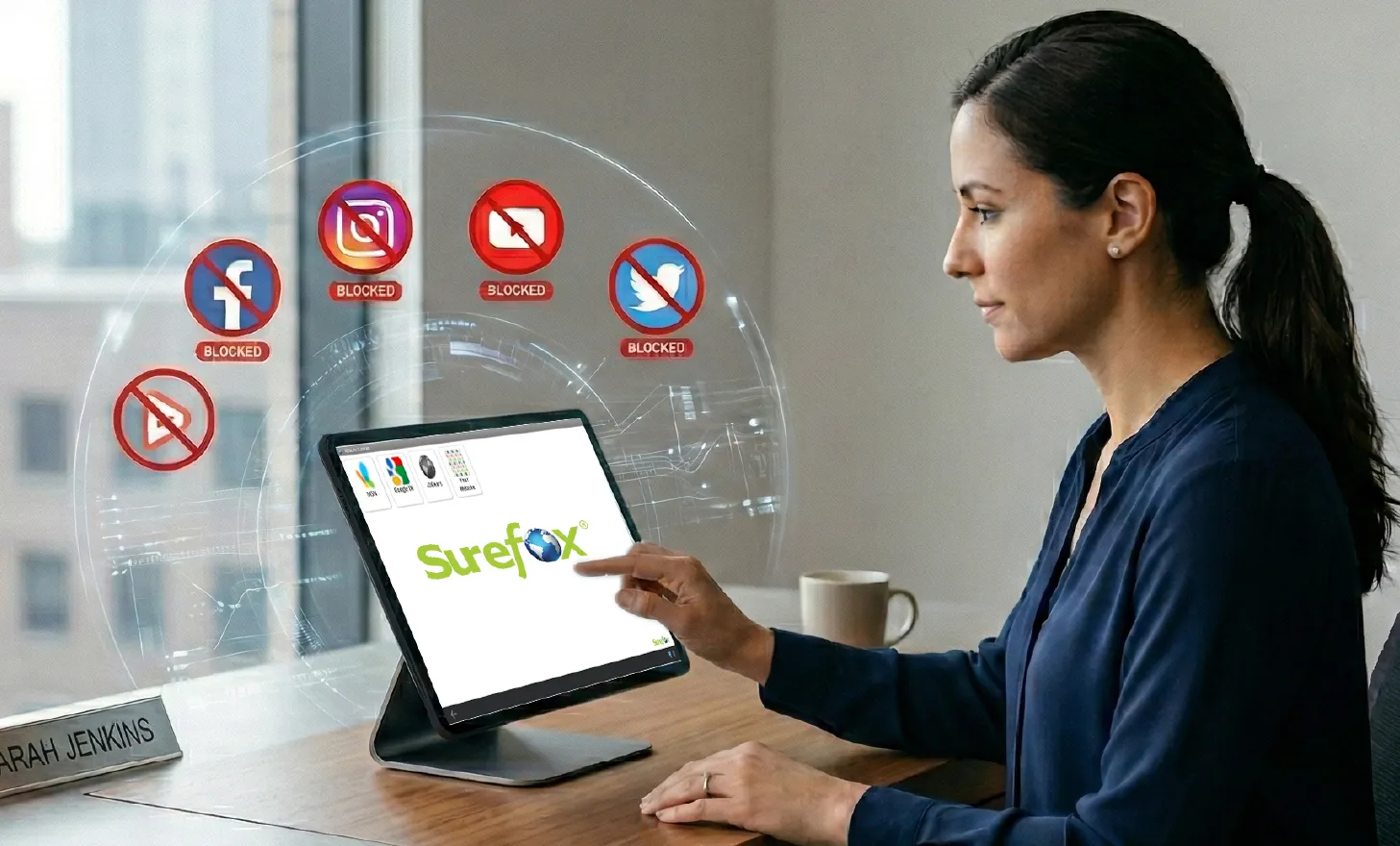
Focused Website and Web App Access
- Eliminate distractions like social media and irrelevant browsing.
- Enhance employee focus and task completion rates.
- Reduce maintenance and on-site troubleshooting costs with remote control.


Curtail Unsafe Browsing Practices
- Prevent users from downloading malicious apps or files.
- Restrict browsing to pre-approved websites and web apps.
- Protect devices and confidential data from security threats.


Maximize Web Kiosk Uptime
- Prevent users from altering browser settings.
- Reduce device breakdowns and IT help requests.
- Ensure consistent functionality with uninterrupted kiosk operations.
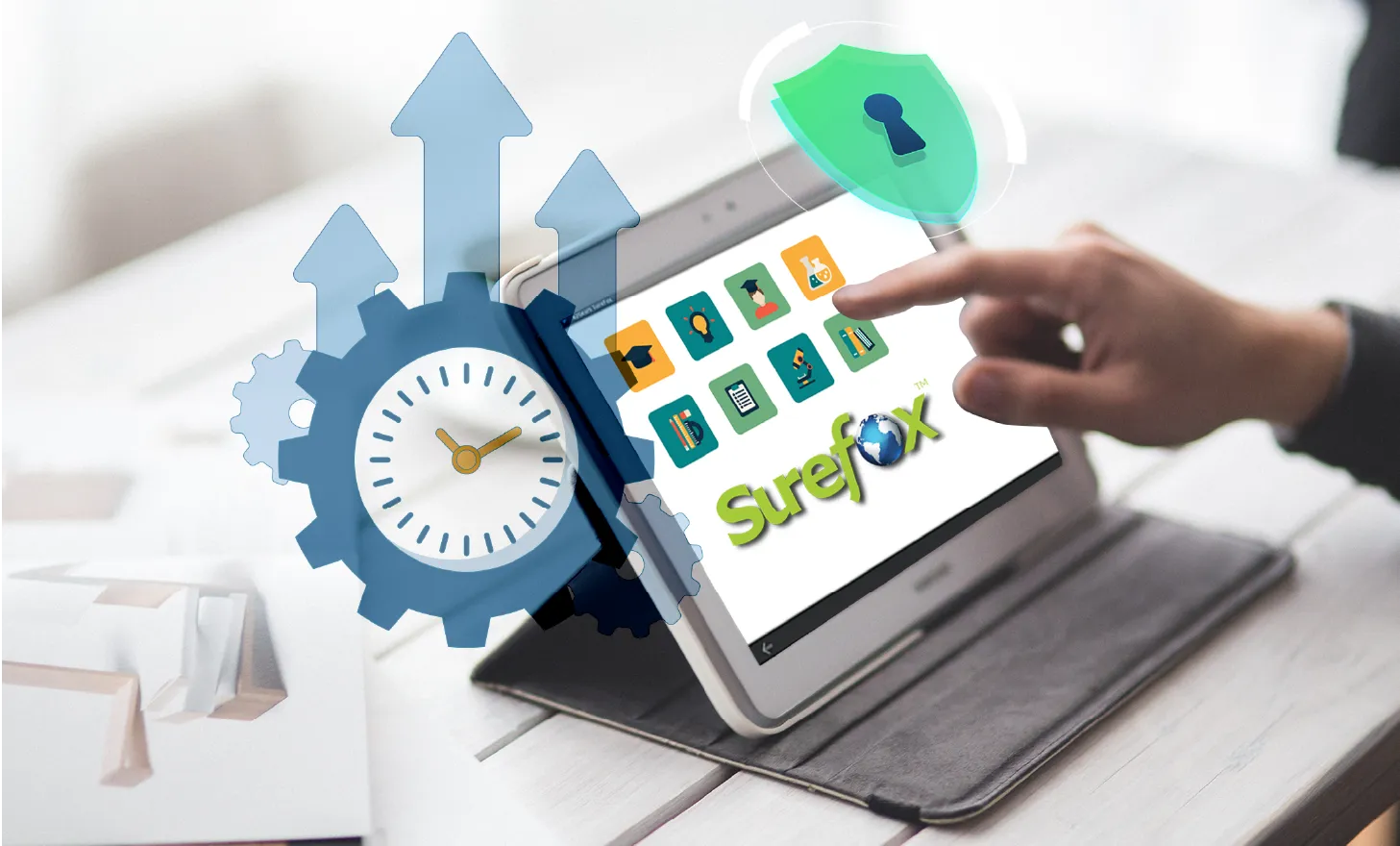

Use Off-The-Shelf Android Devices as Secure Web Kiosks
- Avoid the high cost of custom-built web kiosks.
- Deploy secure, professional web kiosks on standard Android devices.
- Easily export and apply settings across multiple devices.