Windows 11Device Management
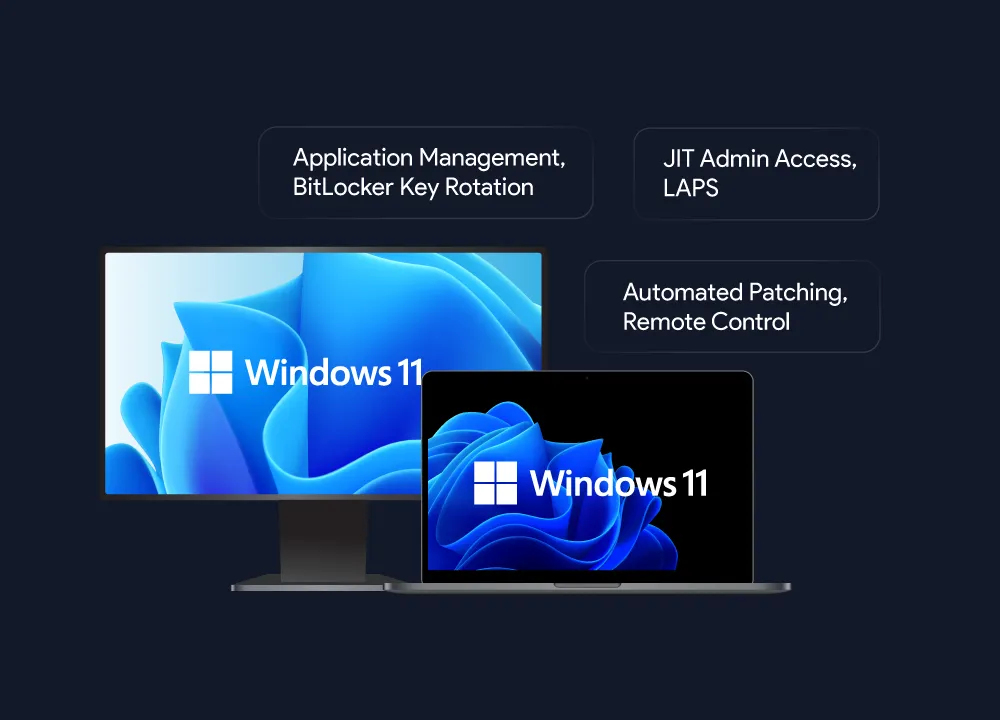
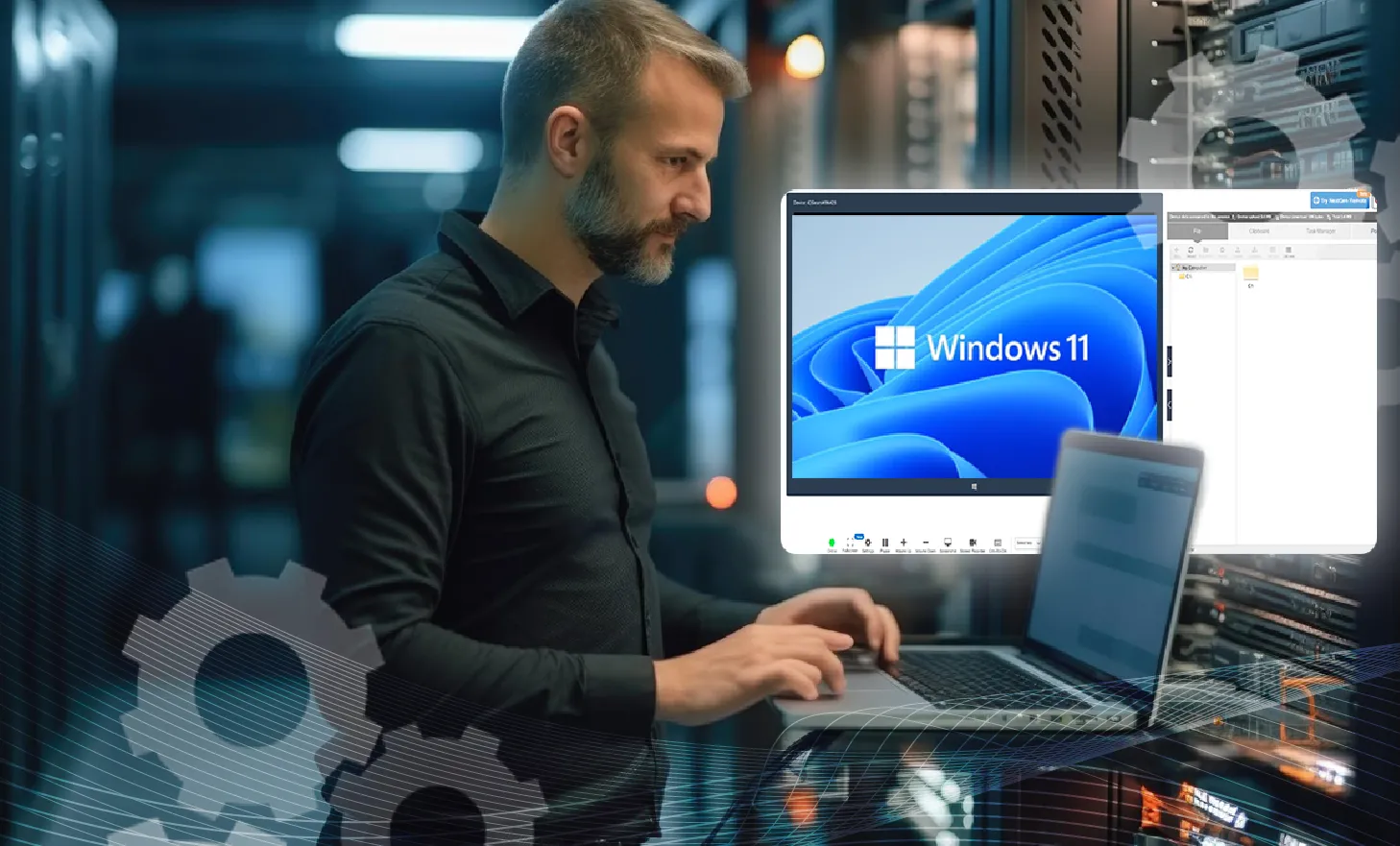
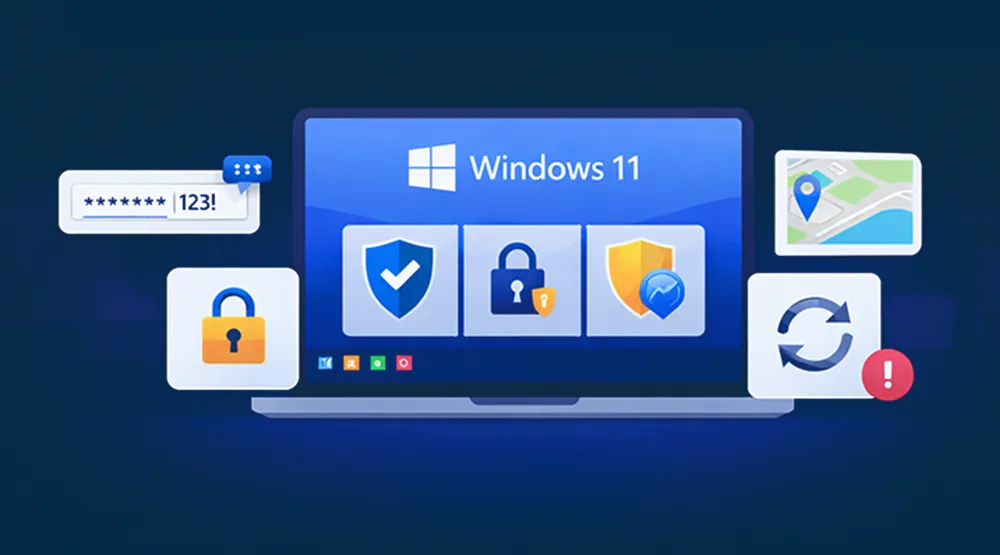
Nearly two-thirds of ransomware victims lacked an effective patch management process and a whopping 64% of companies leave more than 1,000 sensitive files accessible to everyone. This exposes them to significant security risks. Manually configuring security and access control policies to protect devices is a tedious burden for IT admins. In order to fully leverage Windows devices without compromising on security and usability at workplaces, businesses need a Windows MDM solution. With the release of Windows 11, millions of offices worldwide will need to monitor, manage, and secure Windows 11 devices. The device manager Windows 11 offers natively is not sufficient to remotely control devices in a business context. To safely bring Windows 11 into the workplace, businesses need a few specific kinds of software: namely, Windows 11 kiosk mode, for device lockdown; Windows 11 MDM (mobile device management), for remotely monitoring and managing devices; and Windows 11 kiosk browser software, for limiting users to specific websites. SureMDM, the 42Gears MDM for Windows 11, offers zero-day Windows 11 support, and is a great solution for anyone who needs to supervise tablets, laptops, and desktops alike. Security-minded admins can keep workers safe by activating Windows 11 Bitlocker encryption via MDM. Admins can also utilize three tools that come included with SureMDM licenses - locking down devices into kiosk mode with SureLock, providing a secure kiosk browser with SureFox, and managing digital signs with SureVideo.
Nearly two-thirds of ransomware victims lacked an effective patch management process and a whopping 64% of companies leave more than 1,000 sensitive files accessible to everyone. This exposes them to significant security risks. Manually configuring security and access control policies to protect devices is a tedious burden for IT admins. In order to fully leverage Windows devices without compromising on security and usability at workplaces, businesses need a Windows MDM solution. With the release of Windows 11, millions of offices worldwide will need to monitor, manage, and secure Windows 11 devices. The device manager Windows 11 offers natively is not sufficient to remotely control devices in a business context. To safely bring Windows 11 into the workplace, businesses need a few specific kinds of software: namely, Windows 11 kiosk mode, for device lockdown; Windows 11 MDM (mobile device management), for remotely monitoring and managing devices; and Windows 11 kiosk browser software, for limiting users to specific websites. SureMDM, the 42Gears MDM for Windows 11, offers zero-day Windows 11 support, and is a great solution for anyone who needs to supervise tablets, laptops, and desktops alike. Security-minded admins can keep workers safe by activating Windows 11 Bitlocker encryption via MDM. Admins can also utilize three tools that come included with SureMDM licenses - locking down devices into kiosk mode with SureLock, providing a secure kiosk browser with SureFox, and managing digital signs with SureVideo.
Capabilities of Windows 11 Management Software
Windows Enrollment
- Easy Enrollment for Company- and Employee-Owned Windows 11 Devices: Fully control corporate-owned Windows 11 devices, and enroll employee devices using SureMDM’s bring-your-own device (Windows 11 BYOD) support. Employees can safely bring their Windows 11 devices to work.
- Choose One of Several Enrollment Methods: You can enroll Windows 11 computers via the SureMDM Windows 11 agent, agentless enrollment via Windows EMM, or a dual enrollment method.
- Use Profiles for Quick Windows 11 Setup: Use SureMDM to create profiles (sets of multiple settings and configurations) and send those profiles to Windows 11 devices for rapid set-up.
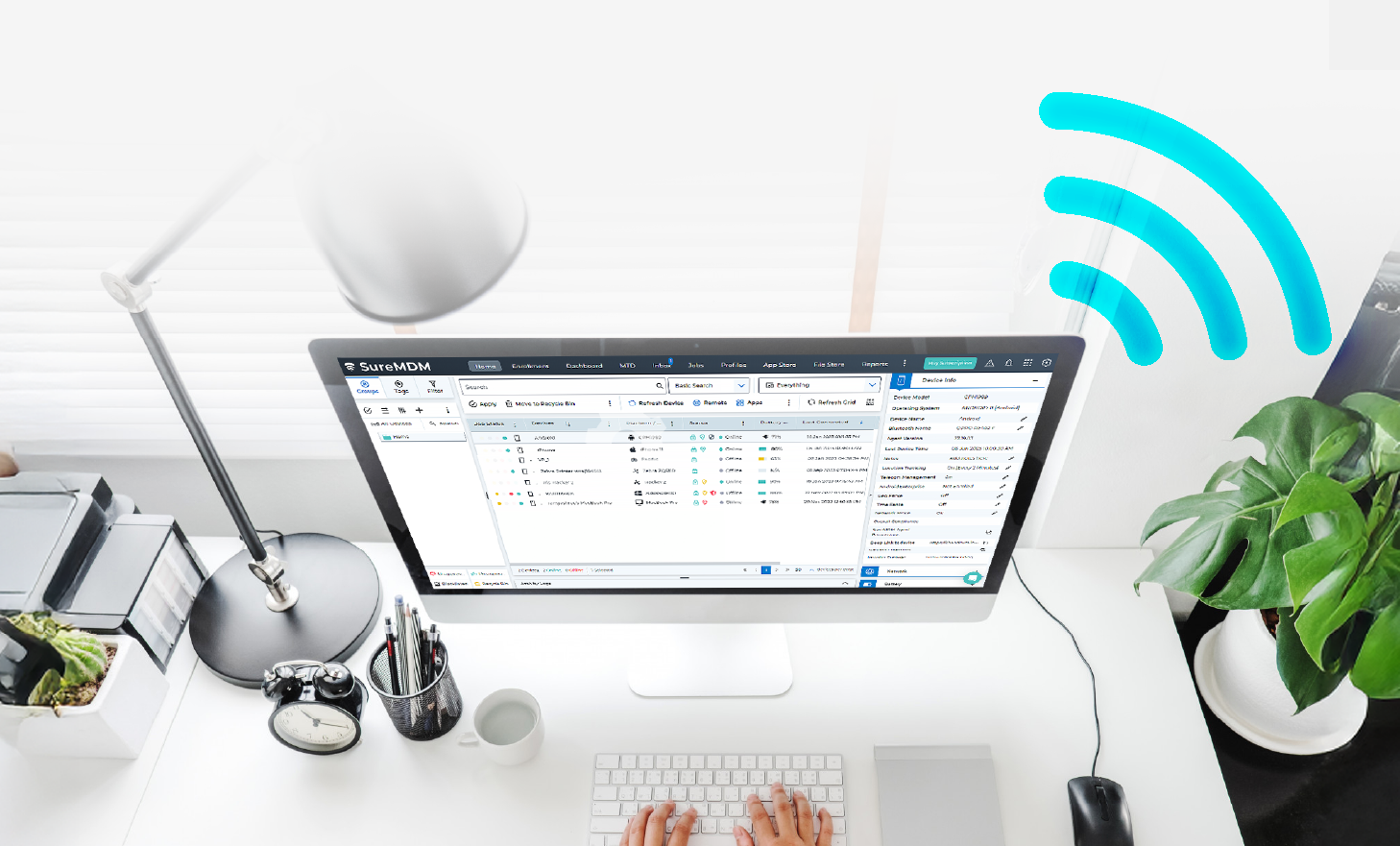
- Create a Custom Windows 11 Dashboard: Control your Windows 11 devices using the central SureMDM console. Quickly set up the metrics you want to follow for constant real-time feedback.

Windows 11 Management: Ensure Devices Stay Updated, Safe, and Compliant
- App and Content Management: Manually use the central console to push apps, updates, and content as needed, or automate the process using profiles and policies.
- Dynamic Restrictions: Automatically allow or prevent device use based on location, time of day, and Wi-Fi connection status.
- Mandate Complex Passwords: Set rigorous password complexity requirements for each device, ensuring would-be thieves cannot easily guess passwords.
- Device Health Monitoring: Monitor devices remotely. Set up alerts for low-battery, loss of connectivity, and other non-compliance events.
- User Account Management: Improved user account management that allows admins to create, delete, and modify permissions for an account.
- Compliance Management: Ensure Windows compliance with industry regulations and company policies through pre-configured and custom compliance profiles in SureMDM.

Windows 11 Security: Rest Easy with SureMDM
- Peripheral Use: Disable and block access to webcams, GPS, and other peripherals as needed.
- Advanced BitLocker Management: Advanced BitLocker Management allows a single job to perform actions such as encryption, decryption, and key rotation for all types of drives (including OS and fixed drives). Devices can be encrypted silently without the need to join Microsoft Entra ID. If the device enrollment type is Microsoft Entra Join, key rotation ensures that keys are automatically loaded to Entra ID.
- Device Tracking: Track lost Windows 11 tablets and laptops, determine if retrieval is possible, and secure them by remotely locking them down or erasing them.
- Advanced Patch Management: Streamline OS updates to ensure devices are consistently running on the latest Windows versions. Configure device compliance policies based on Windows OS versions, gather insights on installed, missed, and pending updates, and even uninstall patches if necessary.
- USB Security Management: Create a list of approved and prohibited USB devices to prevent the use of unauthorized ones. Additionally, SureMDM allows configuring USB security settings for individual devices or groups of devices, ensuring flexible security posture.
- Improved Certificate Management: Remotely deploy unique certificates (PCKS and root certificates) on multiple Windows devices. Apart from adding new certificates, SureMDM supports removing all the existing certificates from their respective certificate stores on devices.
- SureMDM LAPS: Secure local admin passwords with auto-rotation, complexity settings, and audit logs. Rotate passwords only when devices are online with Online LAPS.
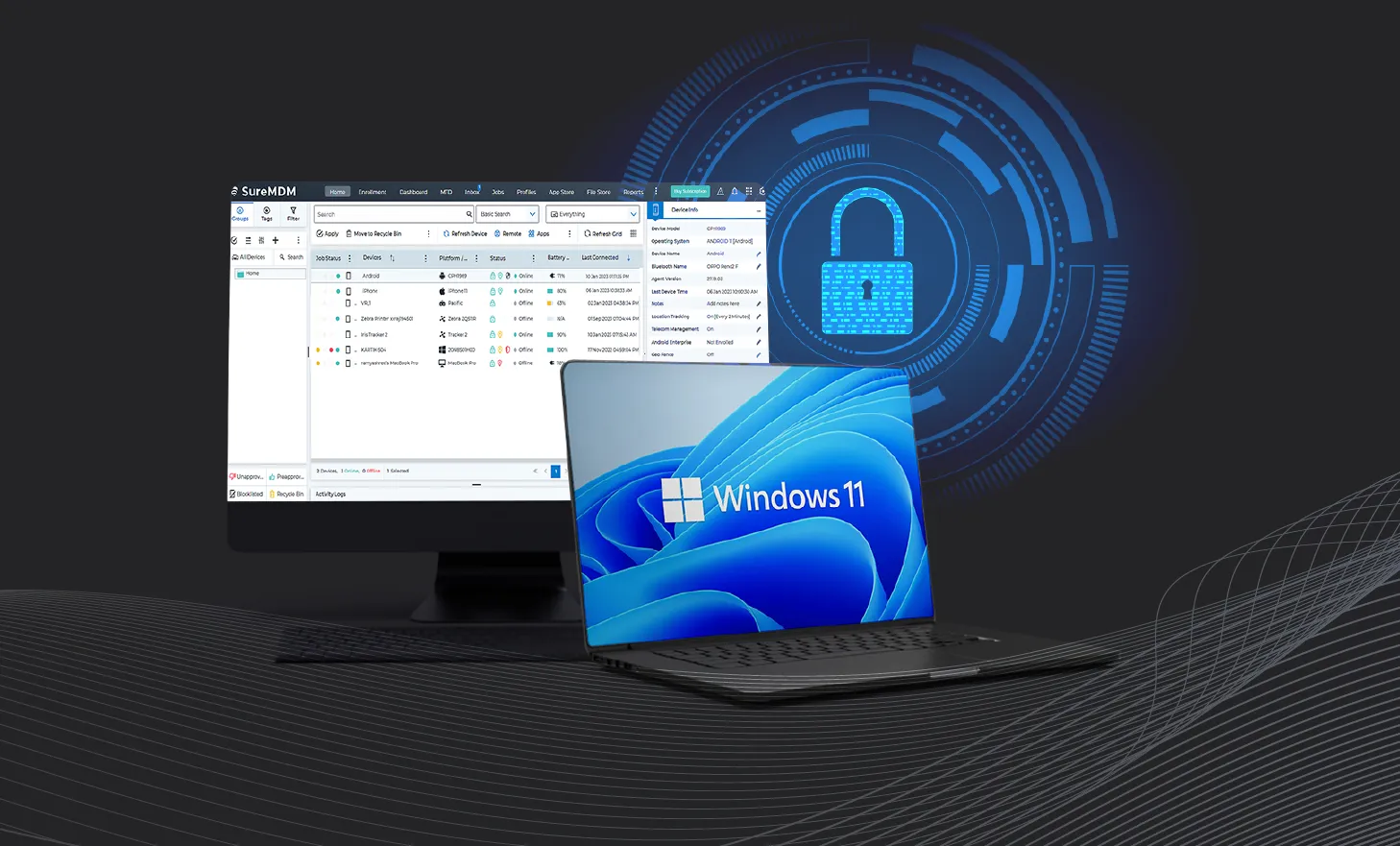

Windows 11 Kiosk Lockdown and Secure Browsing
- Kiosk Lockdown: With SureLock, allow users access only to admin-approved applications with Windows 11 lockdown.
- Secure Browser: Limit users to the websites you approve via SureLock, creating a secure Windows 11 web kiosk.
- Kiosk Video Player: SureVideo serves as the digital signage software Windows 11 owners need if they want to turn Windows 11 devices into secure video players.
Remotely View, Control, and Troubleshoot Windows 11 with SureMDM
- Windows 11 Remote Control: Admins can control any device from the SureMDM console, no matter where they are. This means they can view, control, or troubleshoot Windows 11 devices as needed. With multi-admin remote control, multiple admins can remotely connect and troubleshoot end-user devices at the same time.
- Save Money and Time via Remote Troubleshooting: Cut down on the transit costs (“truck roll costs”) and wasted time associated with many in-person device troubleshooting jobs.
- Advanced Support for Intel vPro/AMT Devices: SureMDM works with Intel’s Active Management Technology (AMT) to support out-of-band Windows 11 management on Intel vPro(TM) devices. Control devices at any time - even when the Windows 11 OS has crashed, or the device is turned off.
Generate On-Demand Audits and Reports
- Audit Your Inventory: Determine inventory, including device location, at any time.
- On-Demand Analytics Reports: Generate reports and share critical device usage trends with the Analytics Engine built into SureMDM.

Key Features
Secure, monitor, and manage your Windows 11 fleet.

Windows 11 Enrollment

Windows 11 Provisioning

Device Health Monitoring

Group Devices and Manage Devices By Group

Windows 11 Kiosk Management

Access and Control Windows 11 Devices Remotely

VPN Configuration

Windows 11 Location Tracking

Windows 11 Update Management
Windows 11 Licensing Management

Reboot Device

AppLocker Management

Wi-Fi Configuration

Powershell Integration
Windows 11 Branding Capabilities
Windows 11 Application Management
Deploy Windows 11 Apps, Manage Them, and Keep Them Safe








Windows 11 Content Management
Securely Deliver and Manage Data on Windows 11 Computers
Deliver Content
Rapid Emergency Windows 11 Messaging
Windows 11 Security
Keep Devices Safe and Separate Corporate Data from Personal Data

Windows 11 BitLocker Encryption Support

Manage Microsoft Defender
Manage Windows 11 Certificates

Windows Information Protection (WIP)

Configure Windows Hello for Windows 11

Windows 11 Firewall Settings Management
Lock Windows 11 Devices

Windows 11 Factory Reset
Bring Your Own Device (Windows 11 BYOD) and EMM Features
Windows 11 Password Policy
Windows 11 Mail Configuration
Benefits of Windows 11 Device Management
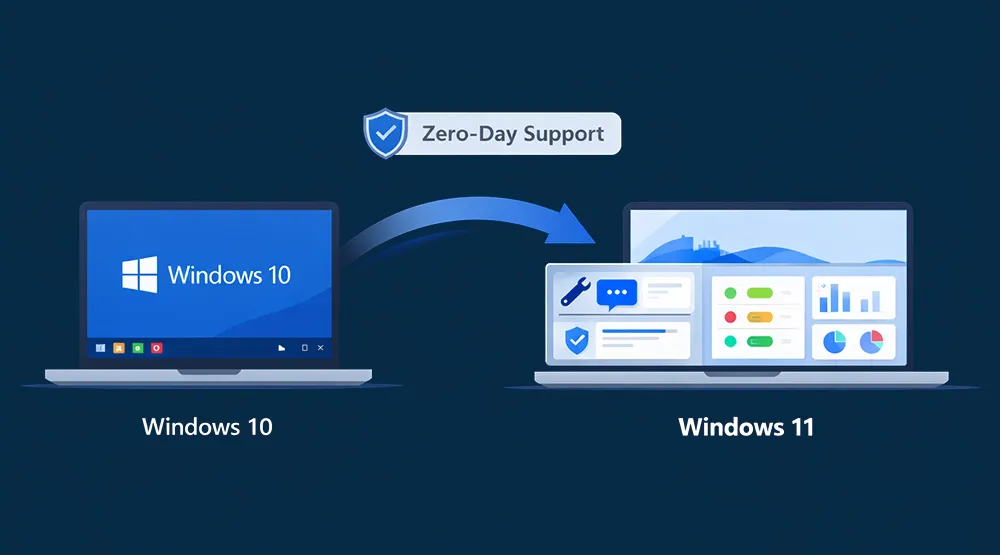
Zero-Day Support for Windows 11 Enables a Smooth Transition from Windows 10
Maximize Focus, Productivity, and Efficiency
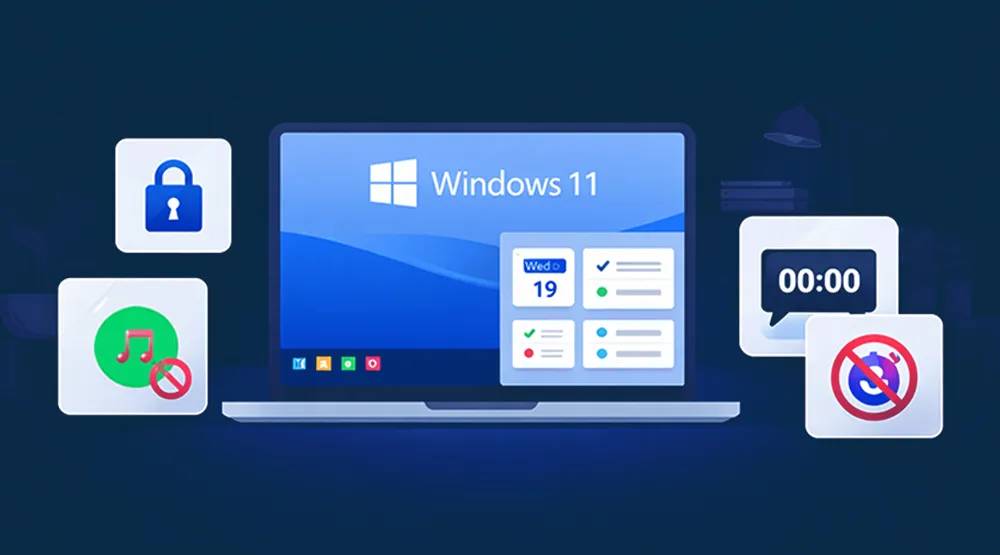
Leverage Windows 11 Tools for Maximum Security
Make Smarter Decisions

Windows 11 MDM FAQs
Find answers to common questions about our service.