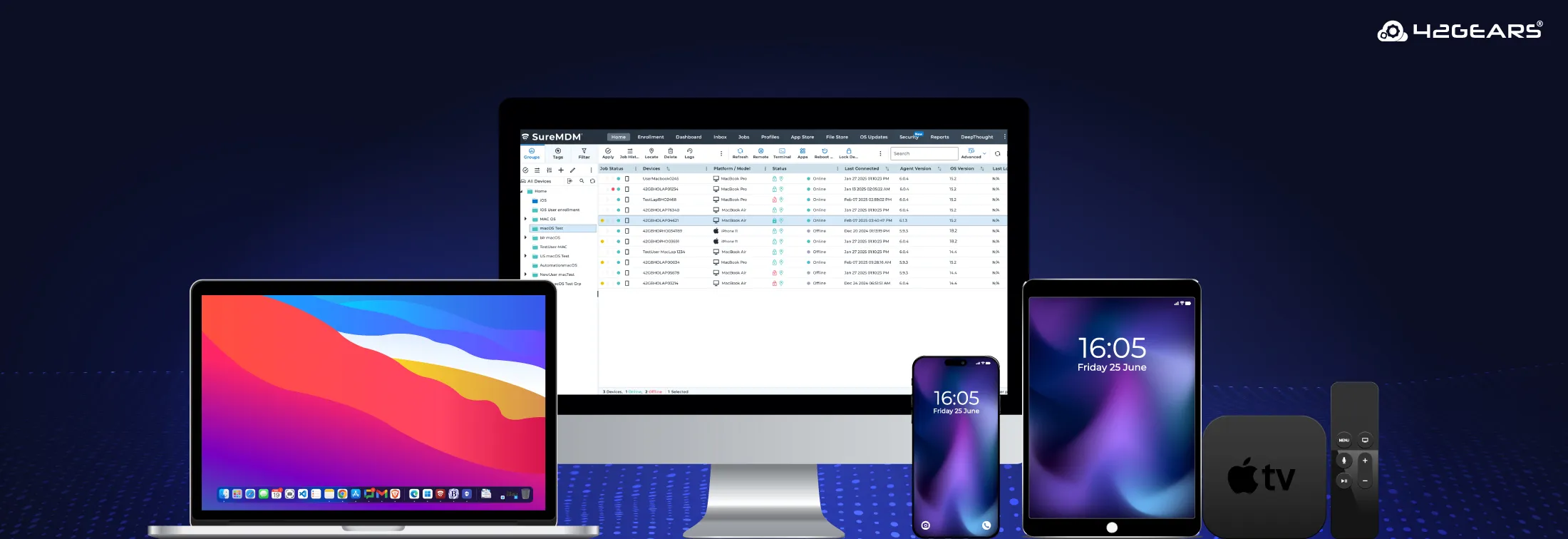
IT admins, managing your Apple devices just got way better with SureMDM. At 42Gears, we’re always listening to IT teams like yours—and this latest SureMDM feature roundup is packed with improvements for your macOS, iOS, and tvOS devices.
This update is all about making your job easier, faster, and more efficient — with powerful new payloads, smarter job controls, and enhancements across macOS, iOS and iPadOS, and tvOS. Whether you're locking down security, streamlining setup, or delivering a great end-user experience, these features are here to help you do it better.
Let’s dive into what’s new — and more importantly, why it matters to you.
New Features
Custom Properties
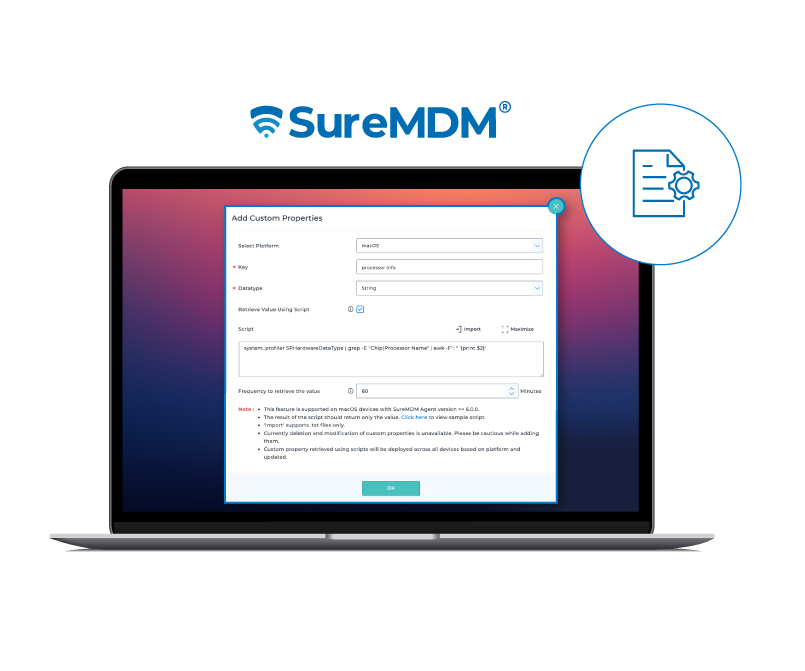
Define and add custom device properties to strengthen compliance across your macOS environment.
Retrieve details like Firewall status, model number, location details, etc., that aren’t typically accessible through default device properties.
Dock Configuration
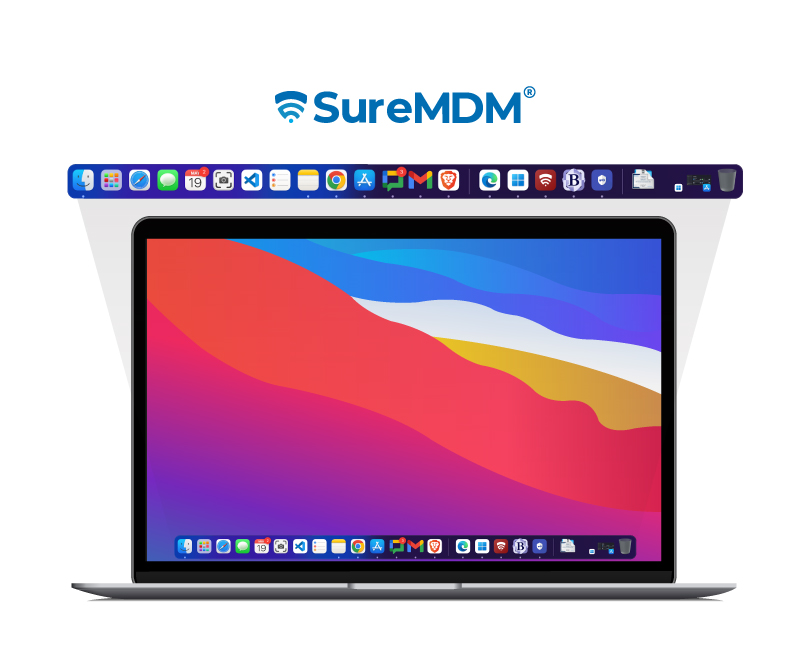
Customize the Dock layout, size, and permissions—control exactly what users see and can change.
Pin essential/recommended company apps and folders to the Dock for consistent, distraction-free productivity.
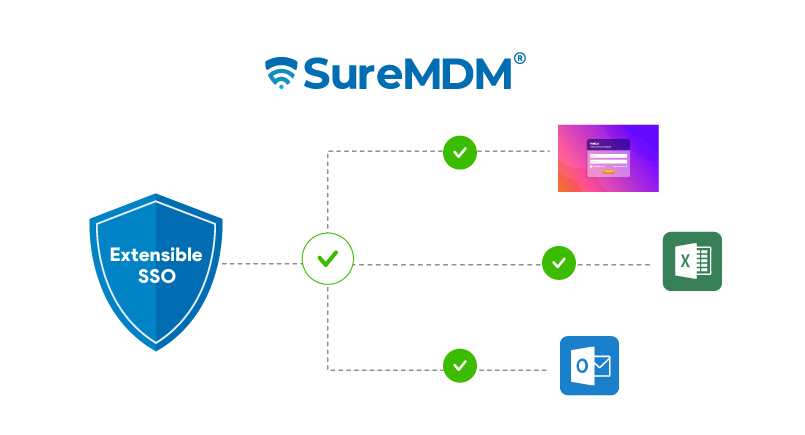
Extensible SSO
Simplify authentication with Single Sign-On—starting with SureMDM Agent support.
Enjoy a smoother experience with fewer logins—reducing friction and making access seamless across apps.
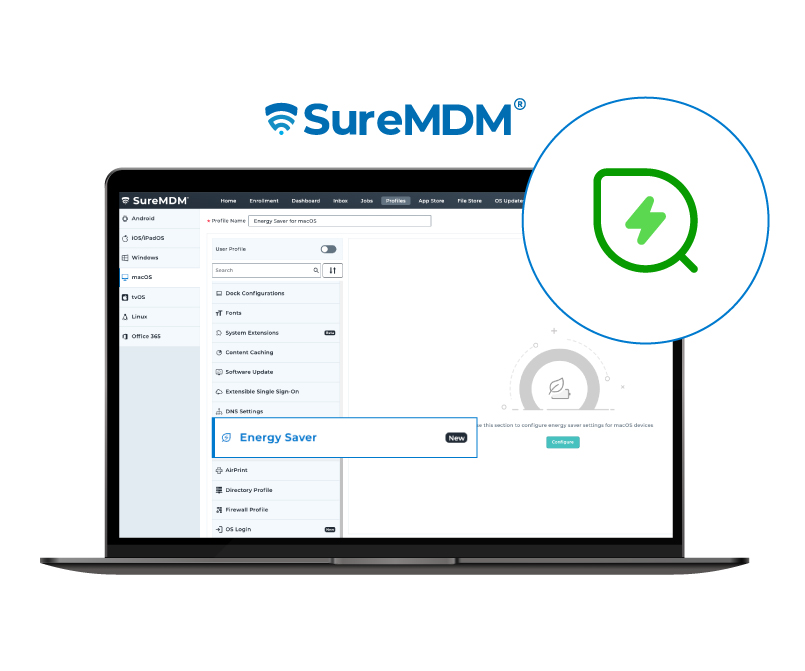
Energy Saver
Remotely configure energy settings to conserve power or enforce company-wide energy policies.
Smarter power usage = longer battery life and better device performance.
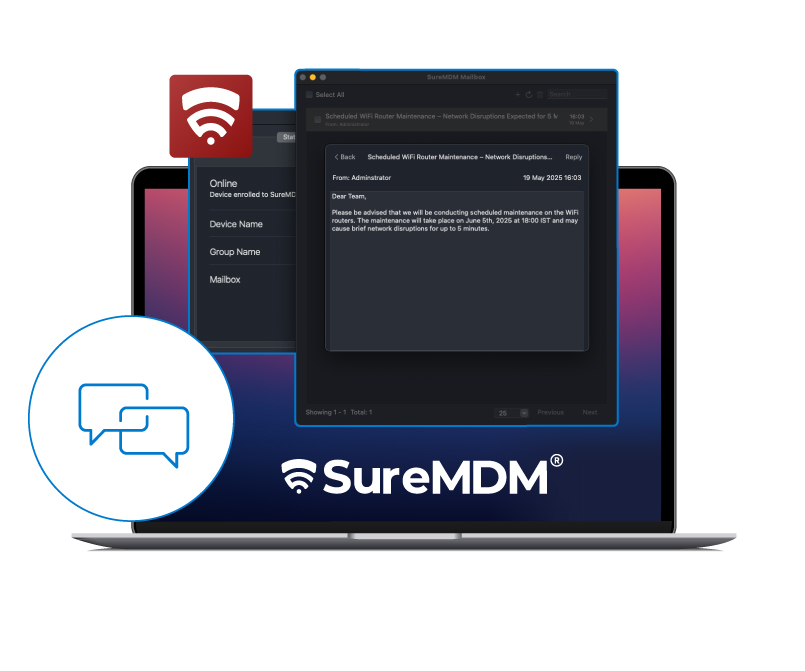
Text Message
Push important messages directly to users. Get notified for alerts, read receipts, and replies.
Great for time-sensitive communications without relying on external tools.
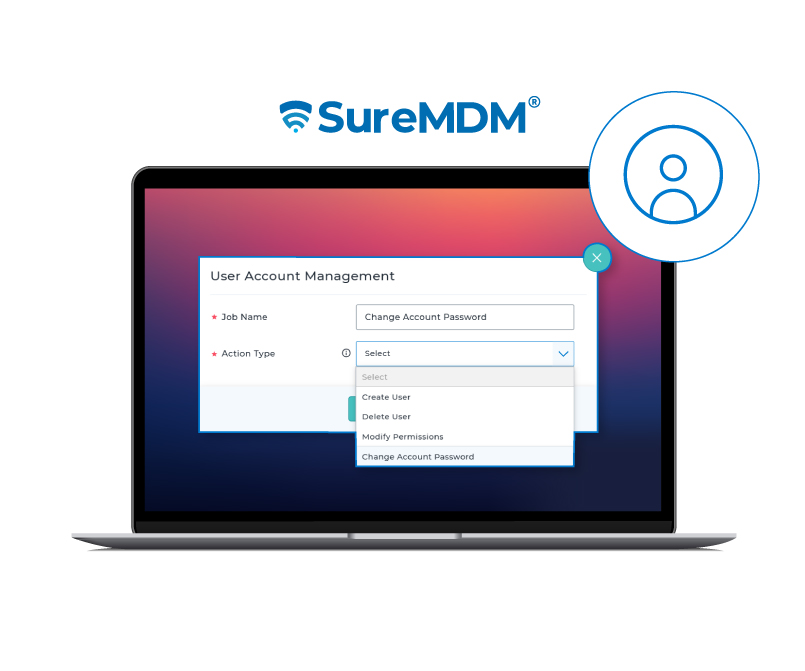
User Account Management
Reset user passwords remotely using admin credentials. Change account privileges to Administrator or Standard User in just a click.
Reset passwords without needing the user’s current password with just the admin’s credentials.
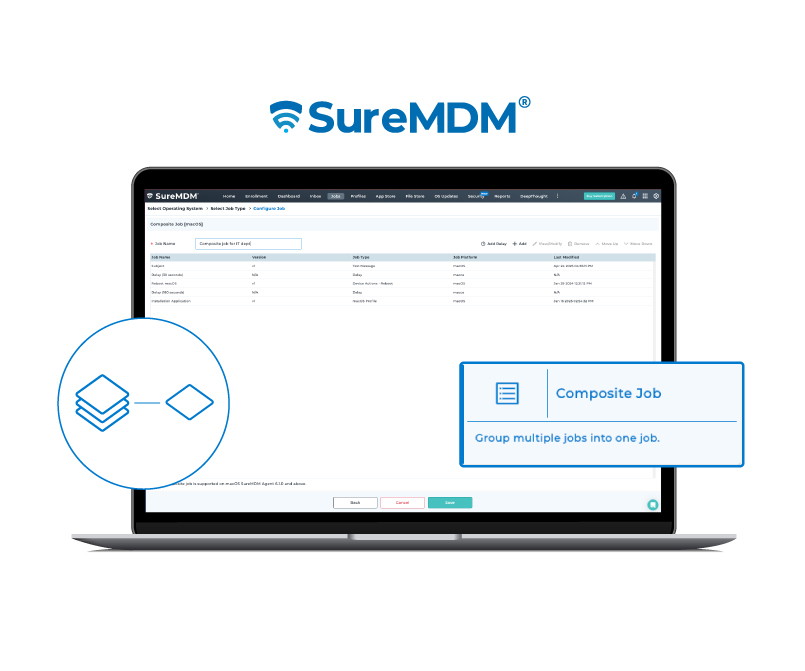
Composite Job
Group multiple tasks—such as app installation, file transfer, and sending a text message—into a single job and deploy them all at once.
Fewer clicks, fewer errors, and a faster rollout.
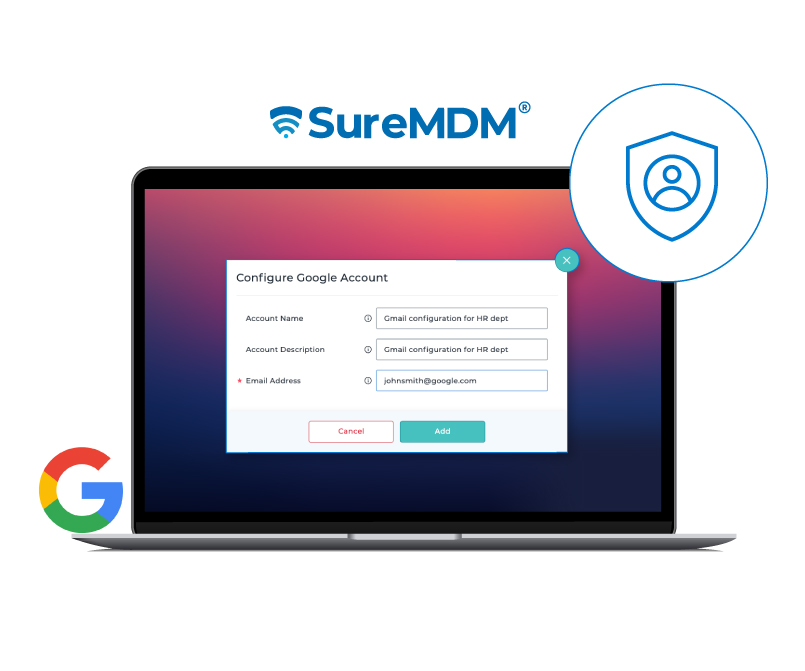
Google Account Configuration
Preconfigure Gmail access in the native Mail app.
Configure Google accounts on user devices—less hassle for IT, more ease for everyone.
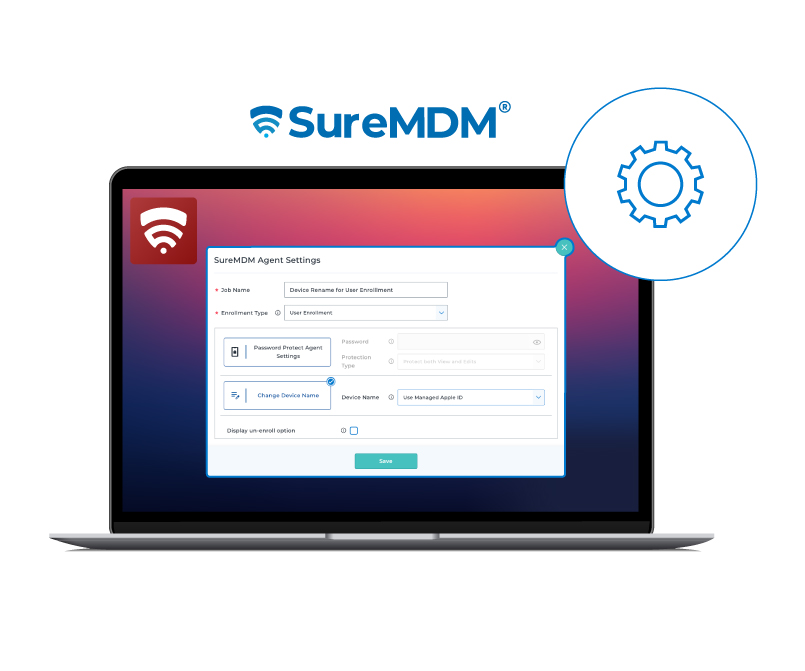
SureMDM Agent Settings Job
Bulk rename iOS devices using unique identifiers like Serial Number or IMEI.
Streamlines device tracking and reduces naming conflicts.
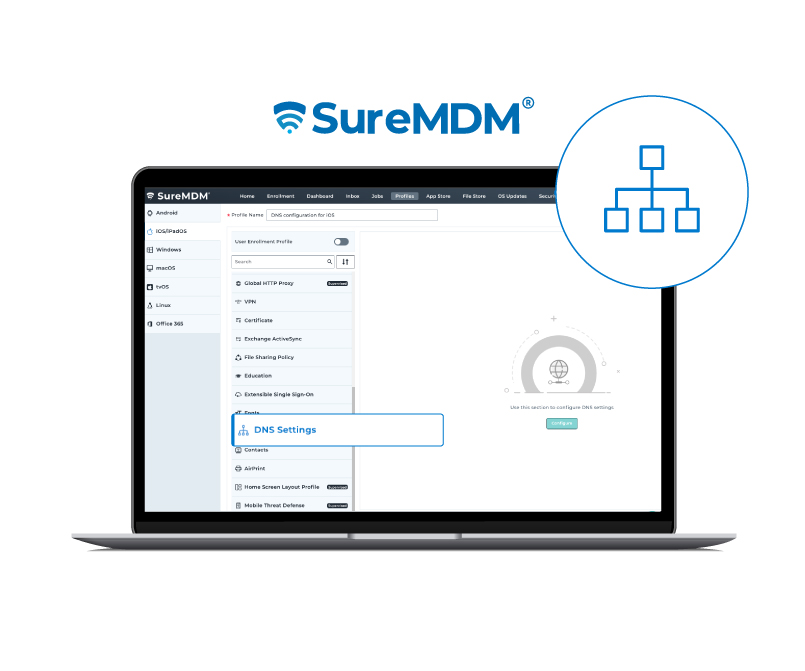
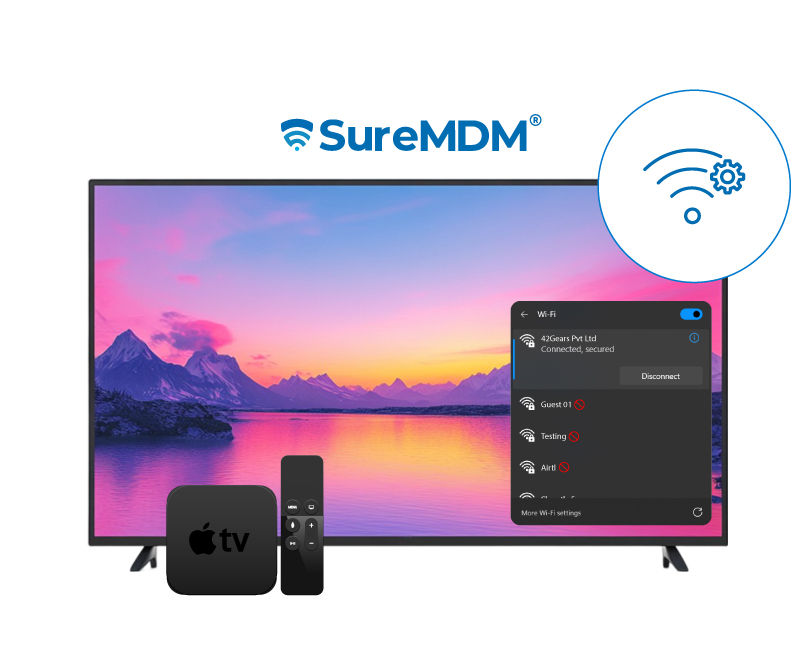
WiFi Configuration
Remotely set up Wi-Fi network connectivity for Apple TVs from the SureMDM console.
Mass deployment just got way easier.
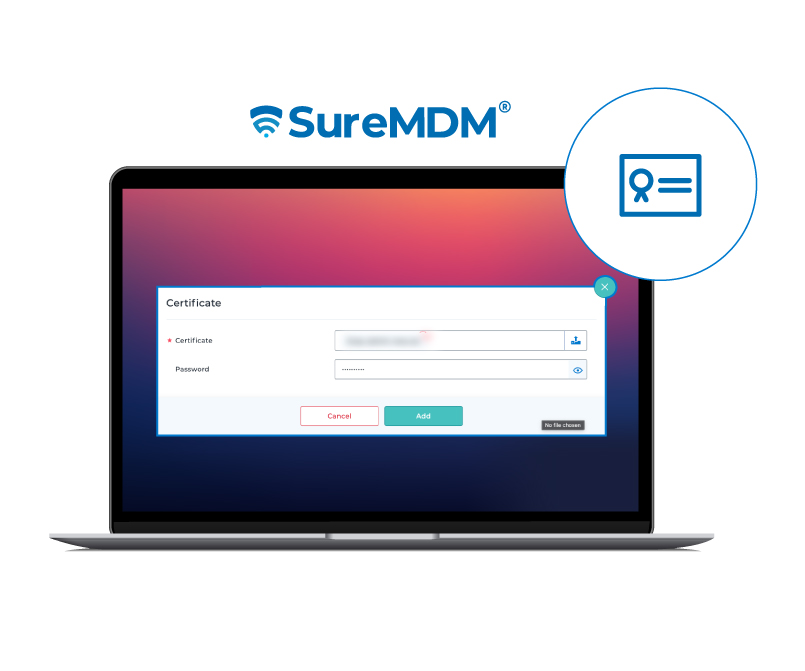
Certificate Management
Push certificates to tvOS for secure access and authentication.
Keeps your entire Apple ecosystem aligned with your security policies.
Feature Enhancements
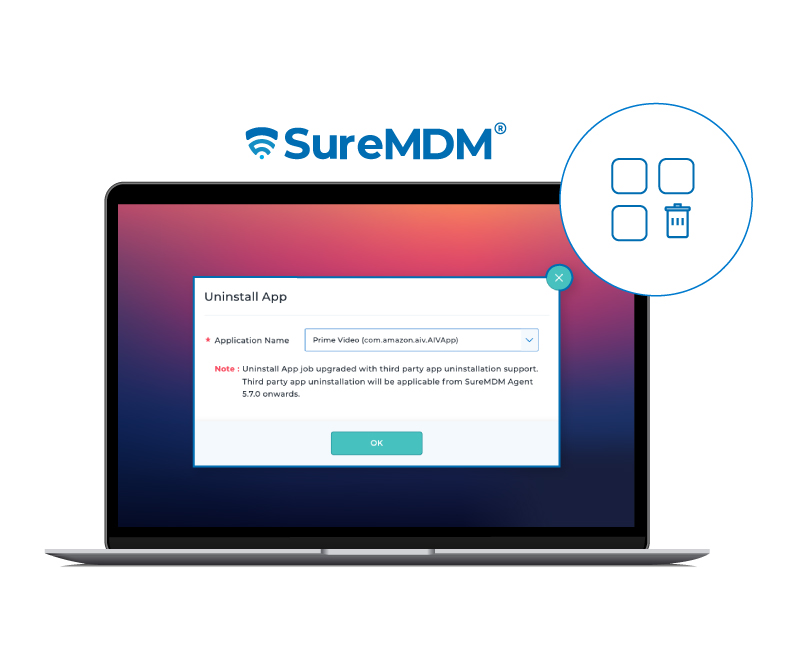
Uninstall Apps
Quickly remove apps (even unmanaged ones) by selecting from a list or entering a Bundle ID.
Keep devices clean and secure, especially when it comes to unauthorized apps.
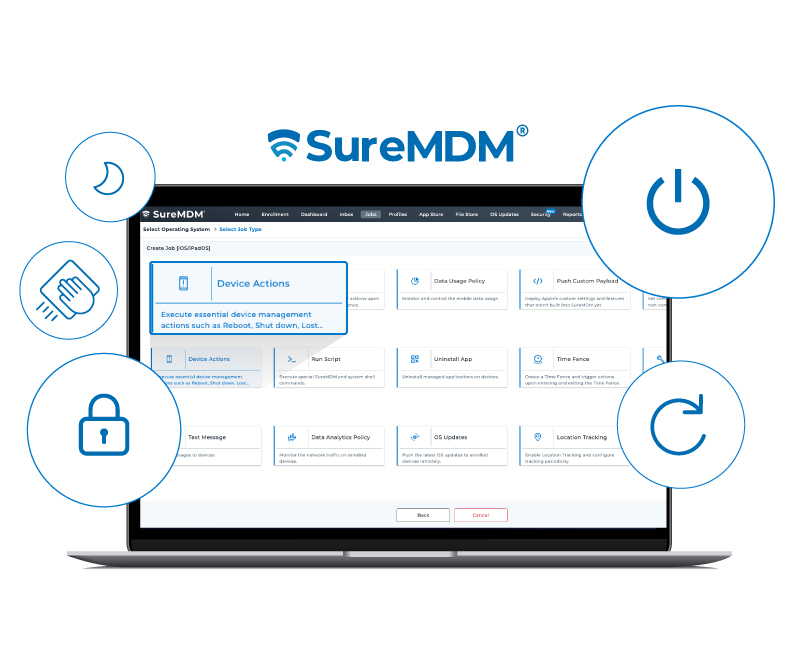
Device Actions
Control reboot, lock, wipe, shutdown—and now sleep—from a single action job.
Less time hunting for functions, more time managing smarter.
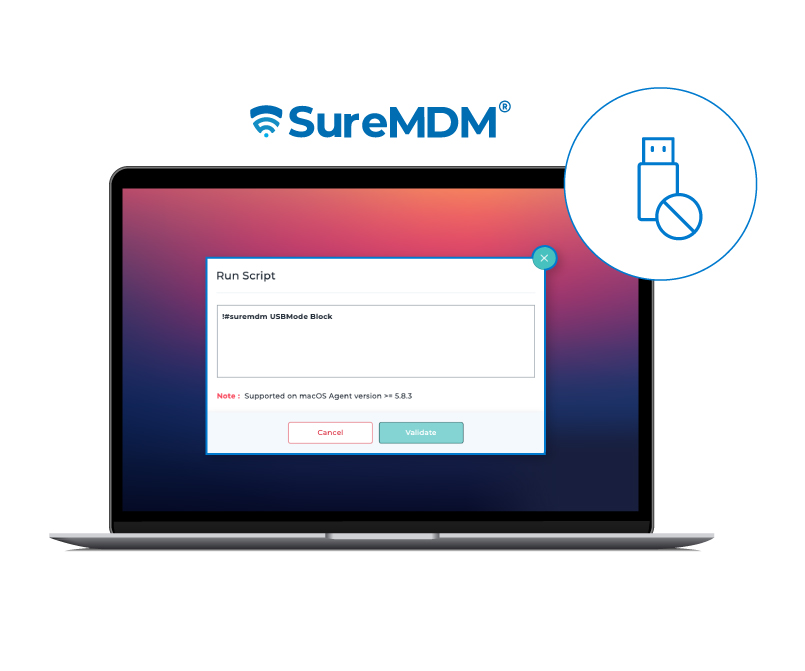
USB Management
Block or allow USB storage access for your macOS device fleet.
An easy win for data security and compliance.
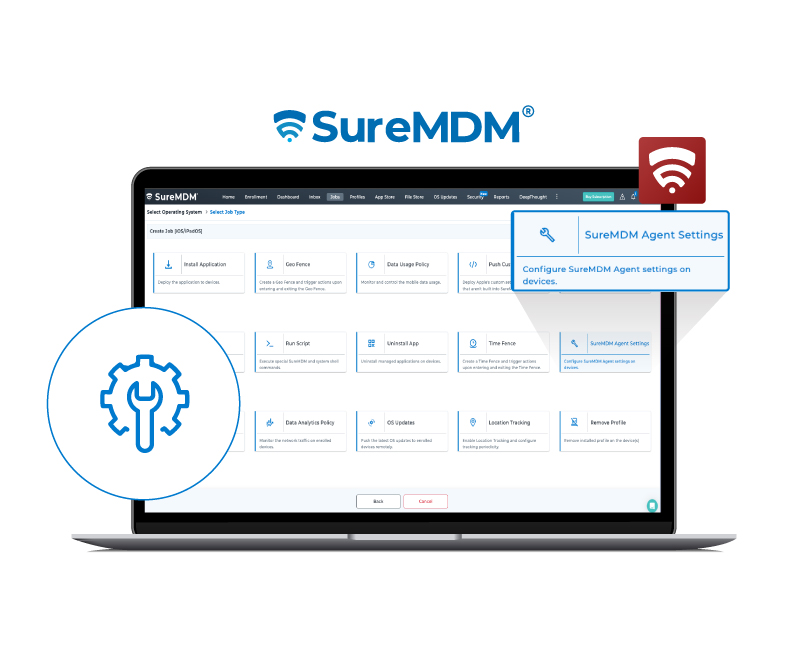
SureMDM Agent Settings
Automatically rename User Enrolled devices using Managed Apple ID.
Keep your inventory organized without manual renaming.
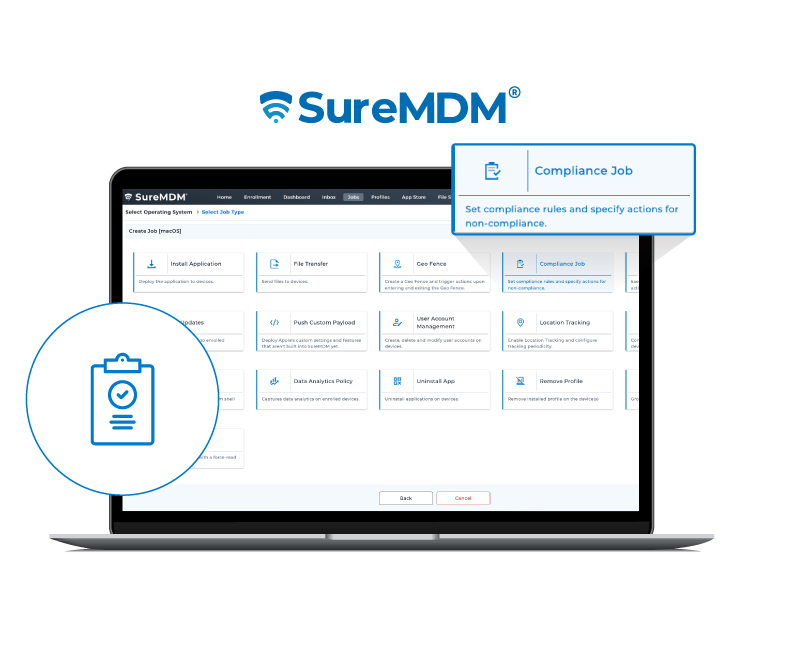
Compliance Job
Enforce application policy compliance on macOS devices. Get alerts or set actions when devices go out-of-compliance.
A hands-free way to maintain compliance for applications across your fleet.
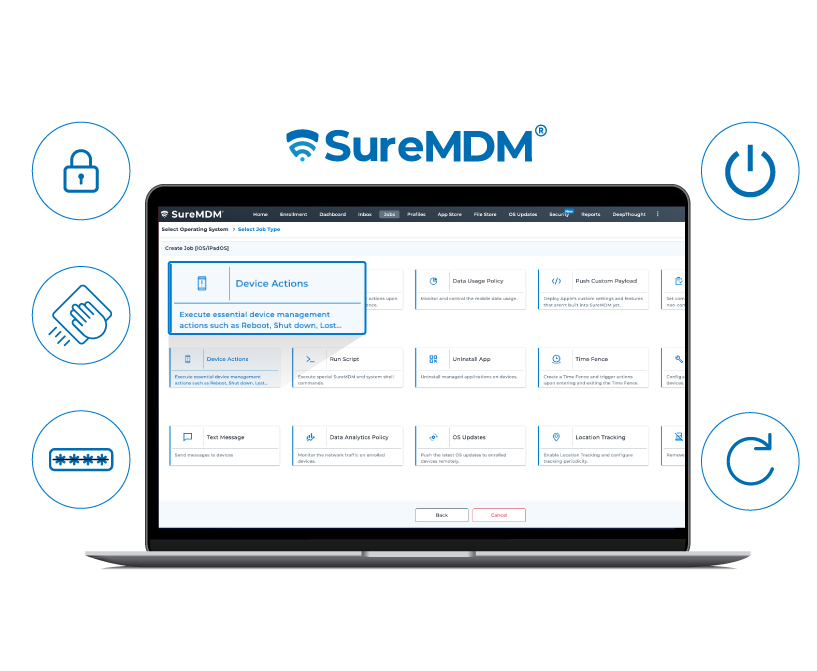
Device Actions
Reboot, Shutdown, Wipe, Lost Mode—and now Clear Password—are bundled into one job.
Respond to device issues fast, with fewer clicks.
Final Thoughts
If you’re exploring an MDM solution that handles your entire Apple fleet—iOS, macOS, and tvOS all under one roof—SureMDM is built for you.
From powerful automation to thoughtful user experience controls, these updates are here to make your job easier and your Apple device management smarter. Whether you're scaling, securing, or simply streamlining—SureMDM gives you the tools to do it all in one place.