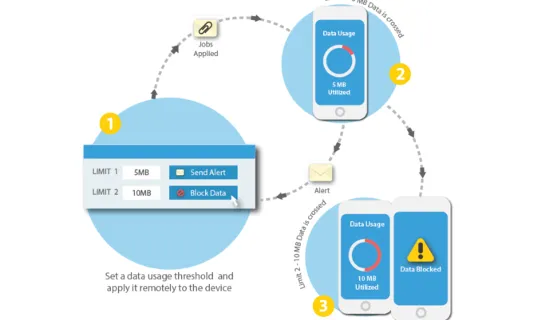
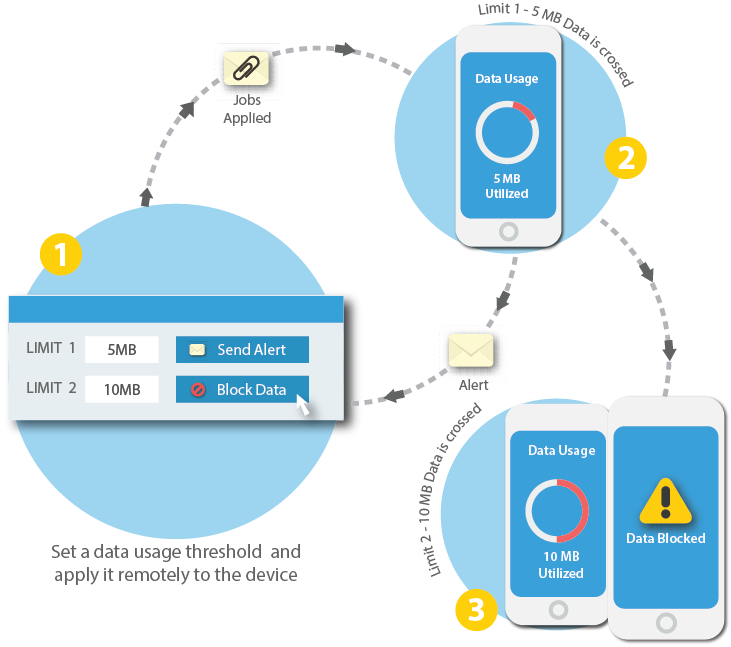
Data Usage Policy
SureMDM Home, click on Jobs
Jobs screen, click on New
Select Operating System screen, click on iOS
Create Job screen, click on Data Usage Policy
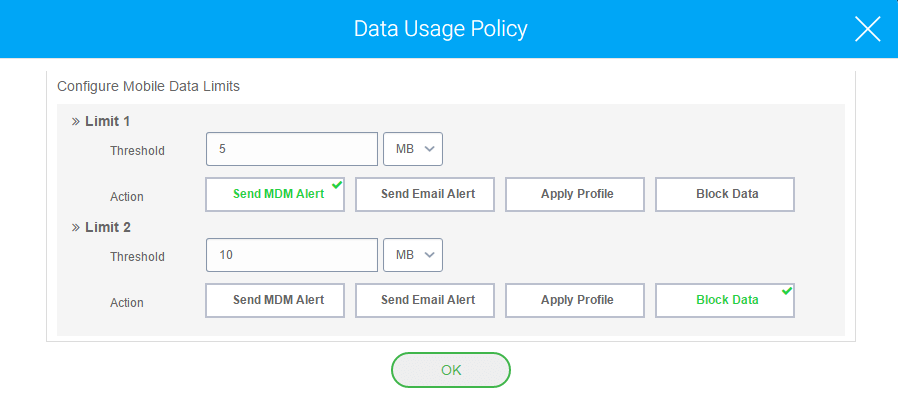
Data Usage Policy
Configure Billing Cycle – Monthly/Weekly/Daily/Custom
- Limit 1 Threshold in MB/GB
- Action – Send MDM Alert/Send Email Alert/Apply Profile/Block Data
- Limit 2 Threshold in MB/GB
- Action
Save
SureMDM Home, select the desired iOS device and click on Apply
Apply Job To Device screen, select the Data Usage job which was created and click on Apply
Please note, data blocking on iOS devices using Data Usage Policy profile becomes effective only after 24 hours after the job is applied.
Data Usage Policy job is successfully applied, you can be assured that excessive data usage is not only monitored but is proactively avoided. Data Usage Policy feature is also available for Android devices, you can learn about it here